
























Getting Started
preface
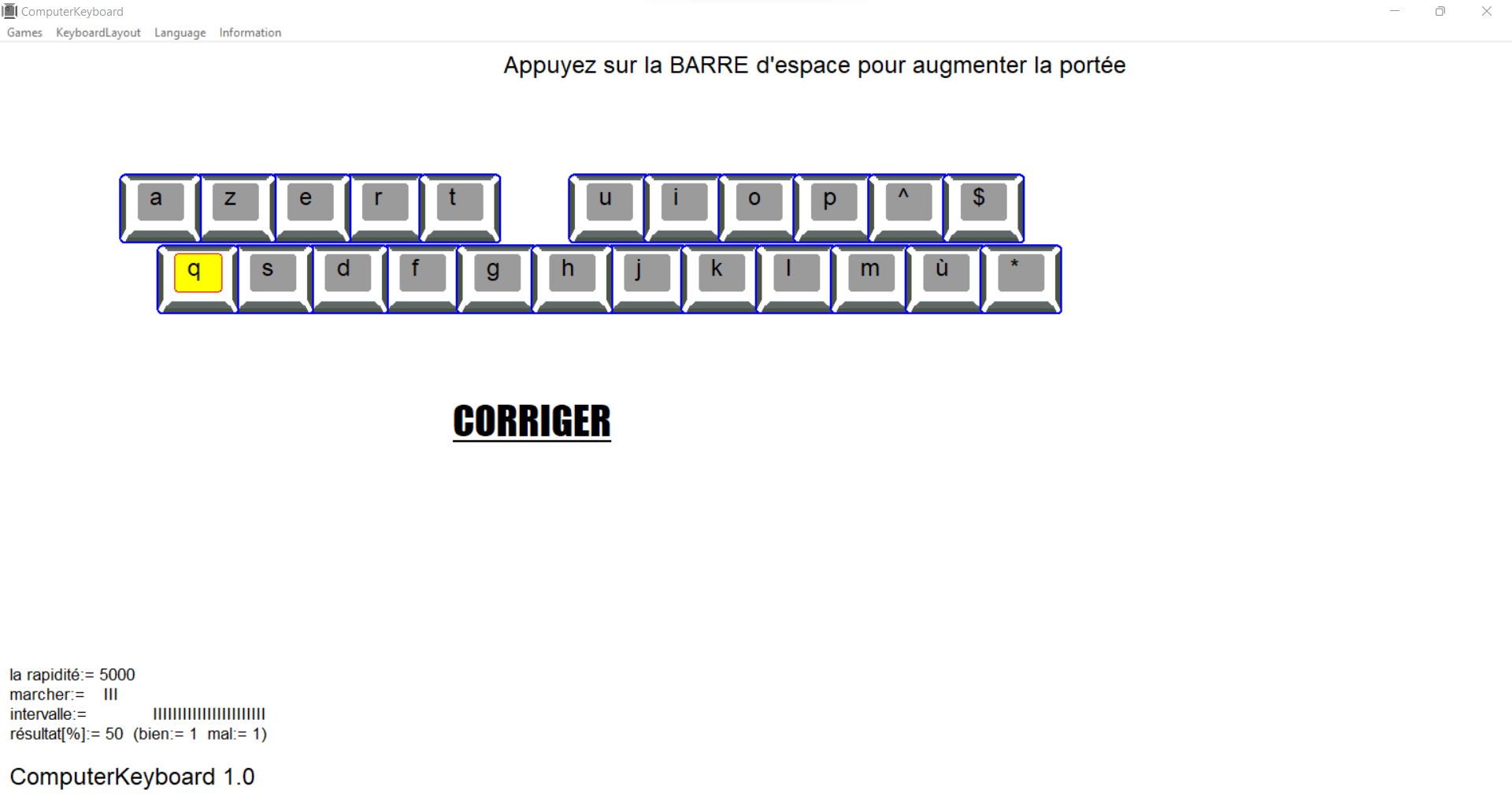
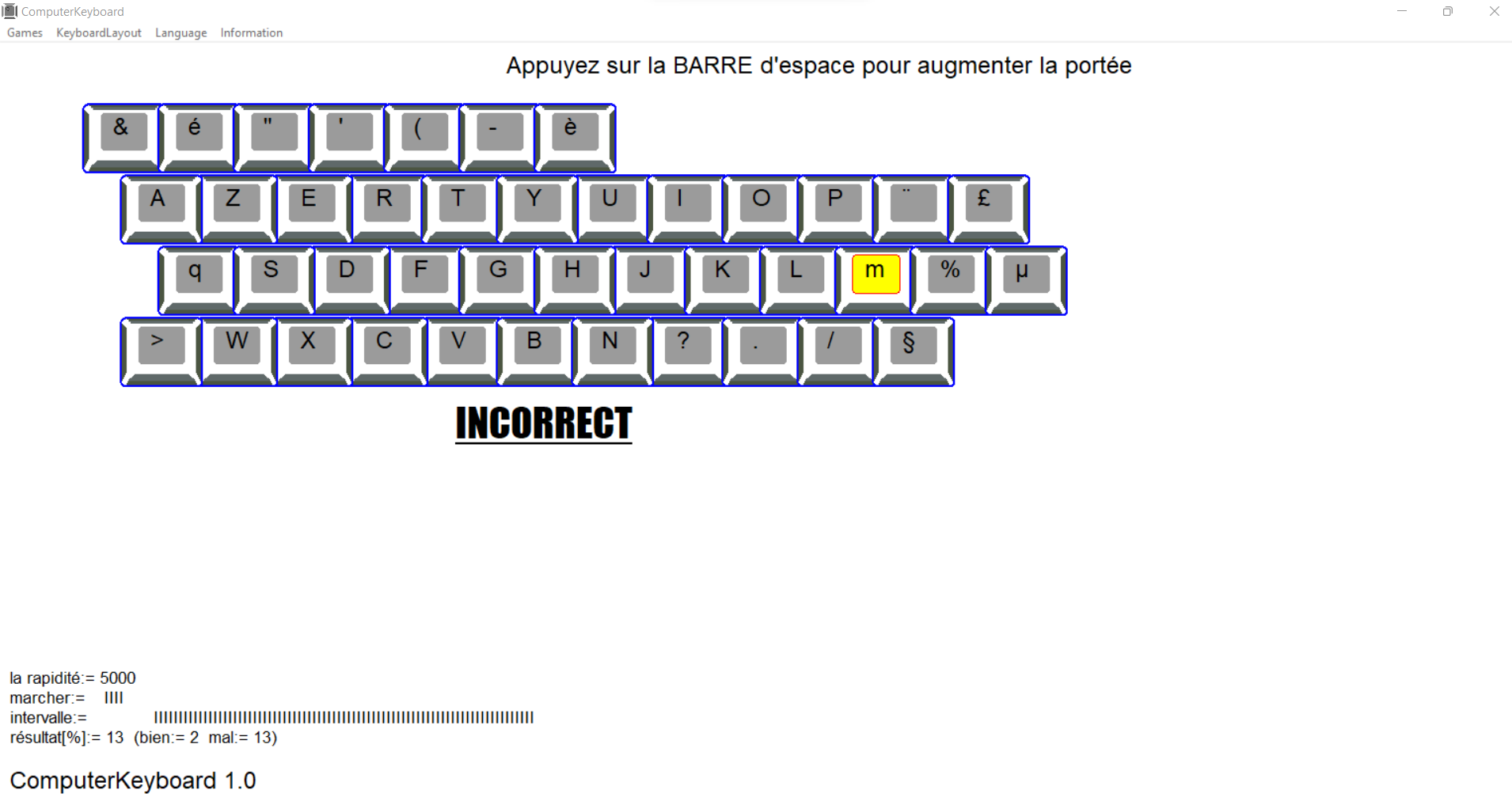
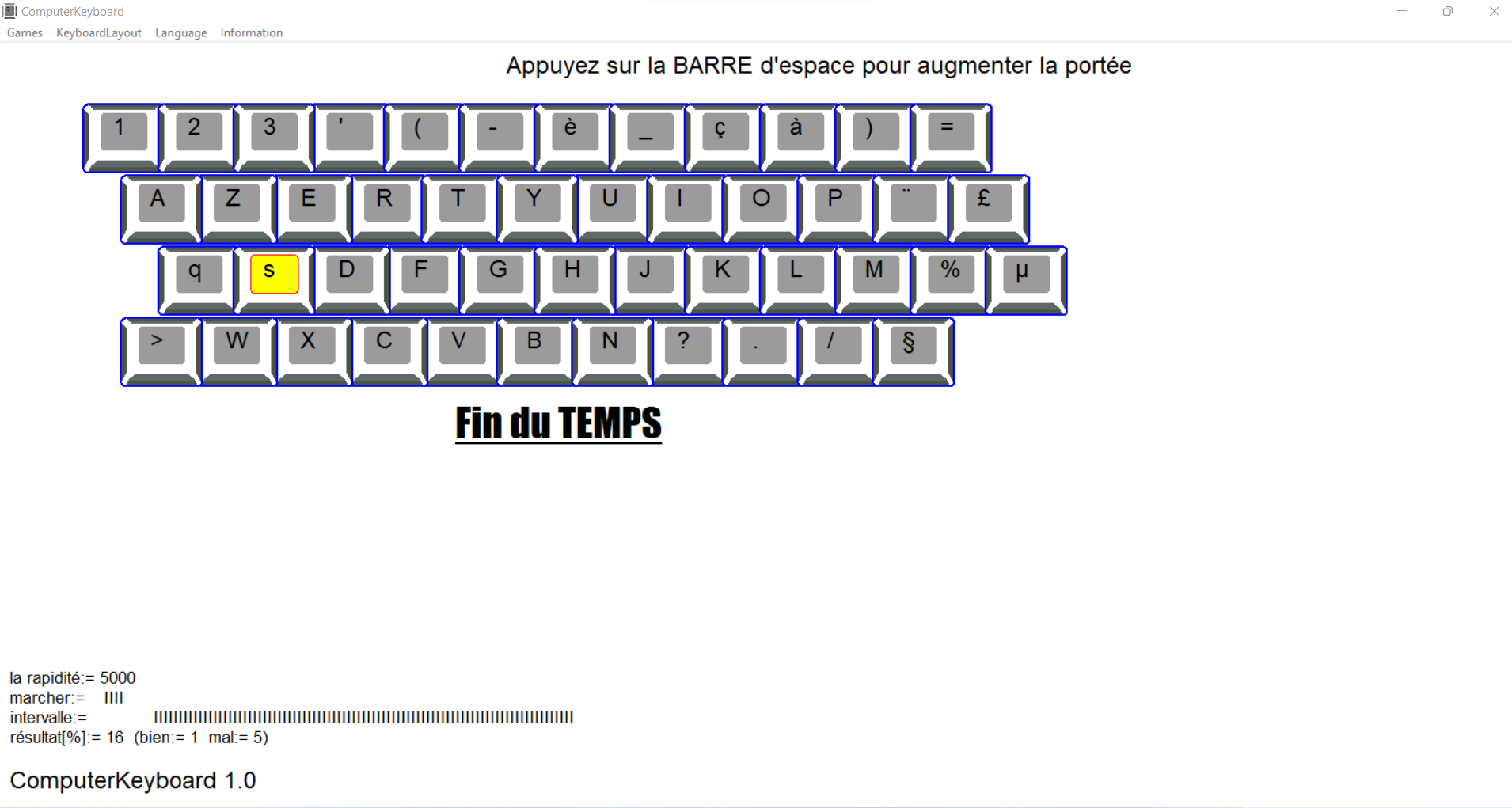
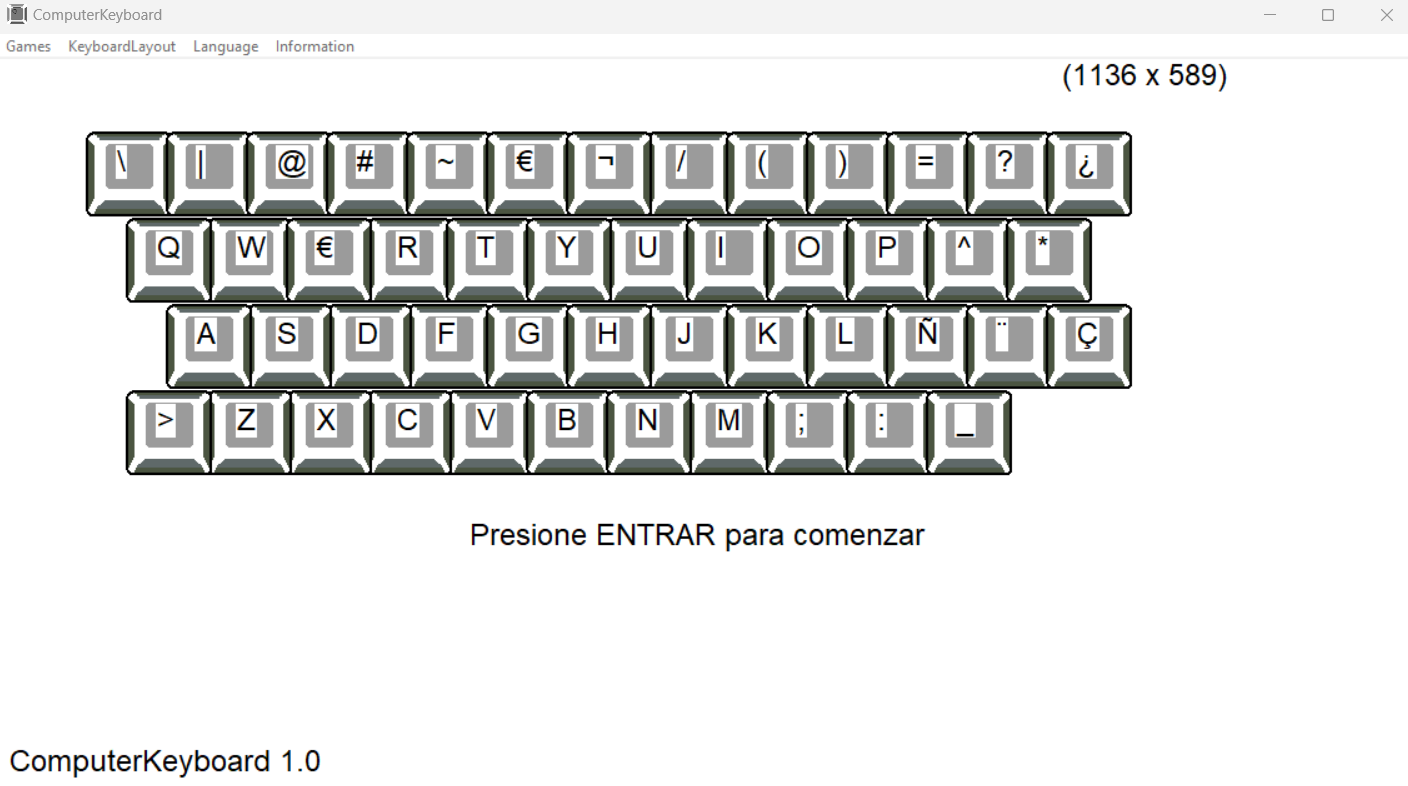
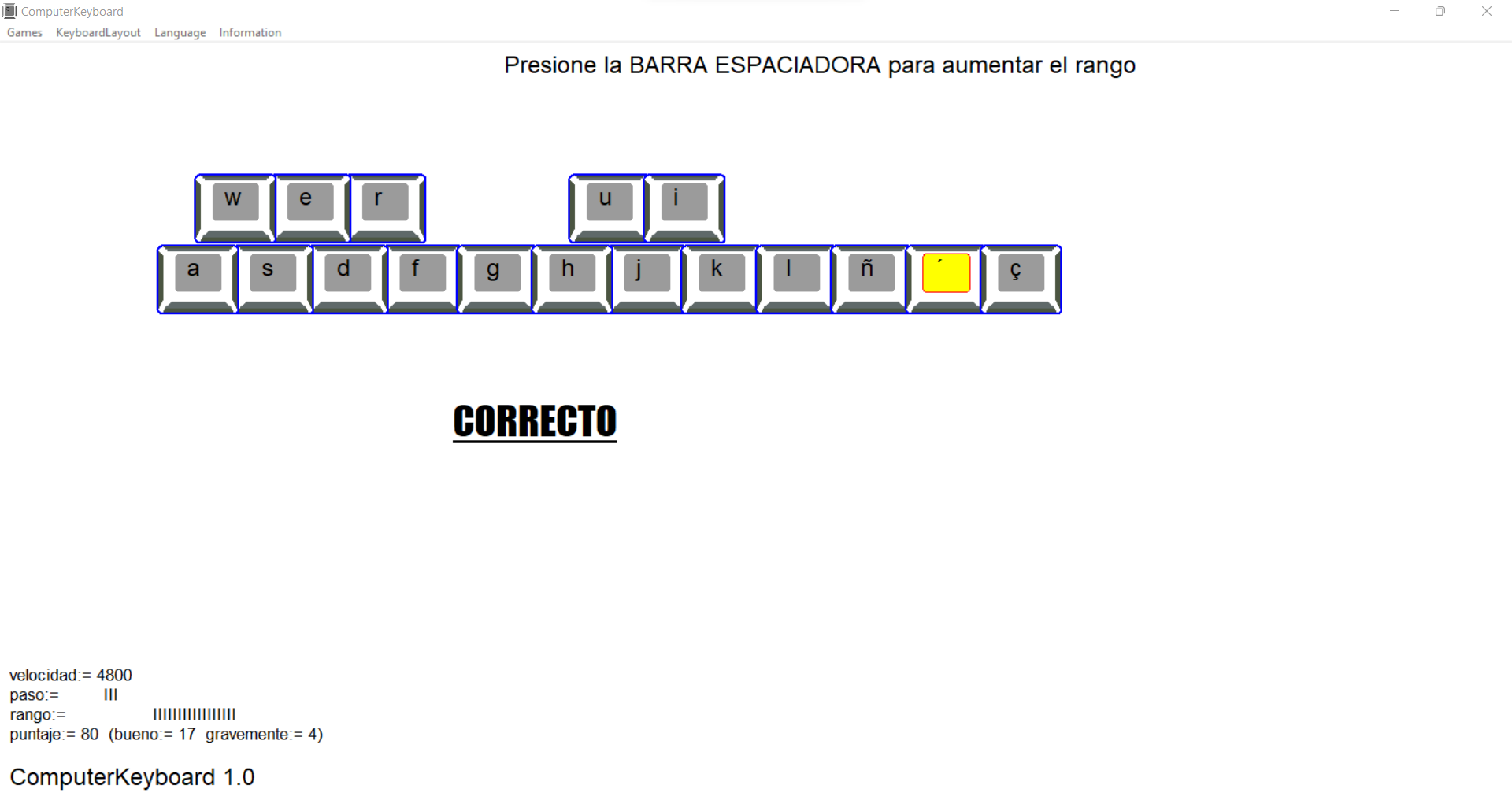
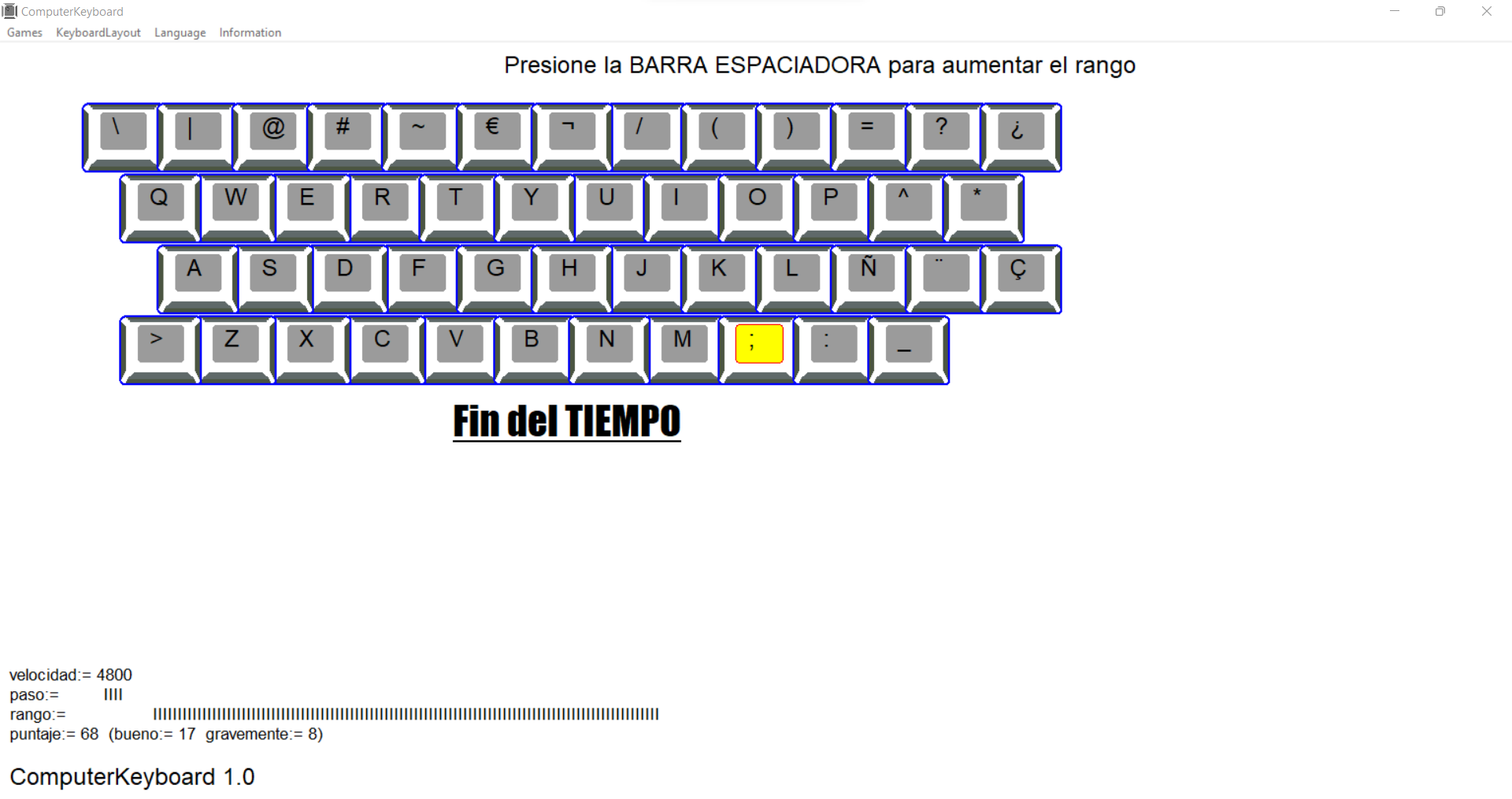
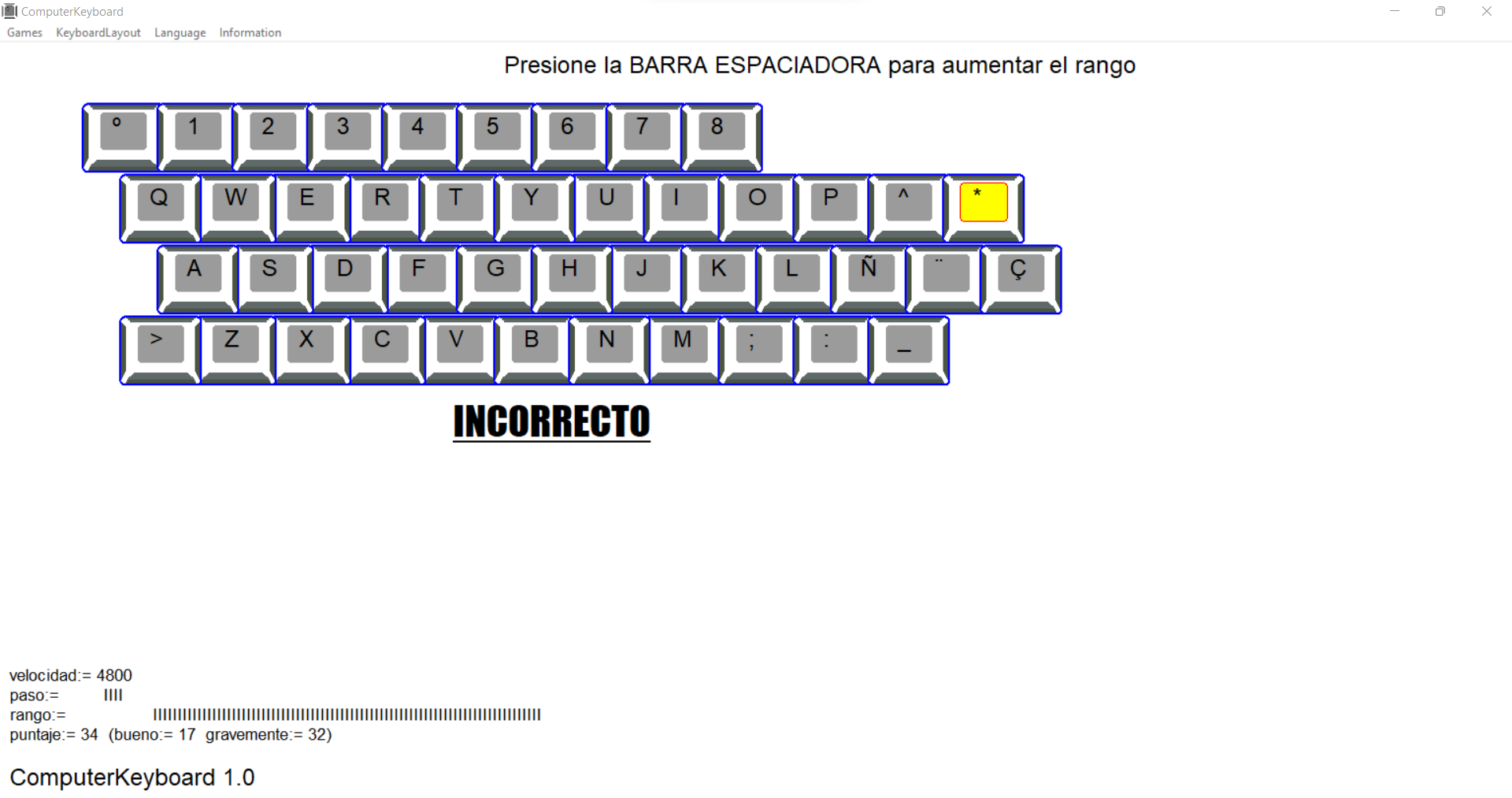
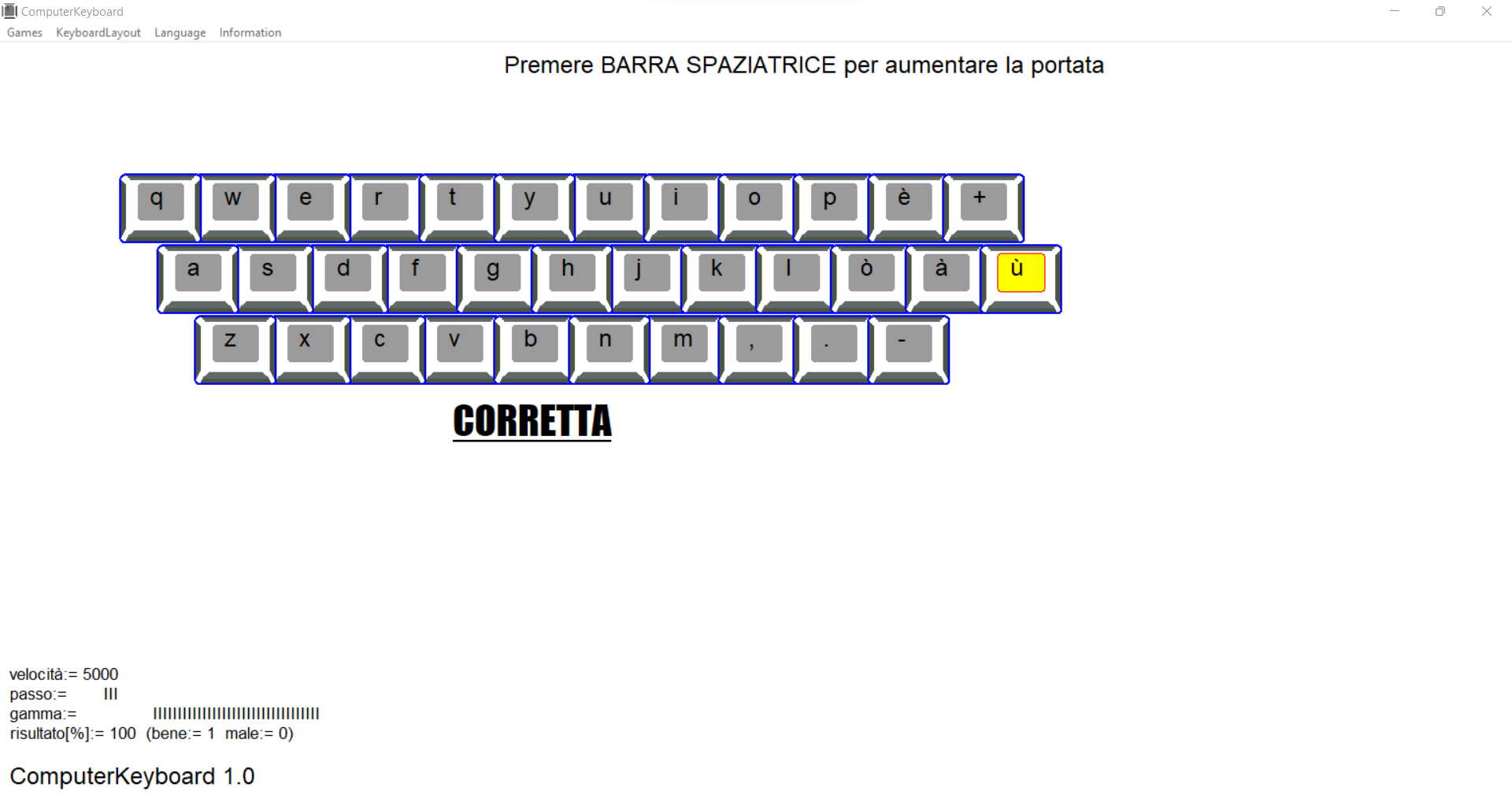
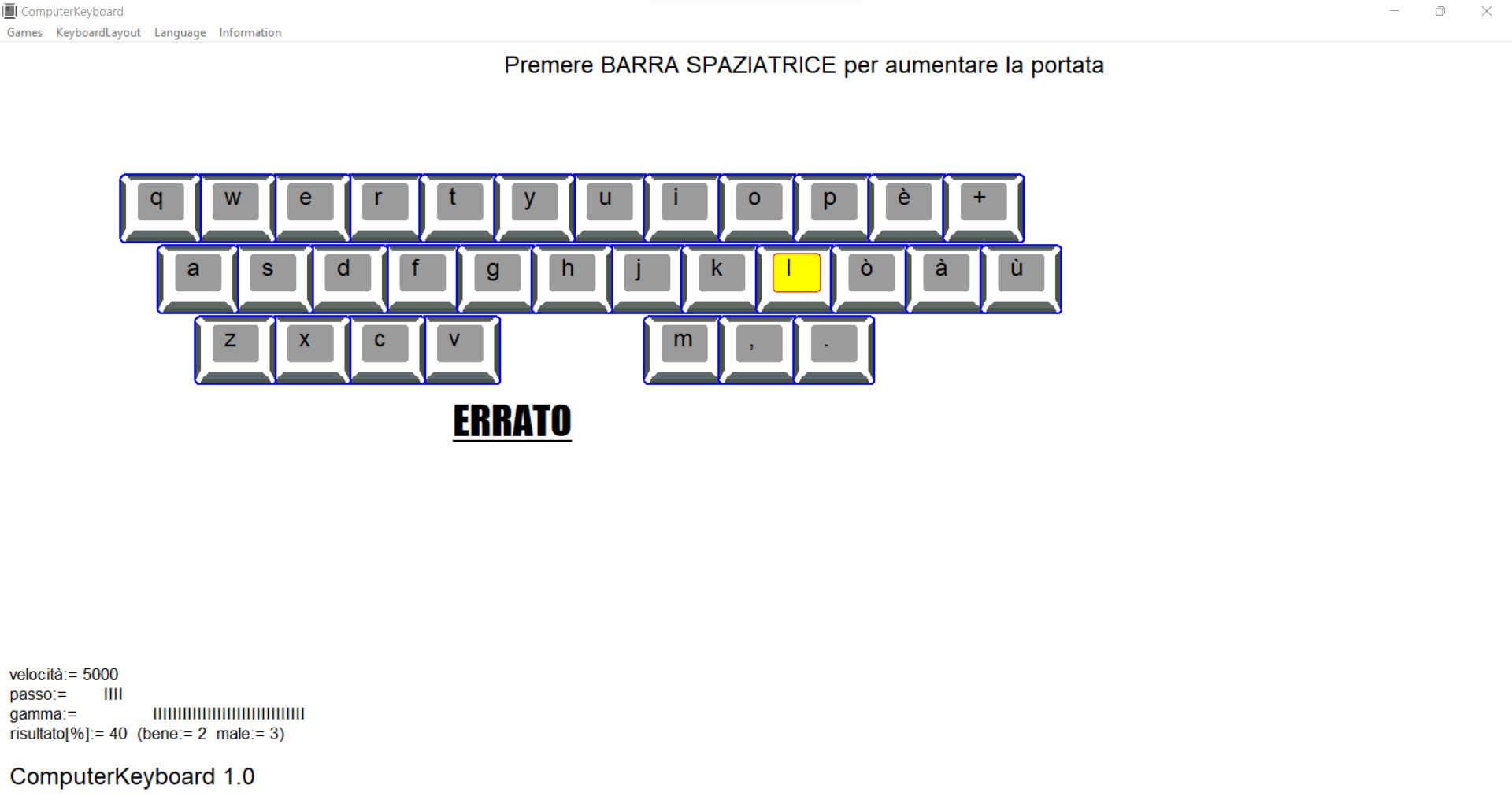
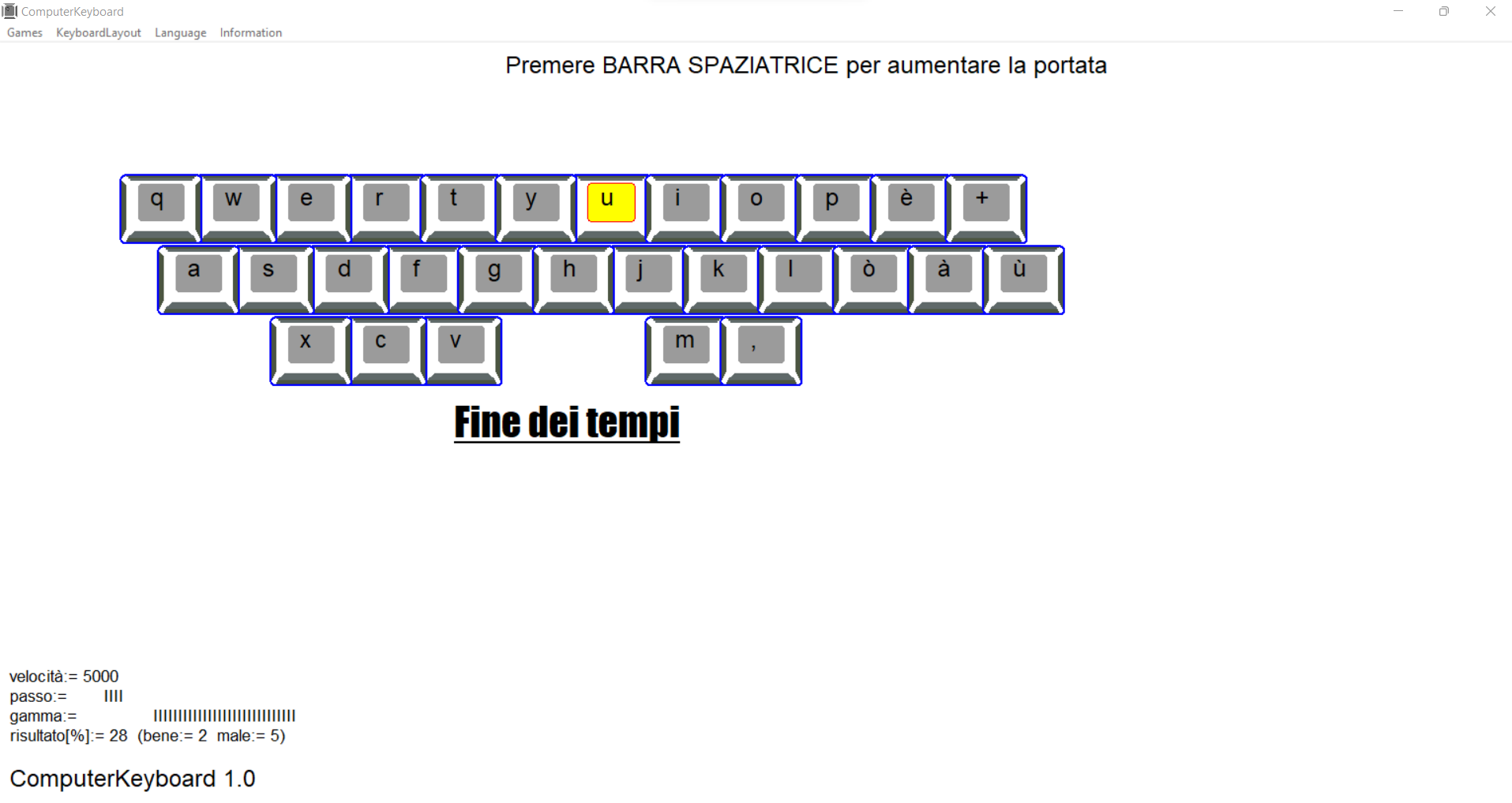
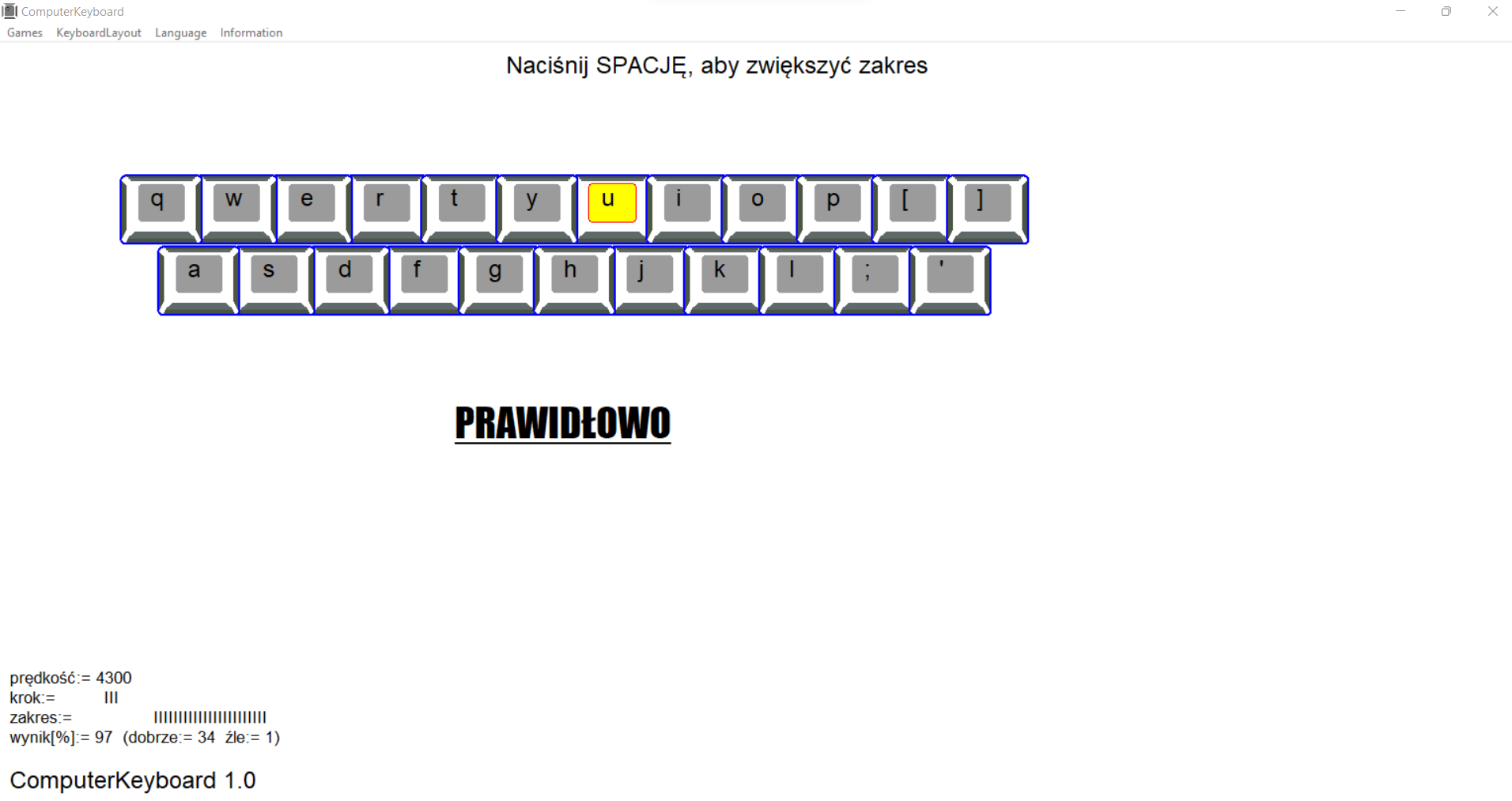
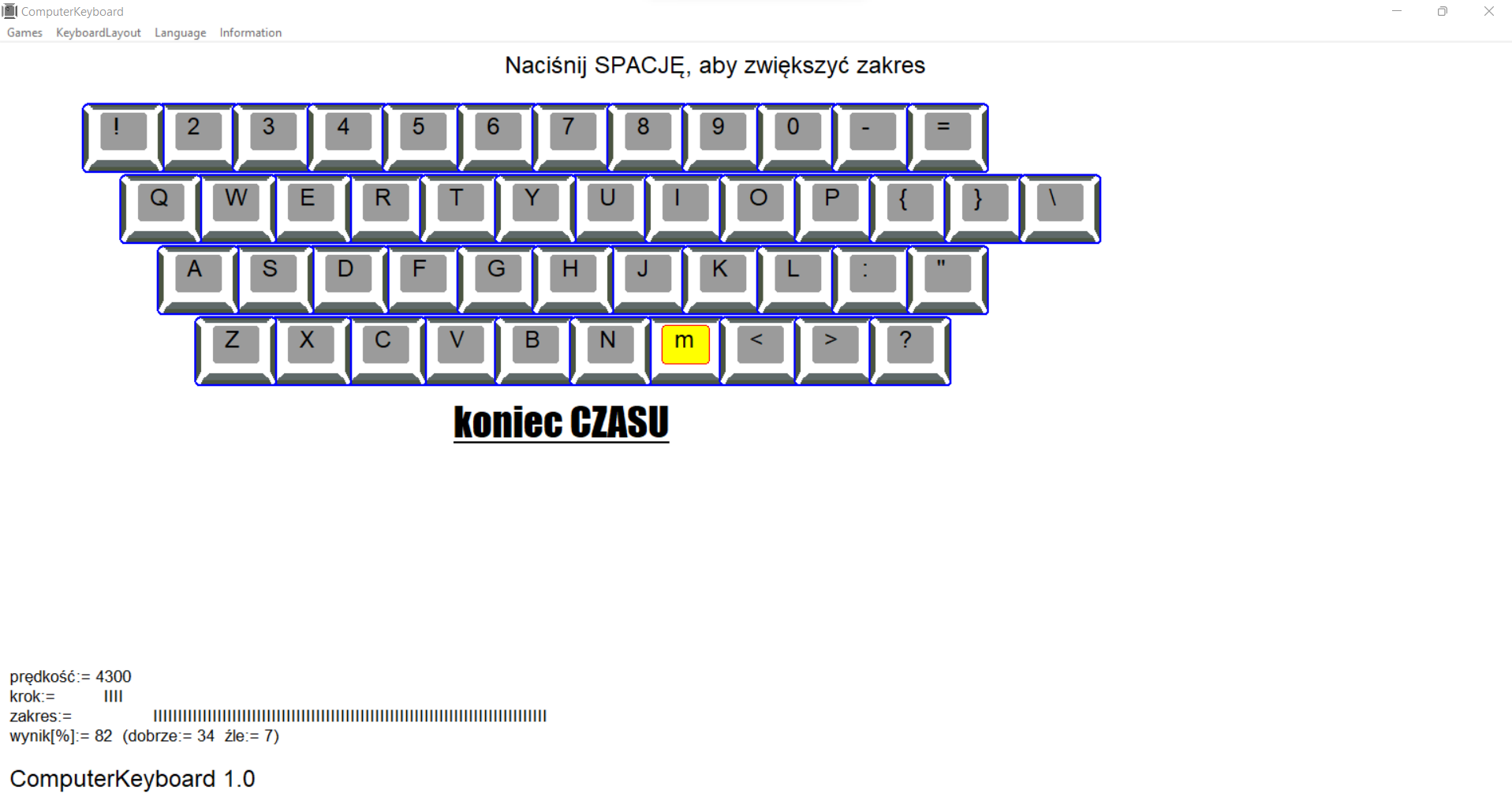
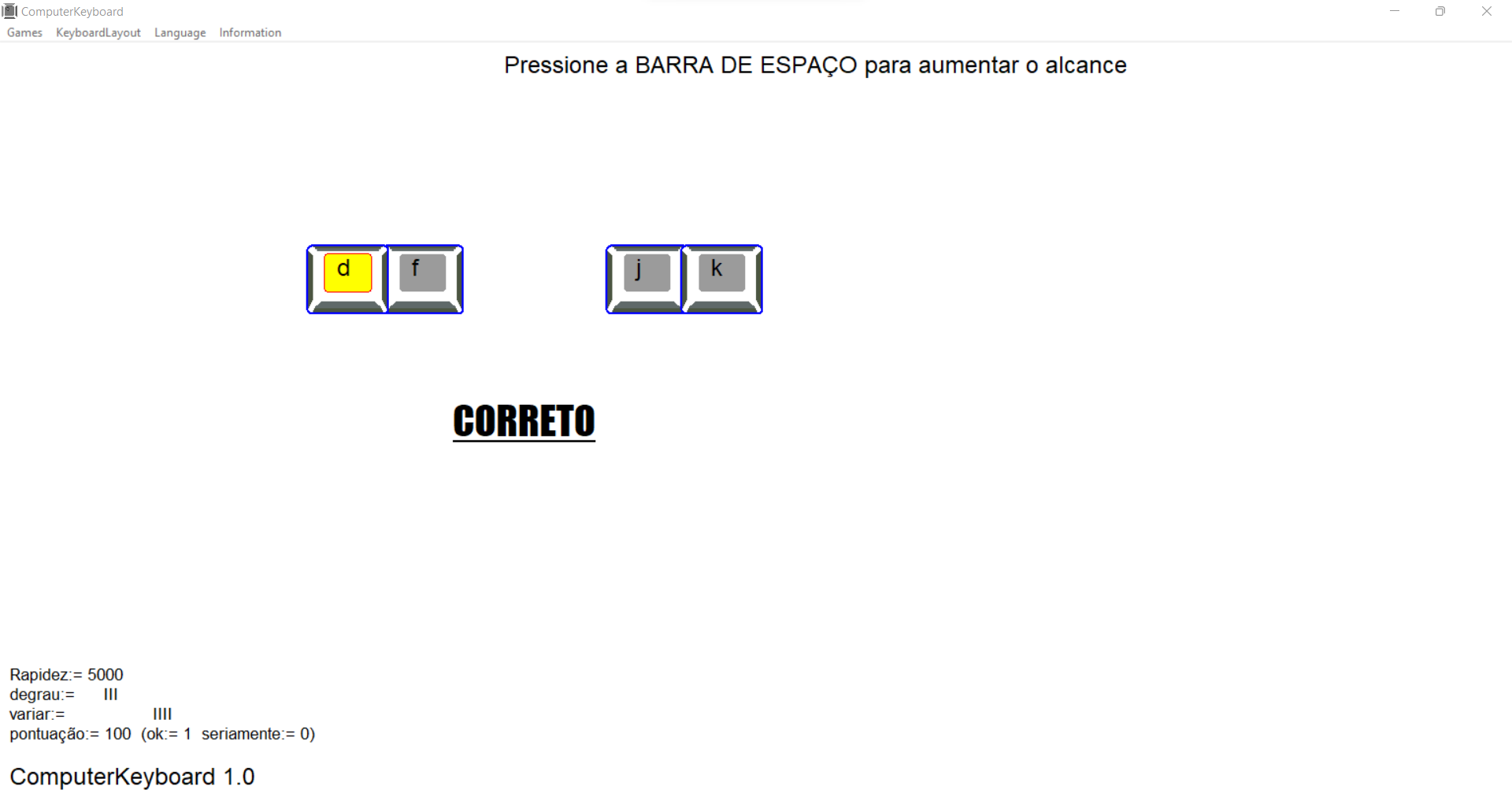
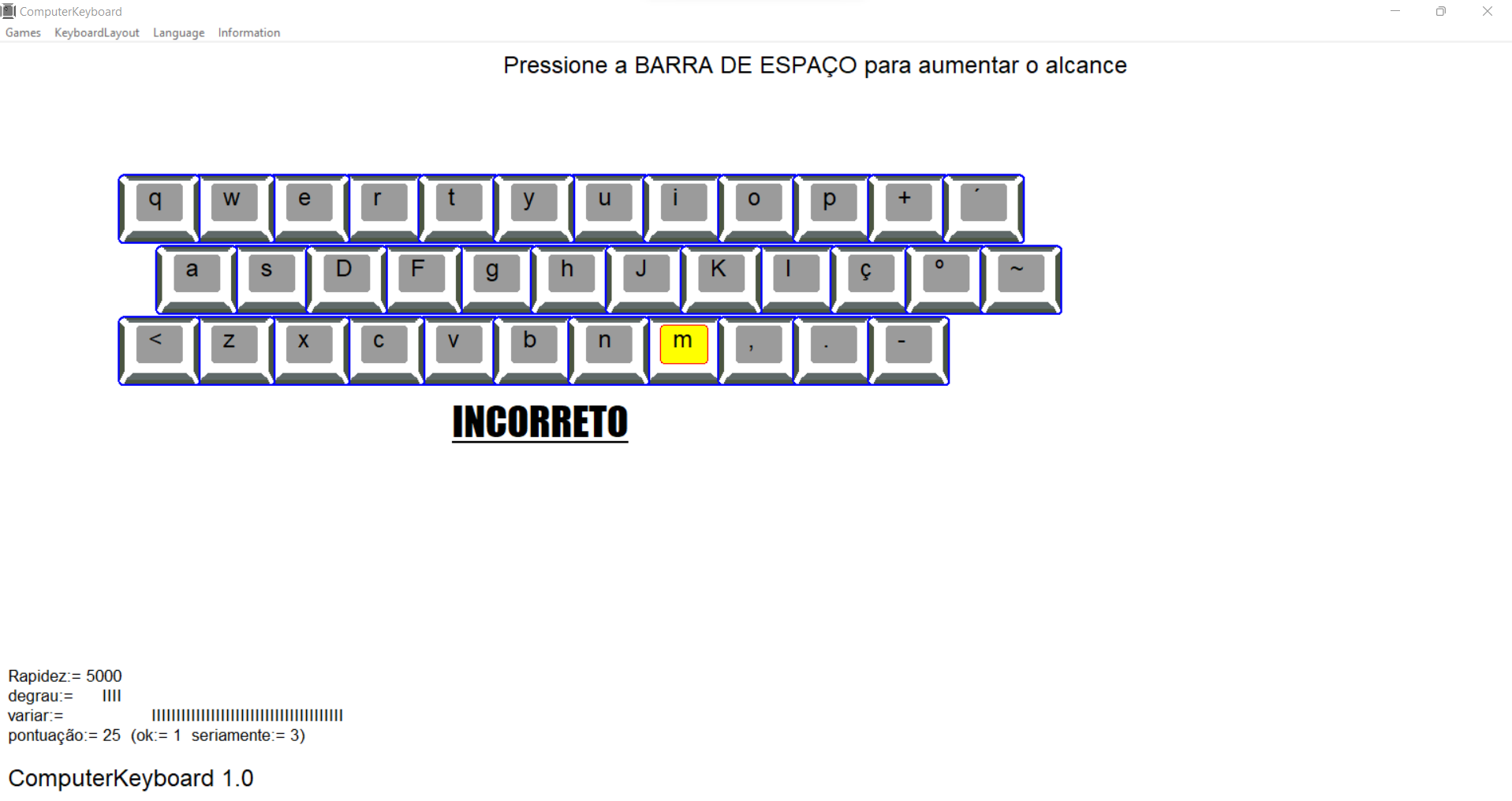
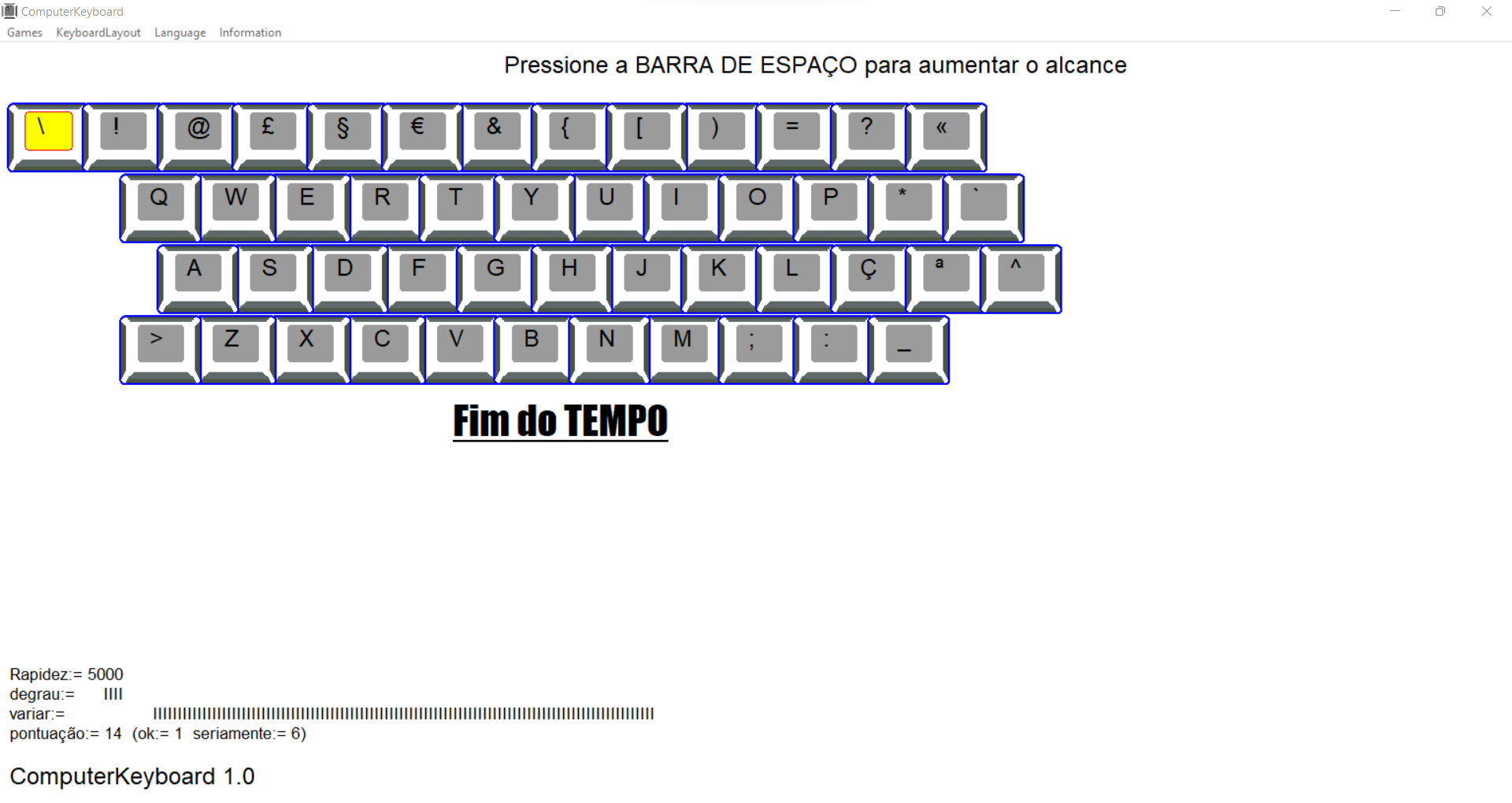
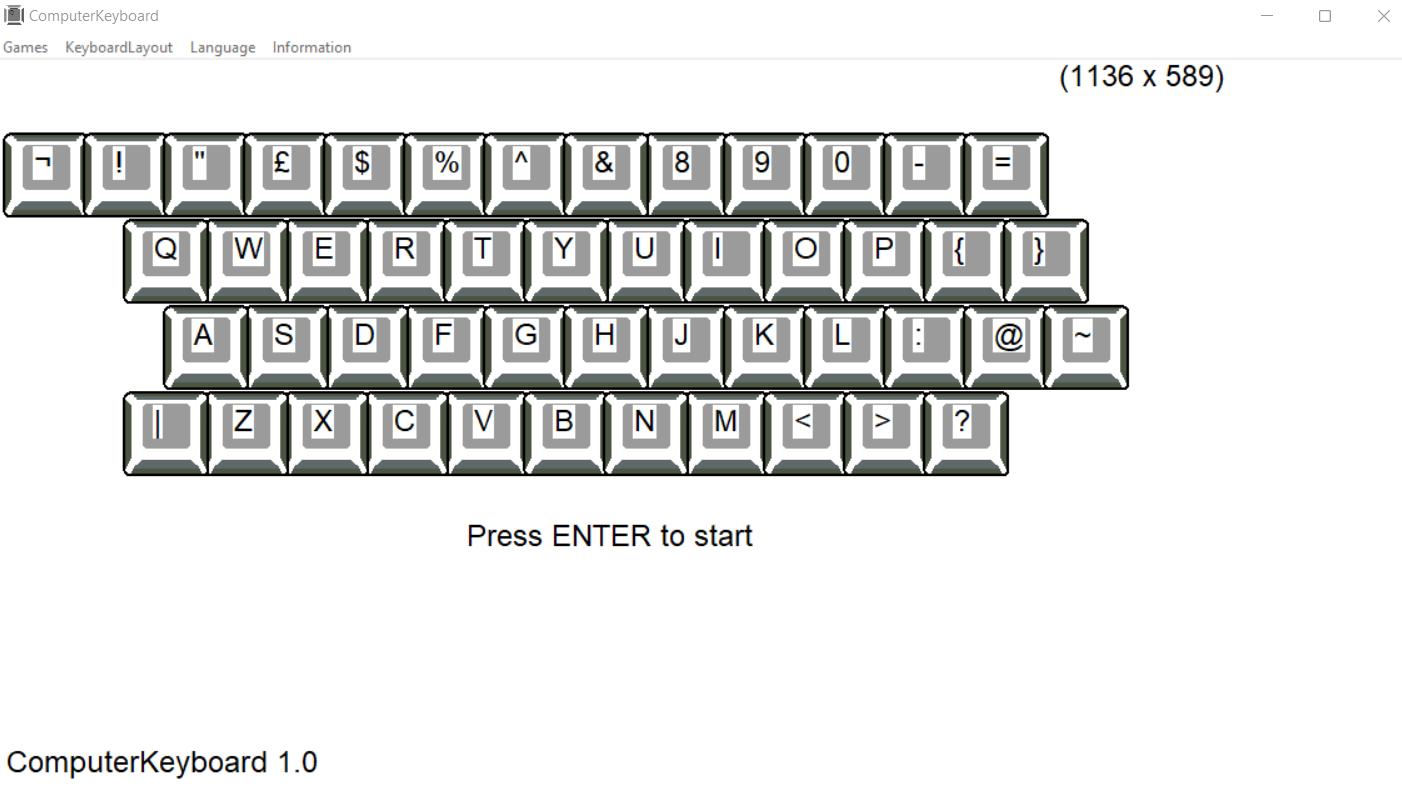
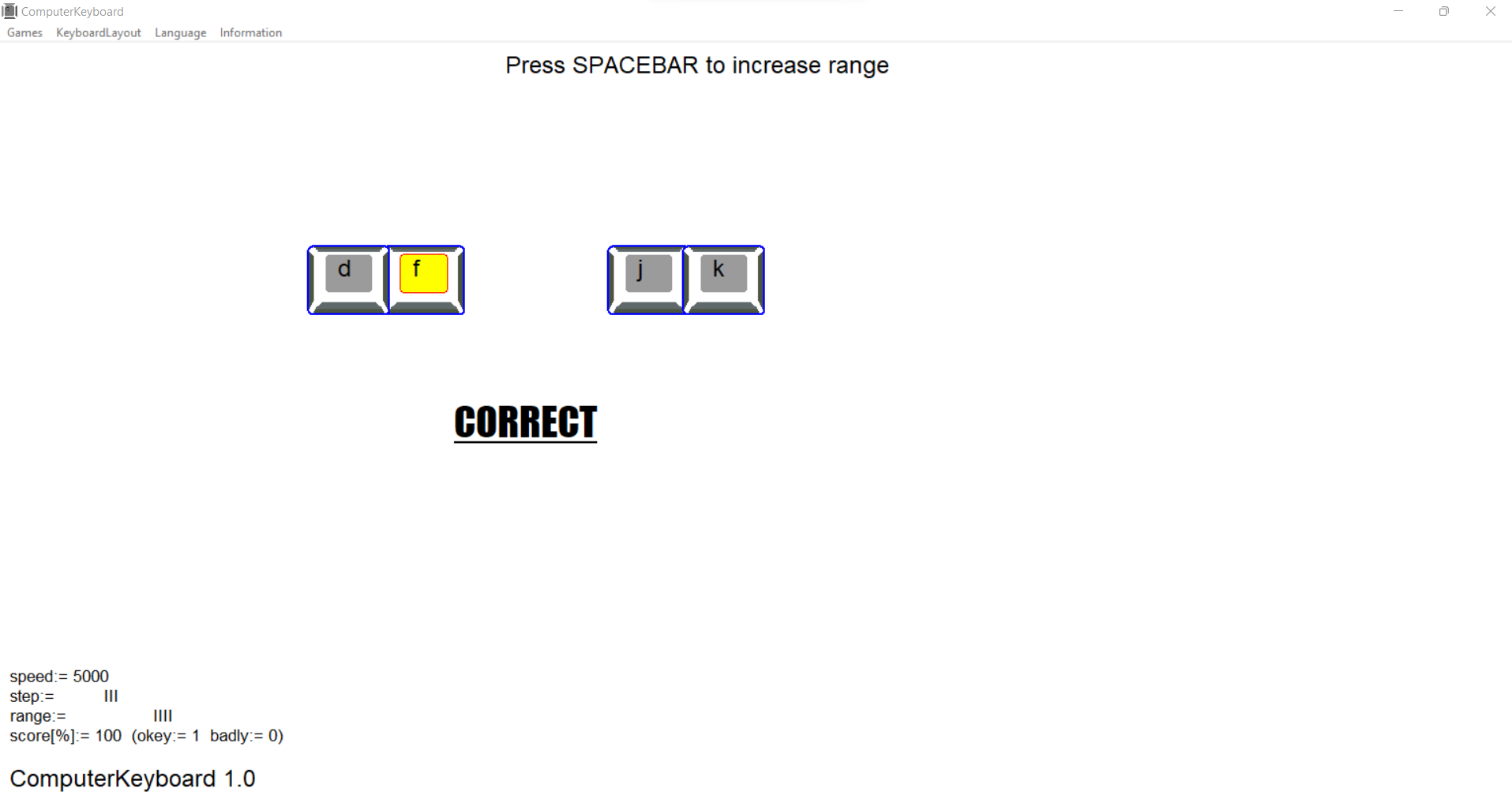
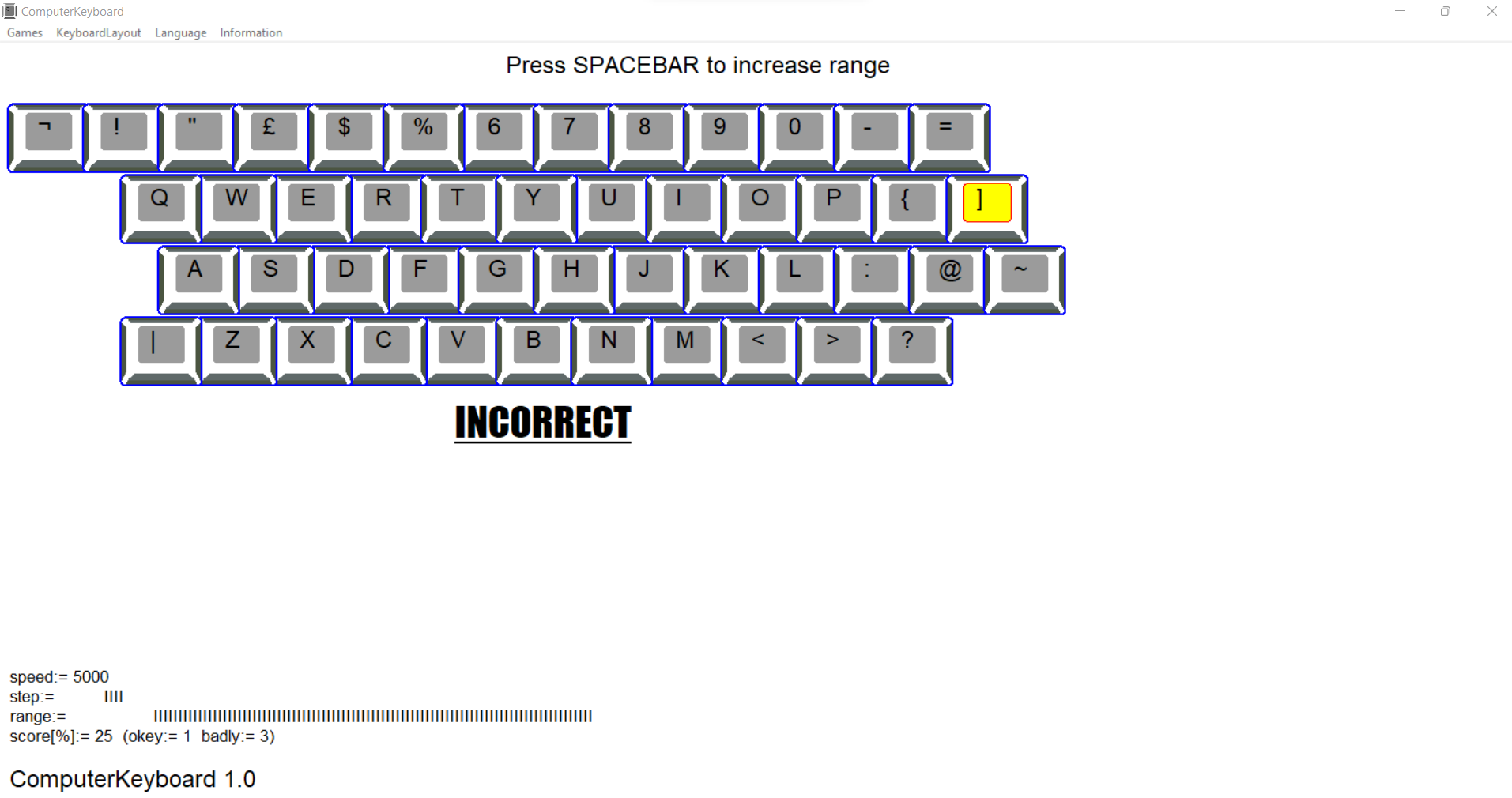
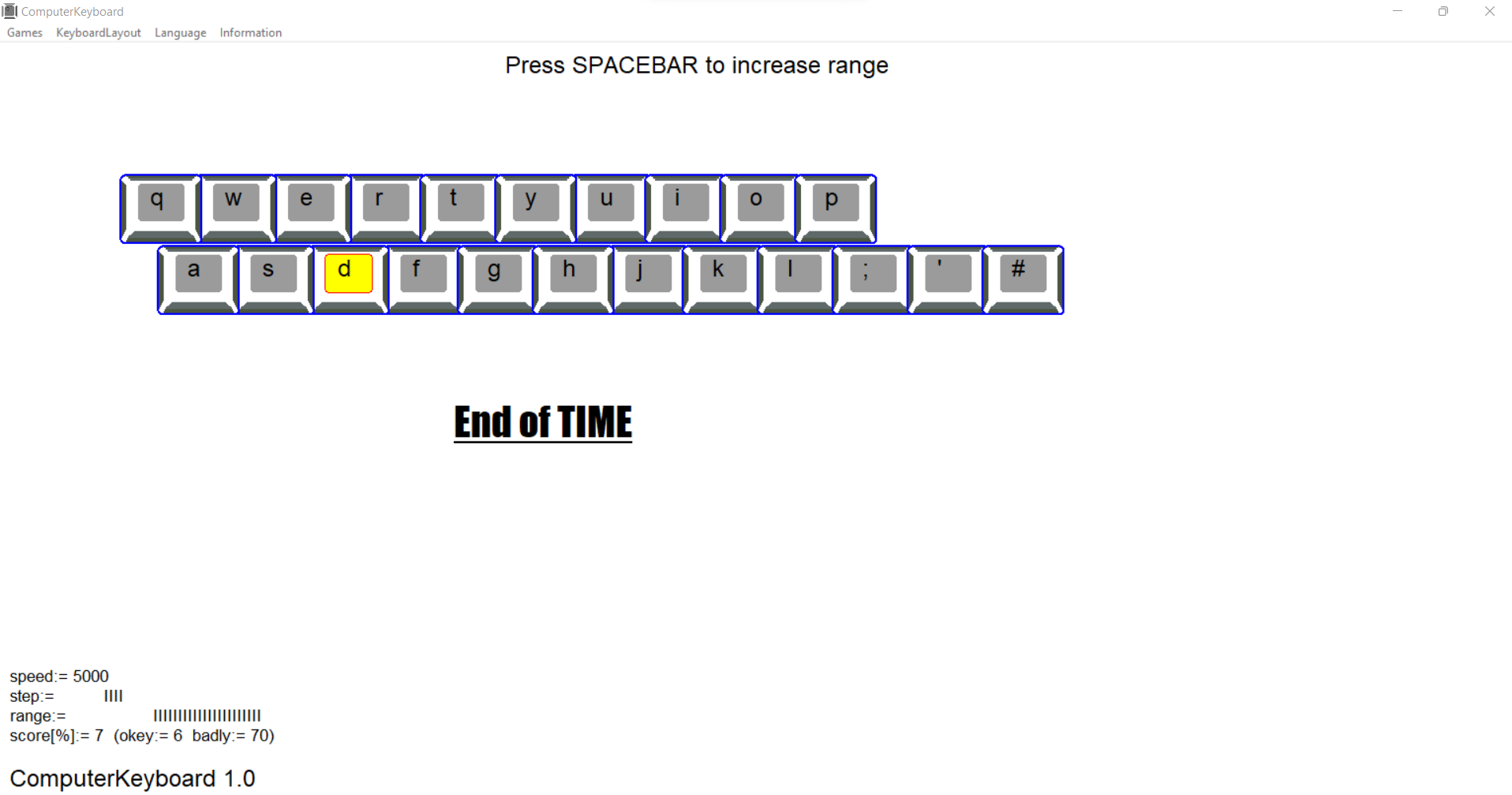
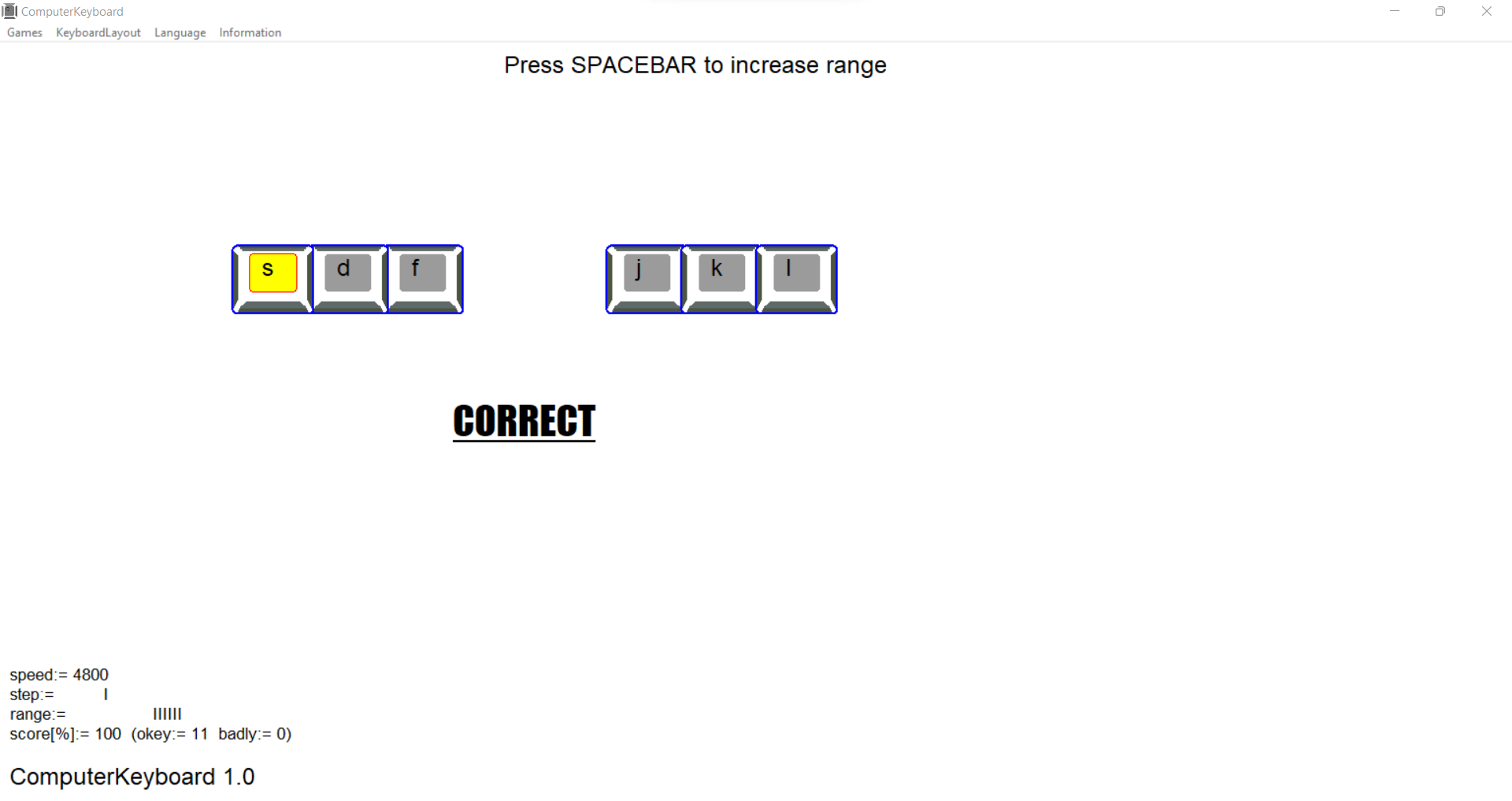
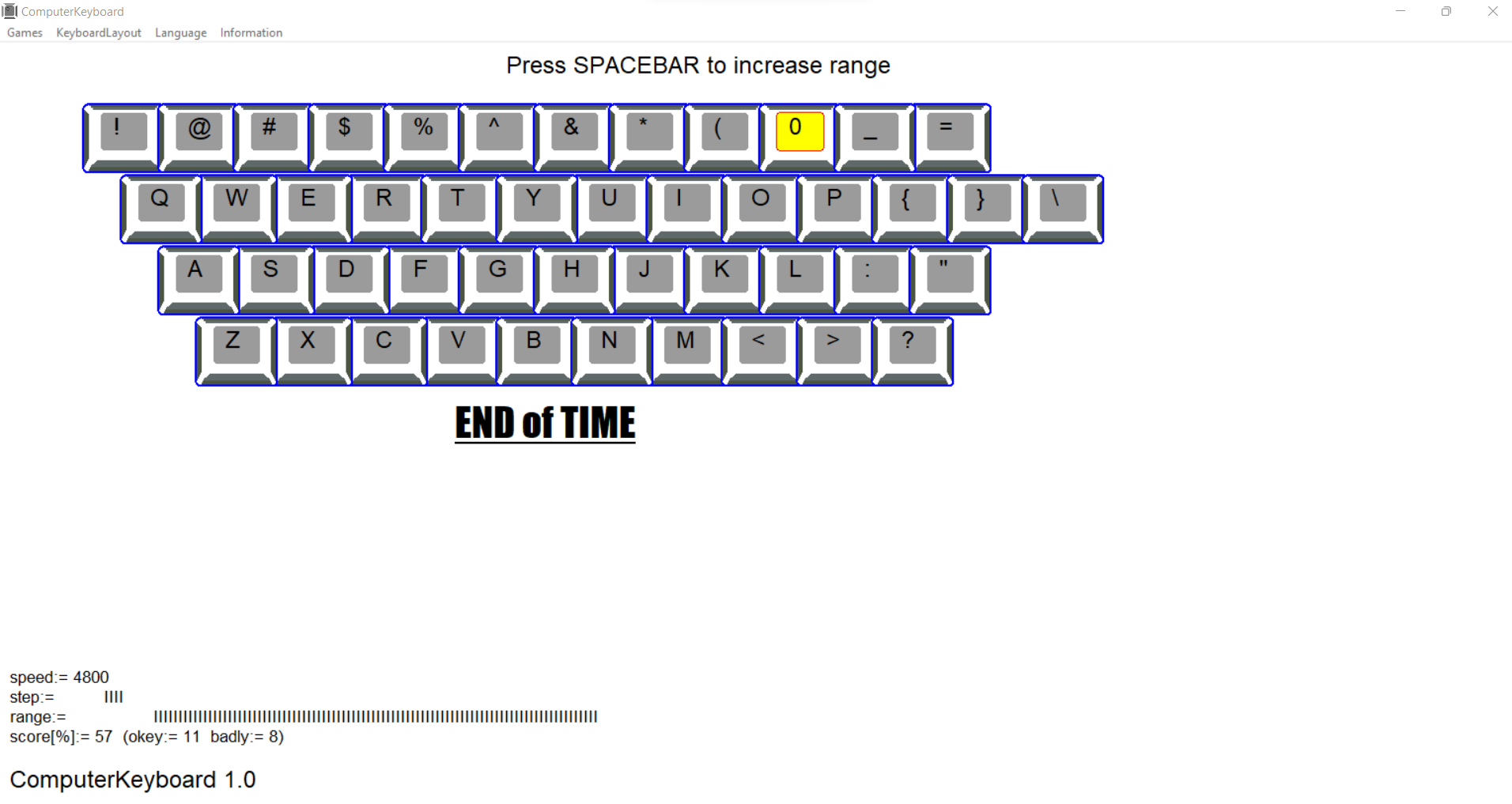
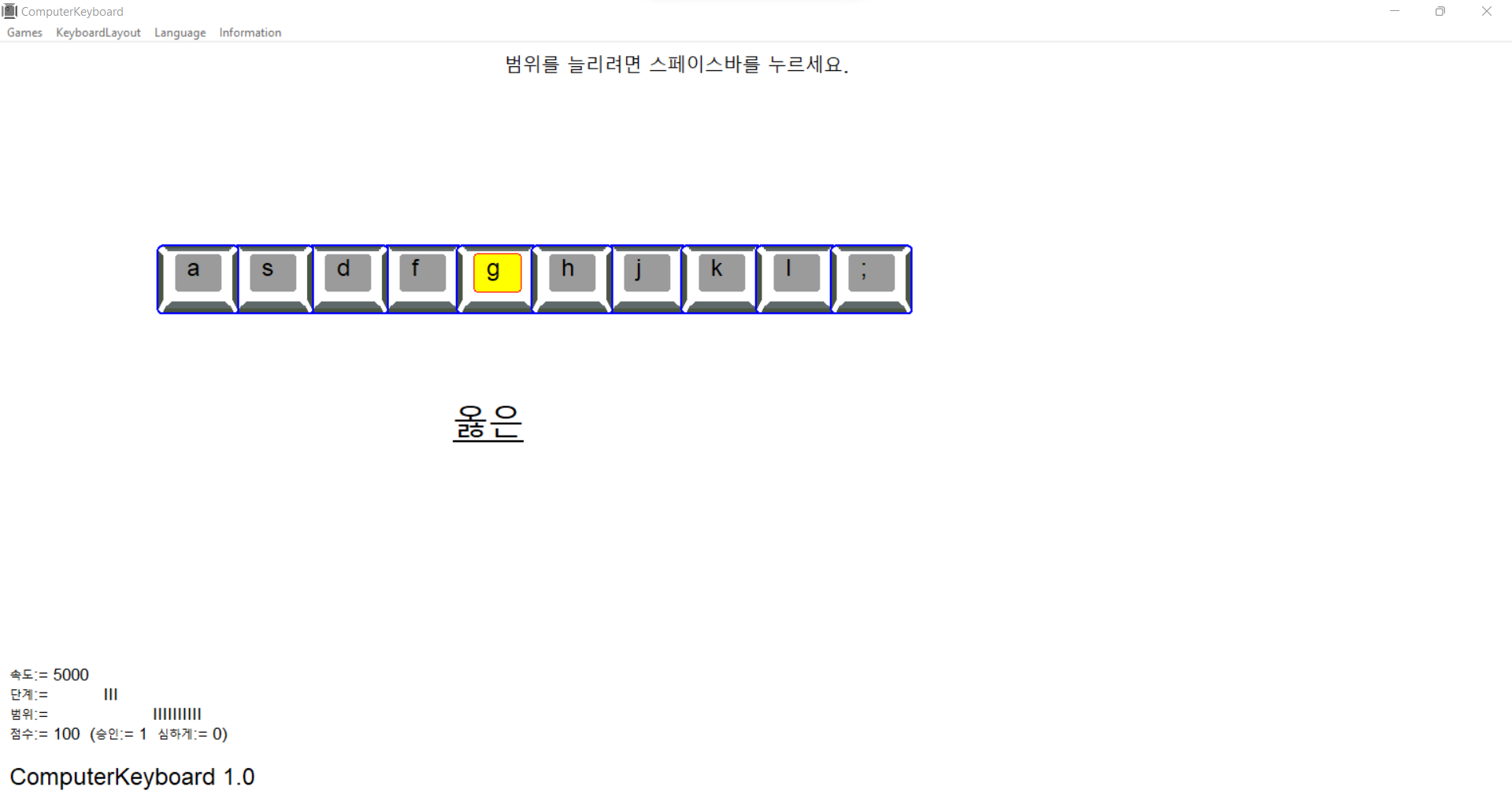
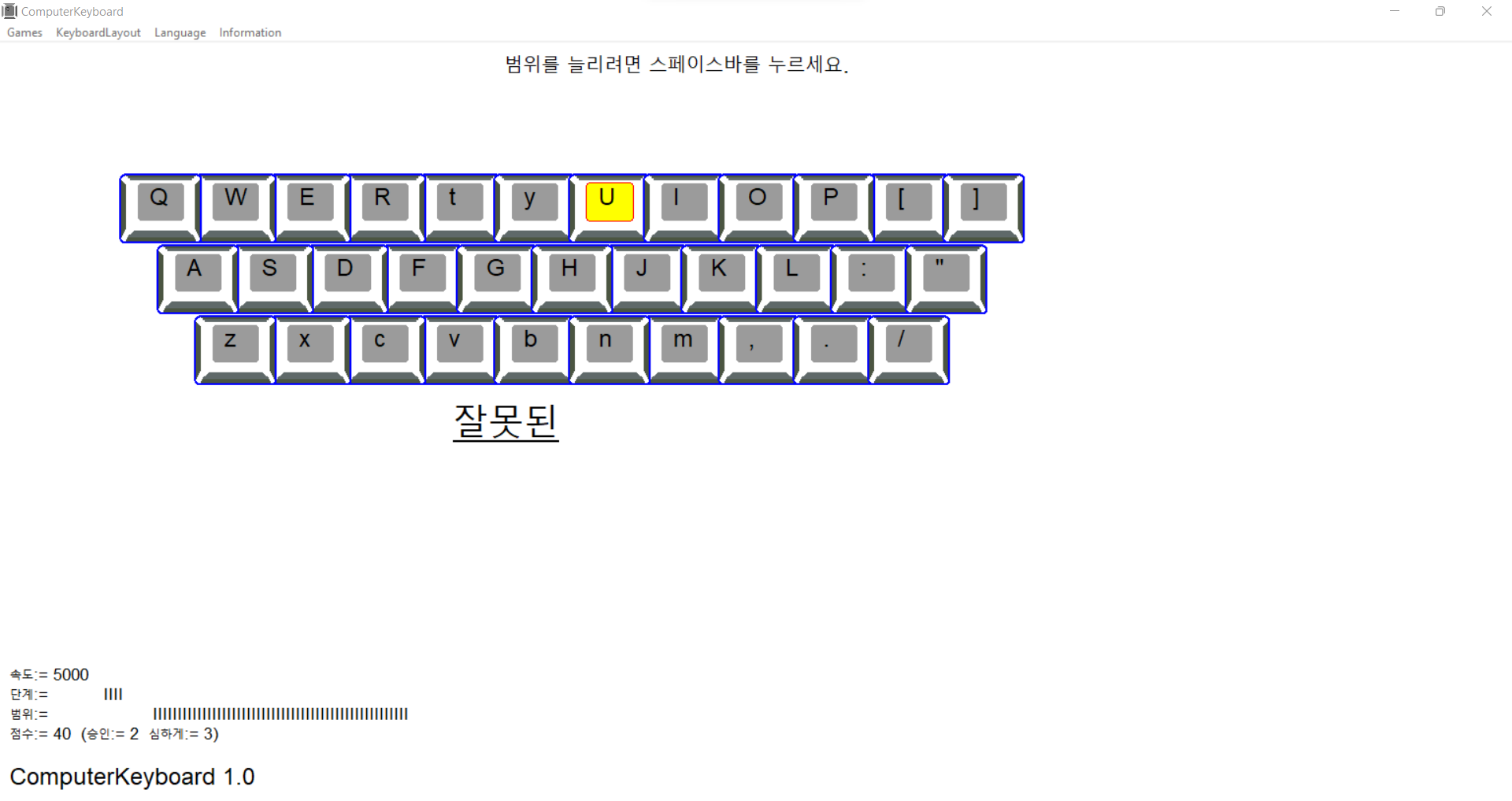
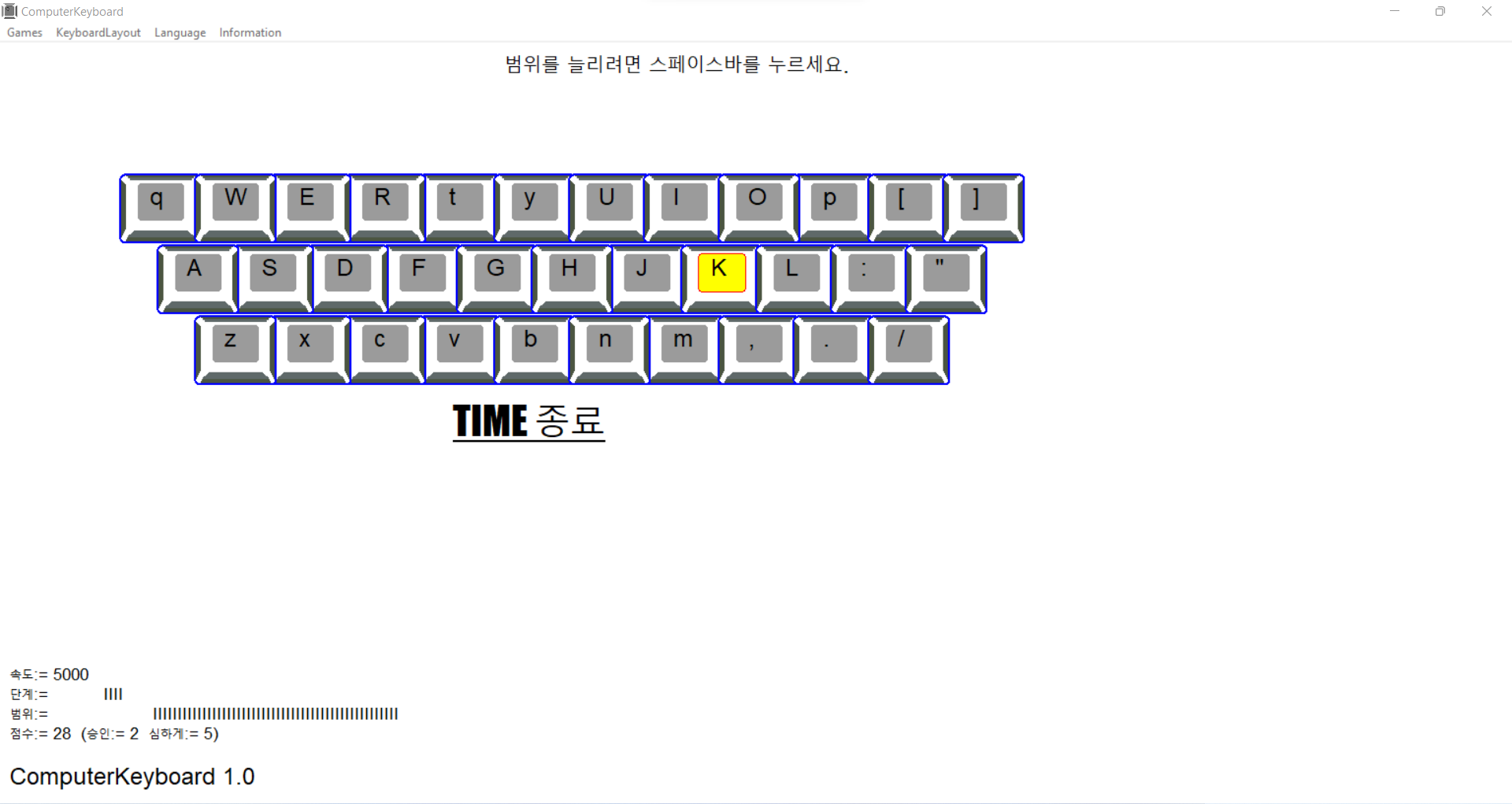
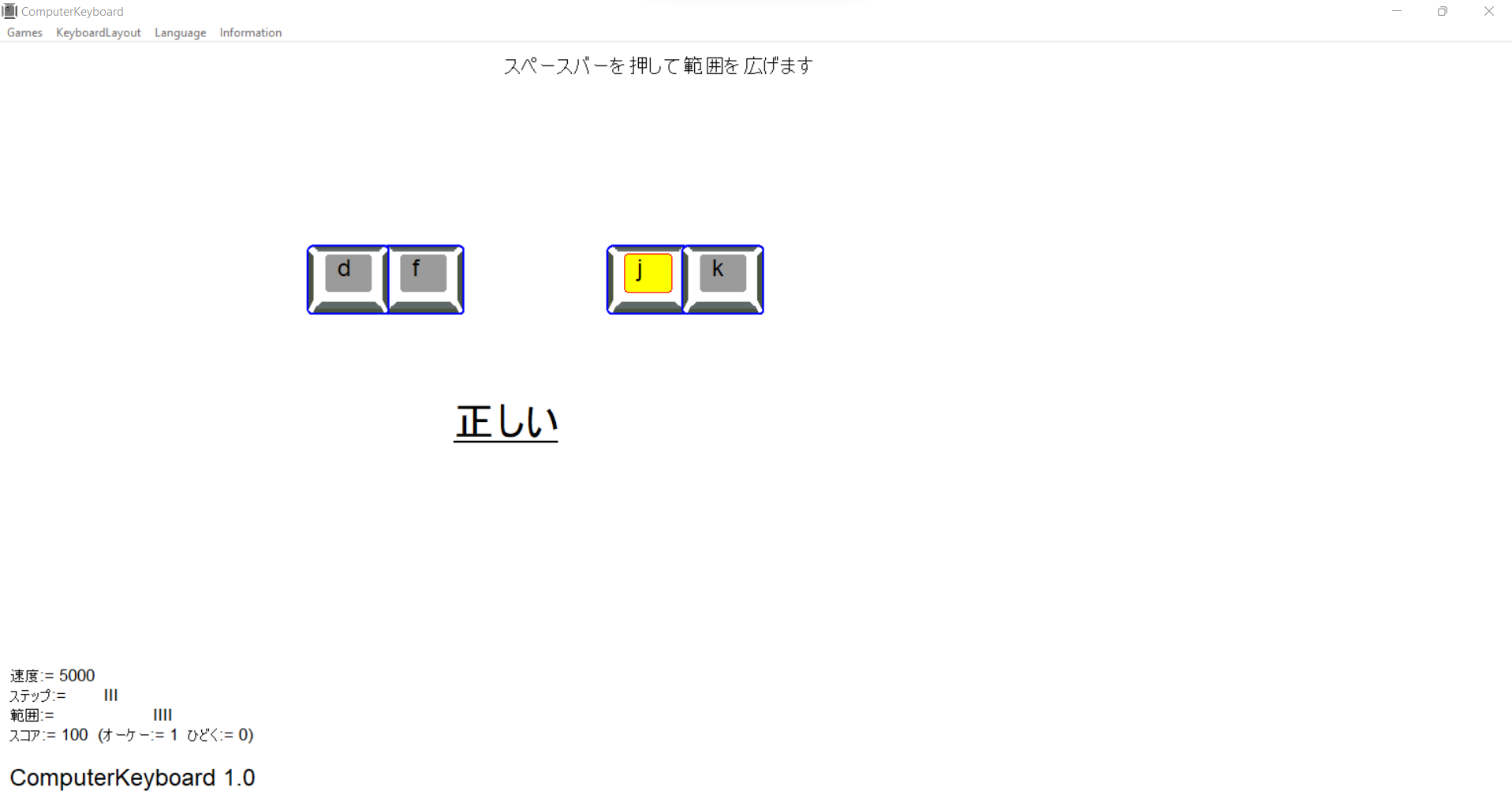
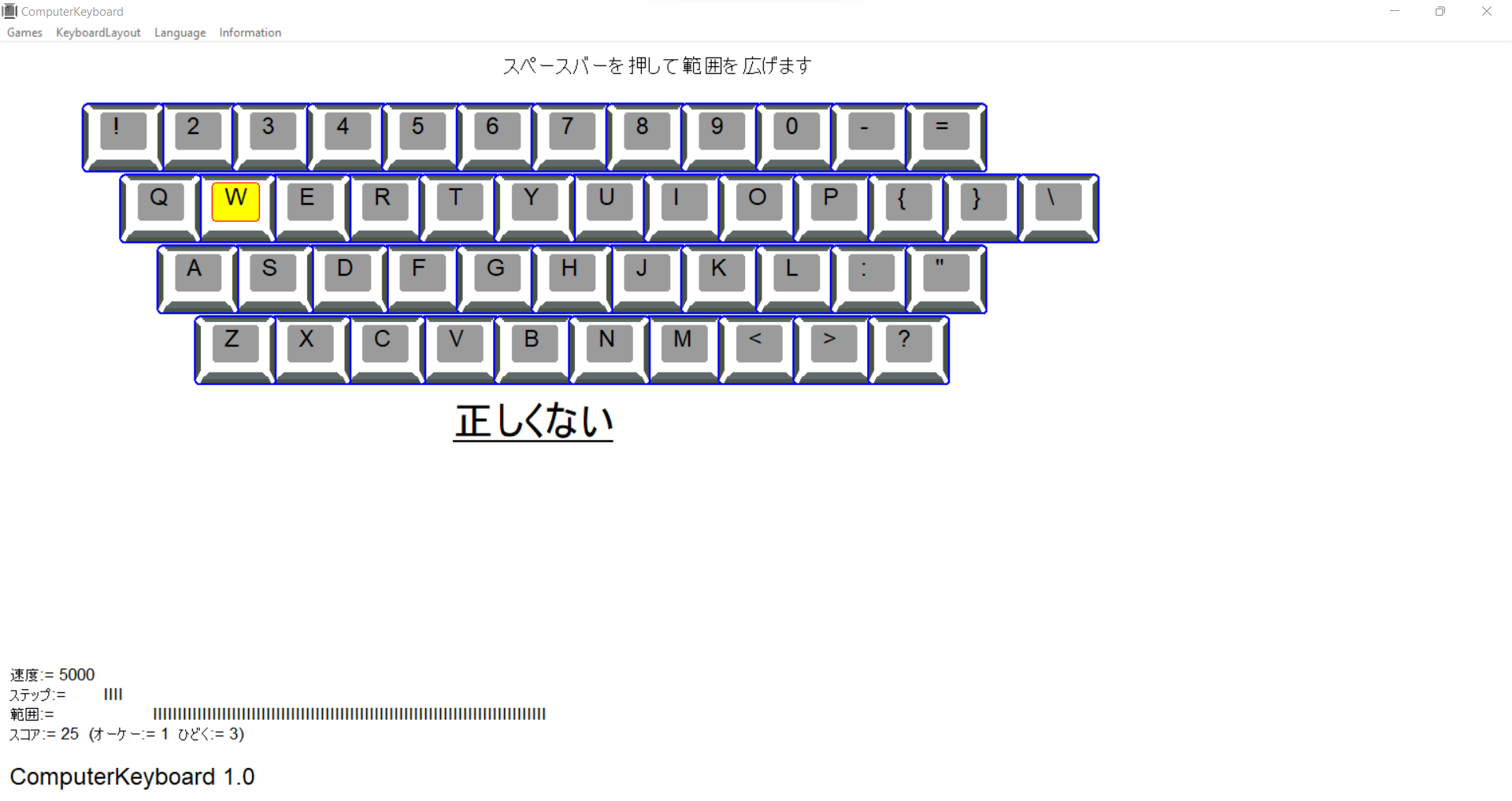
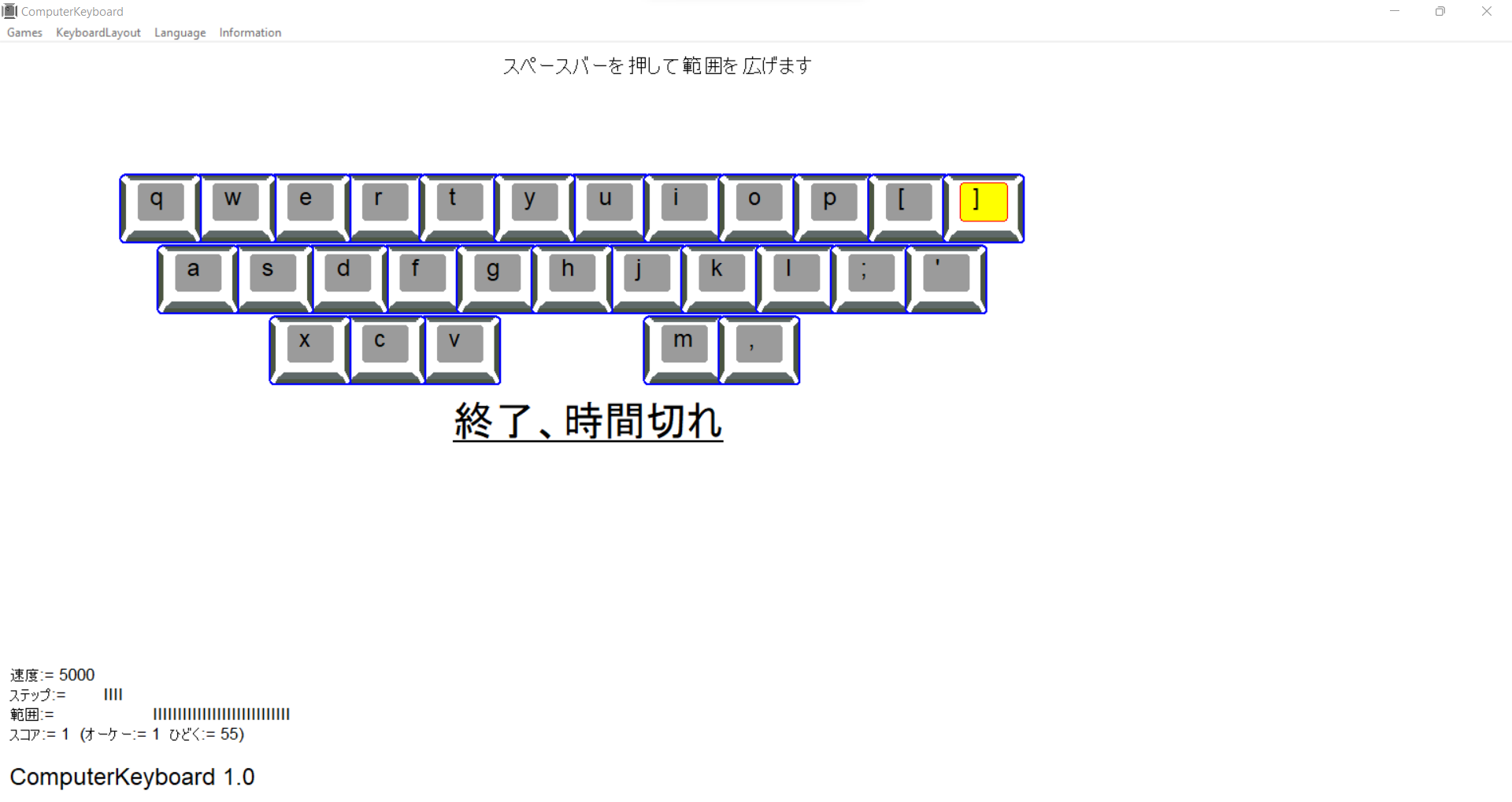
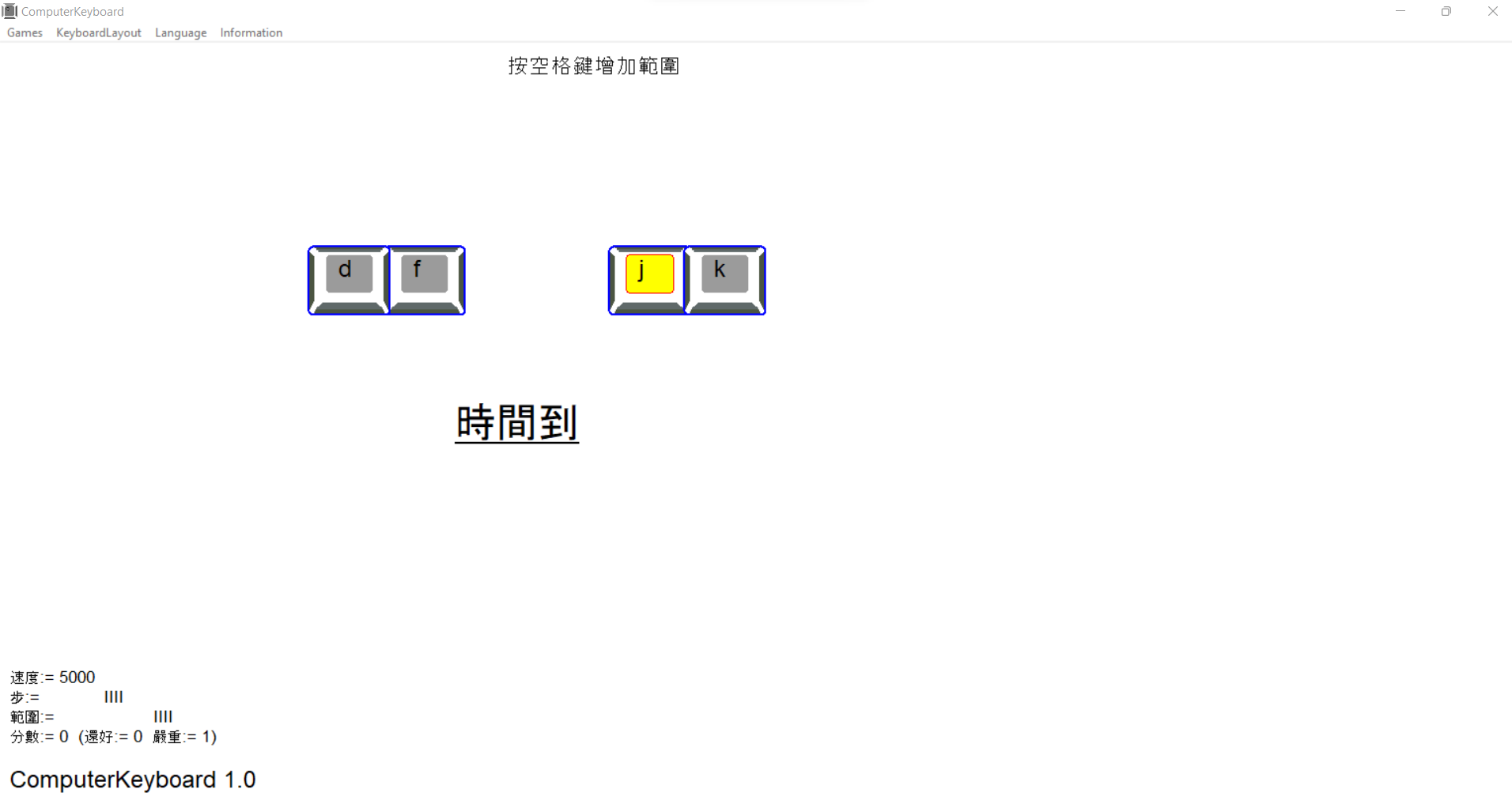
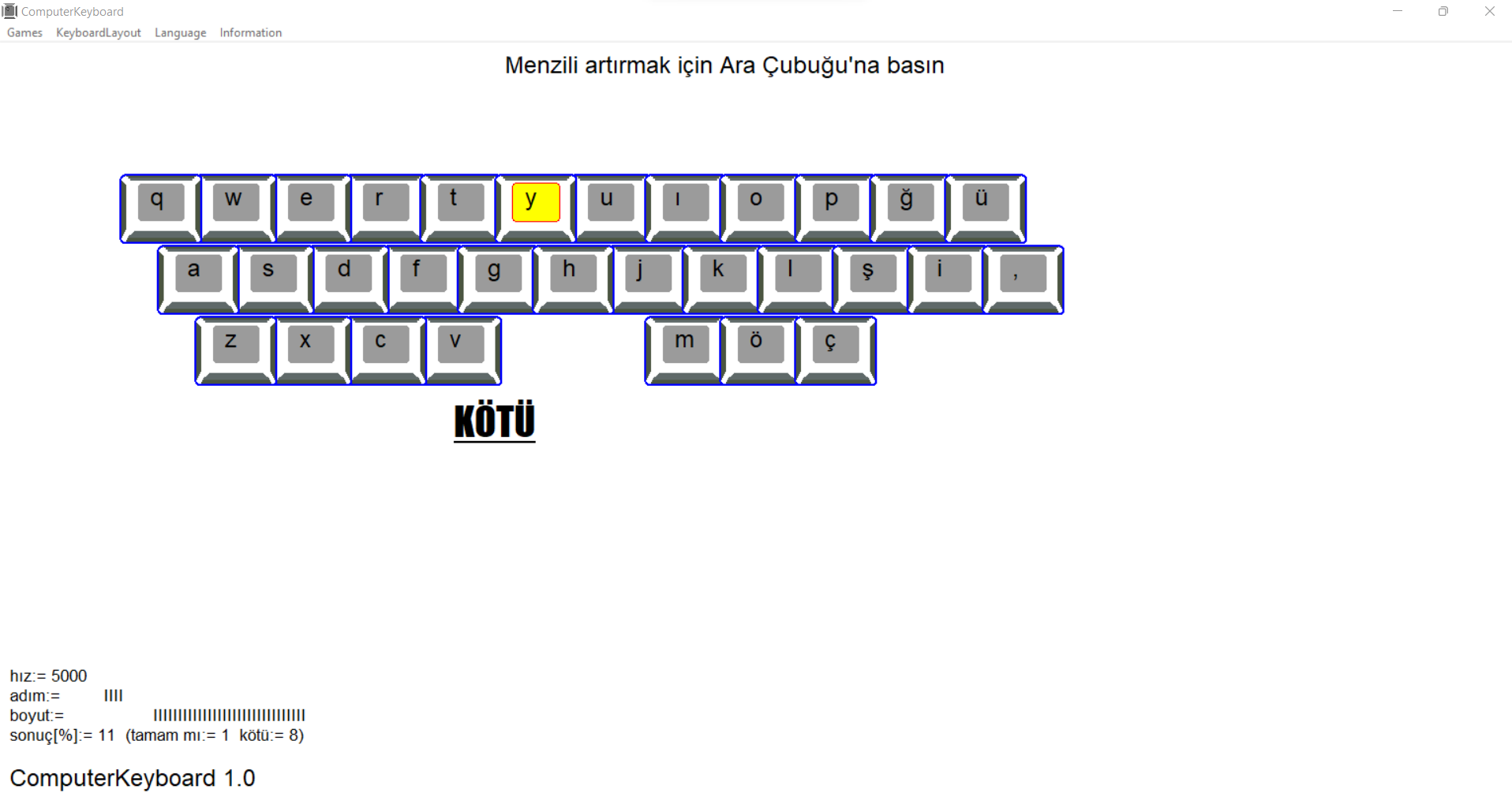
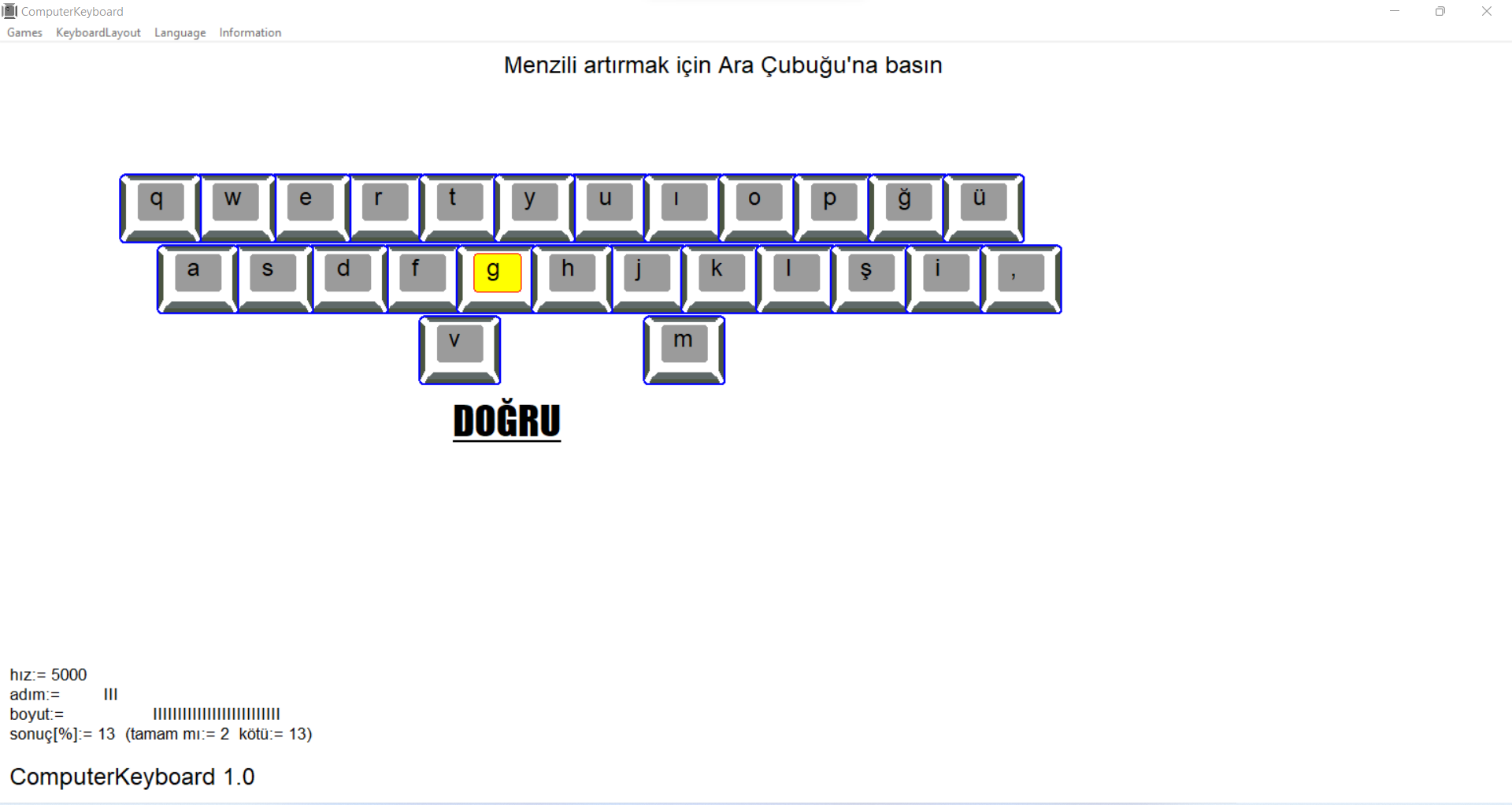
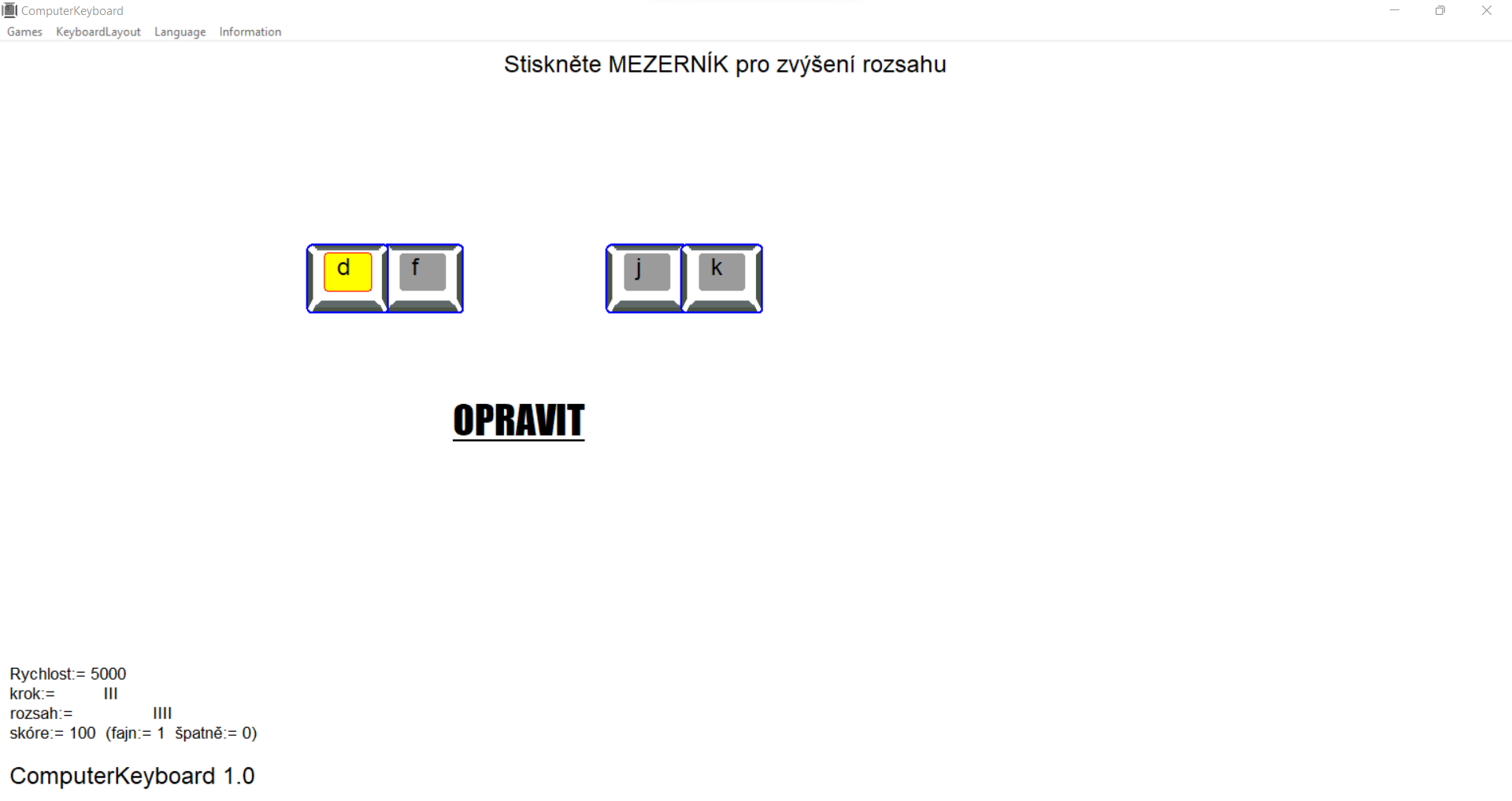
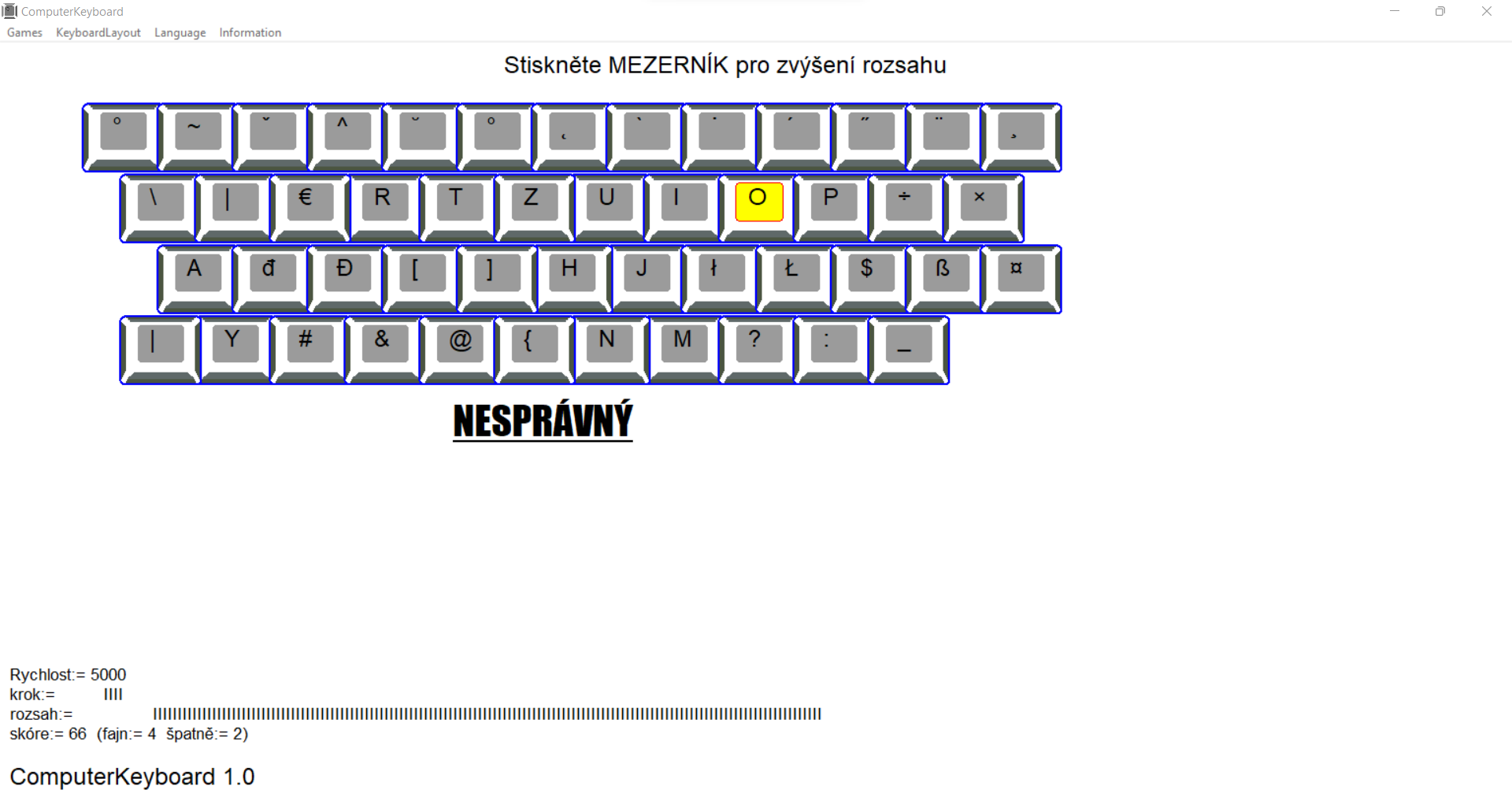
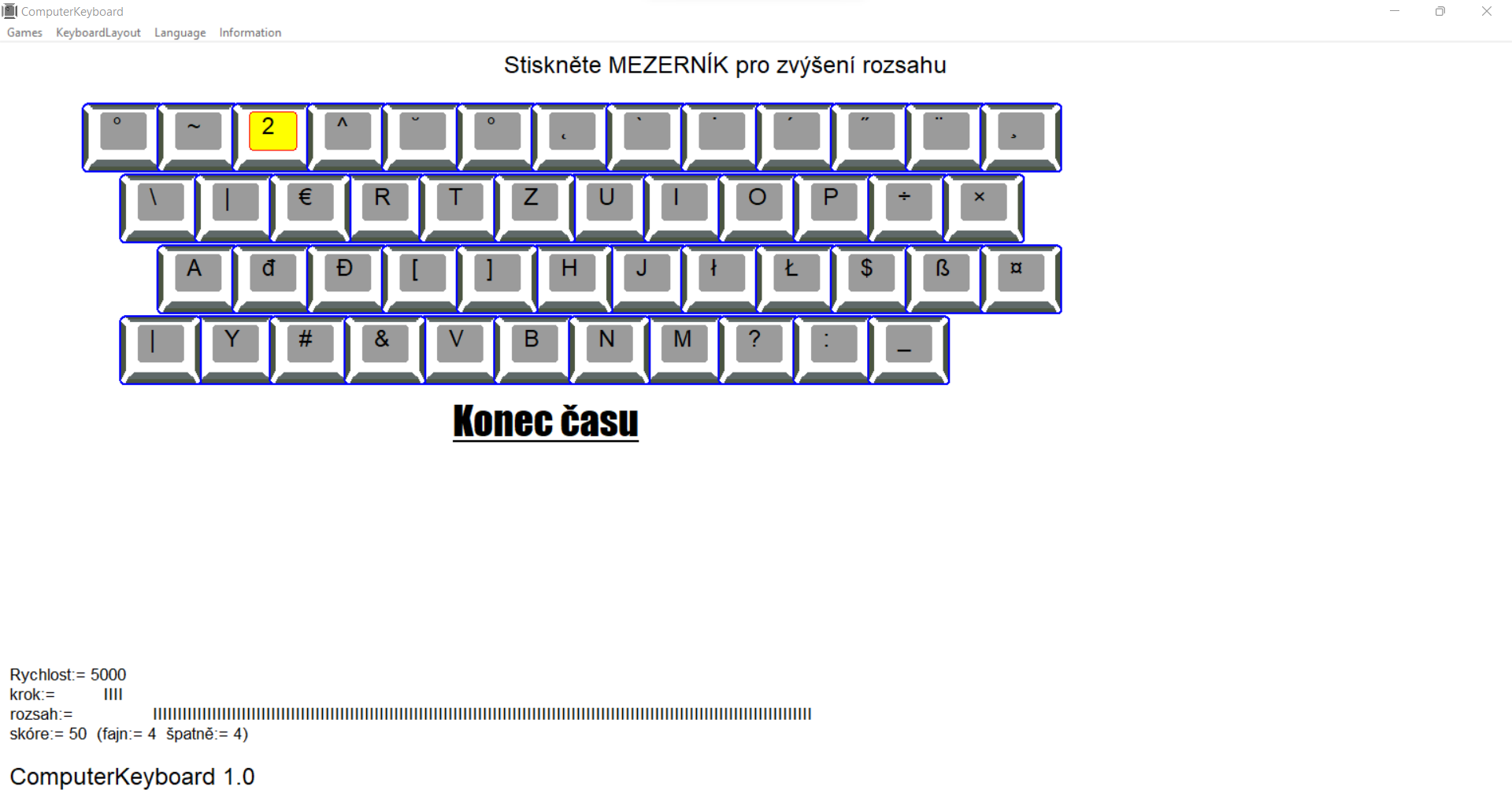
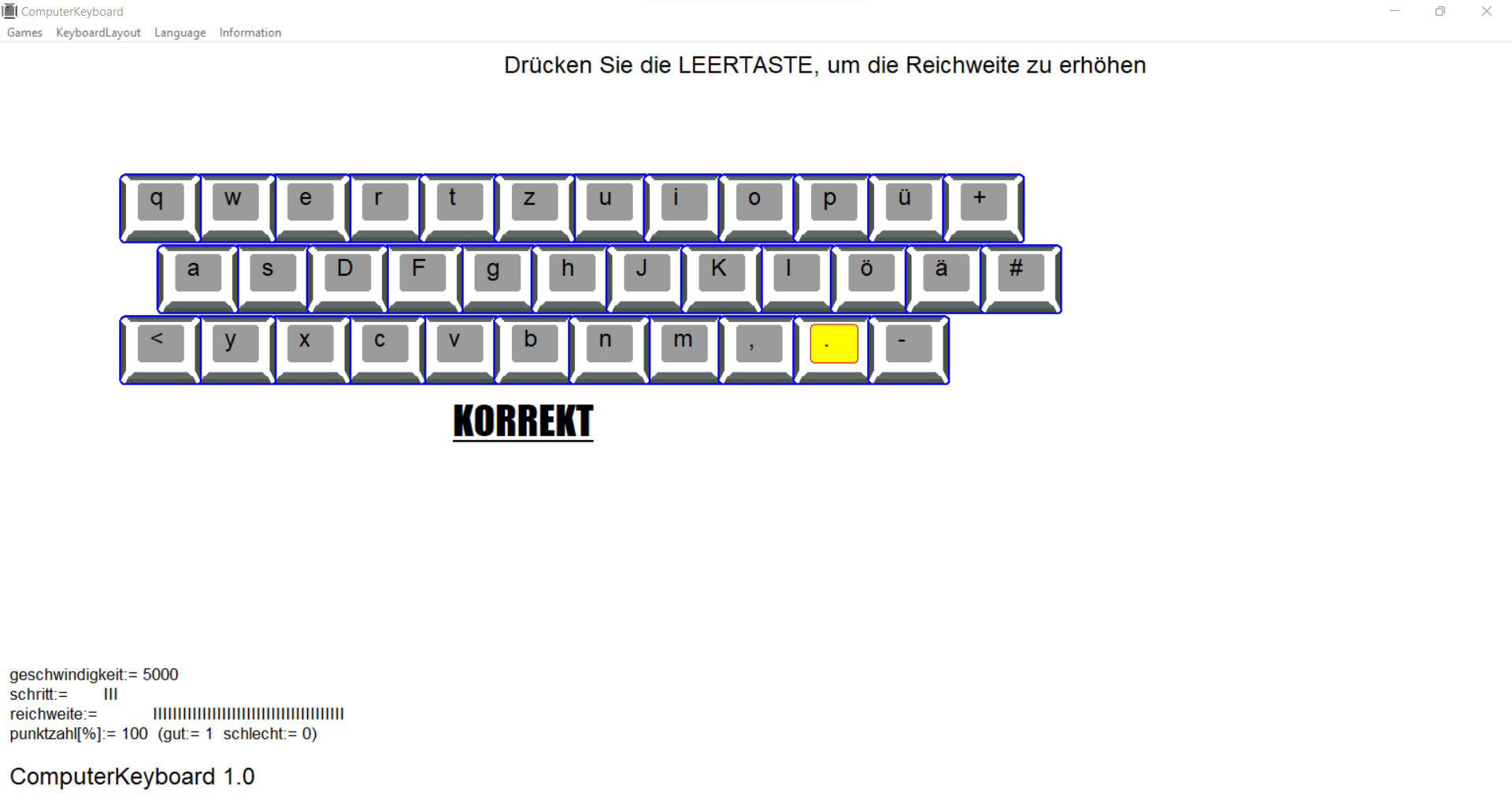
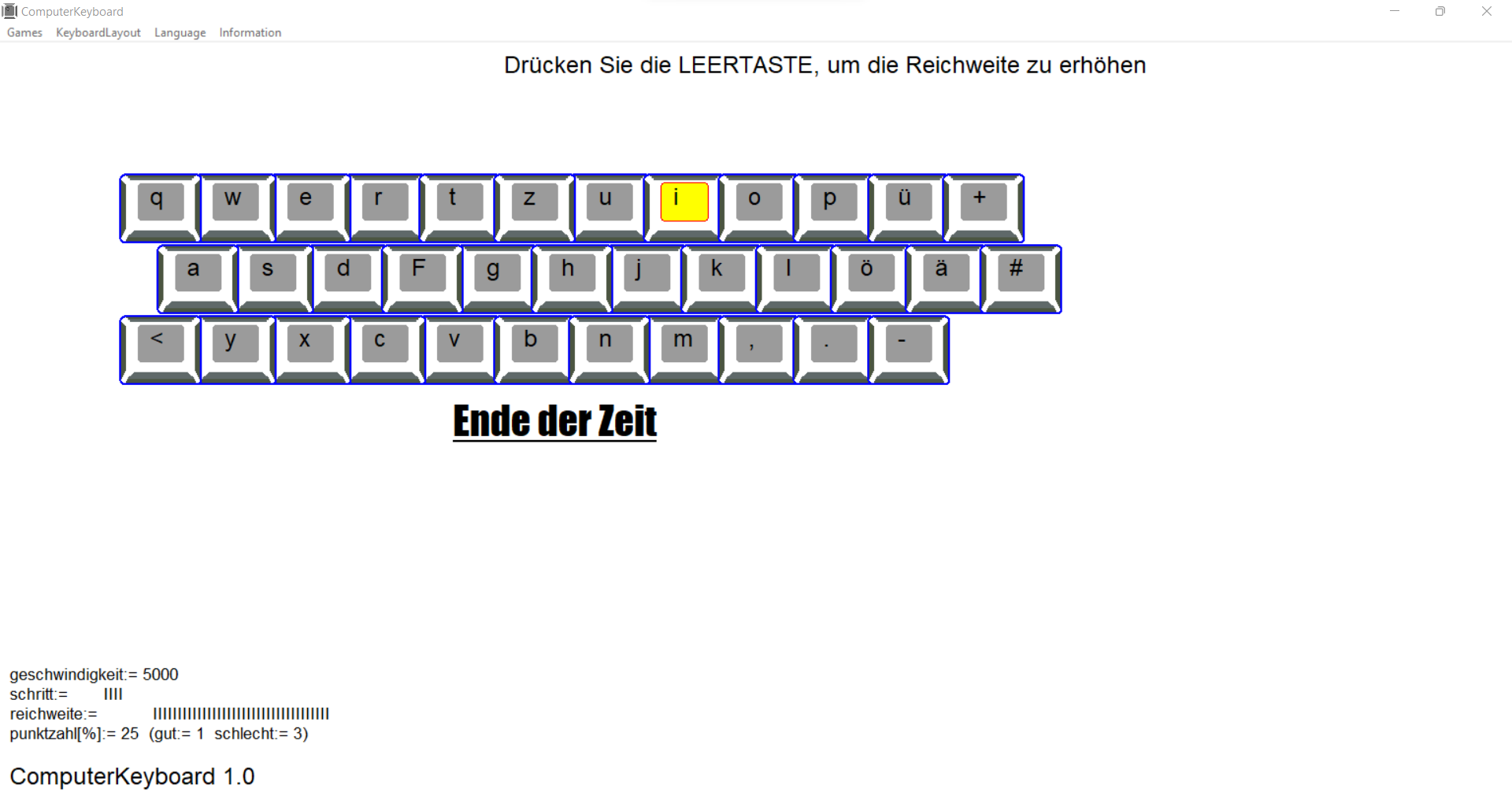
you start your adventure with ComputerKeyboard with four basic keys. As you progress, the number of keys increases - the time to press the correct key also decreases. Giving a wrong answer decreases the number of keys.
At any time, it can increase the range of available keys.
how to start
Start with the correct hand position on the keyboard - the index fingers should be on the keys with the bumps - and the rest of the fingers should be sequentially along the line of the base keys.
Also find additional keys on the keyboard (shift, alt) and coordinate your finger movements to them
Shift - allows you to enter capital letters together with a letter and the second character entered on your keyboard with a number or upper character.
(practice the movements of the little finger of the left and right hand)
Make sure that the CapsLock key is not accidentally pressed.
Alt or AltGr - in some keyboard layouts, pressing a key together with it allows you to enter specific letters, symbols or characters for a given language.
key in the program:
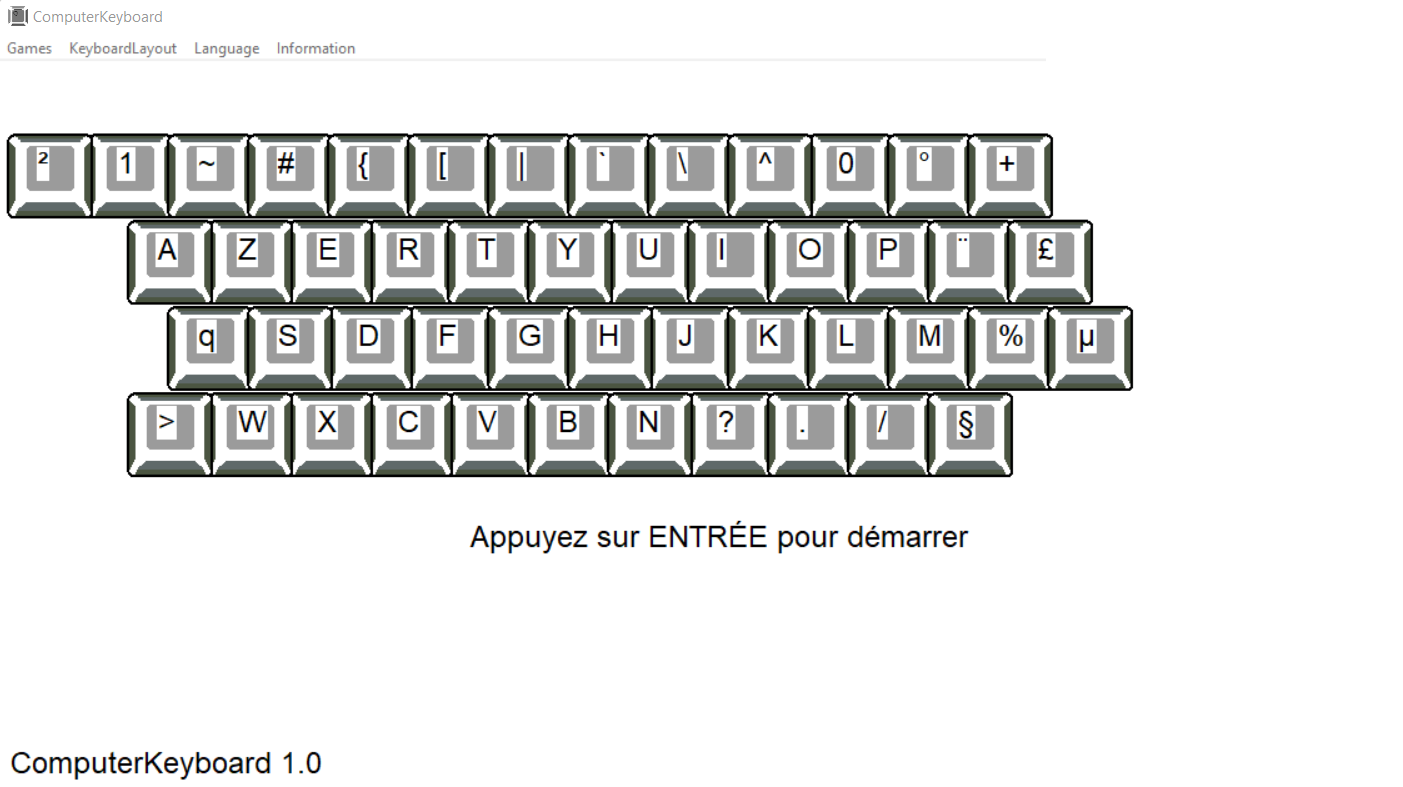
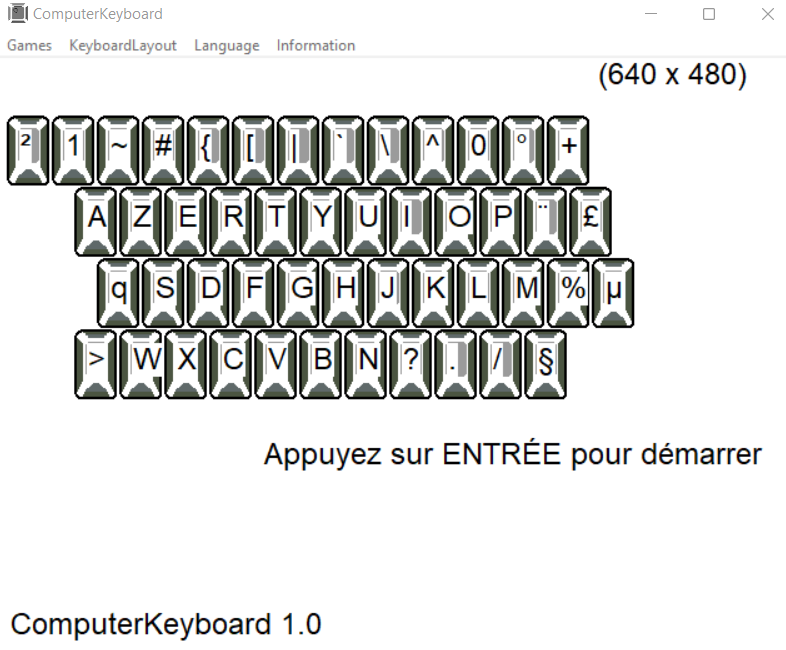
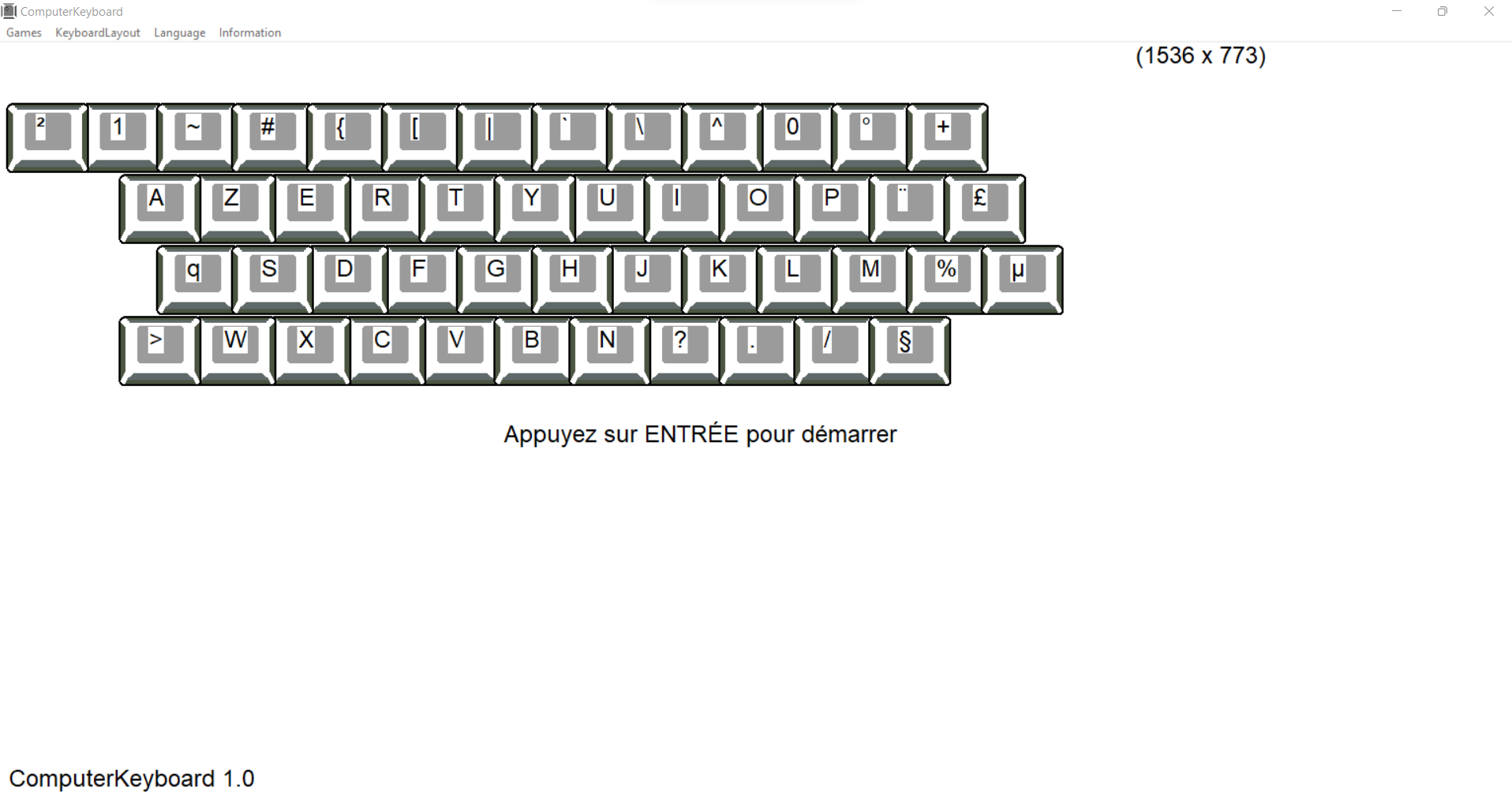
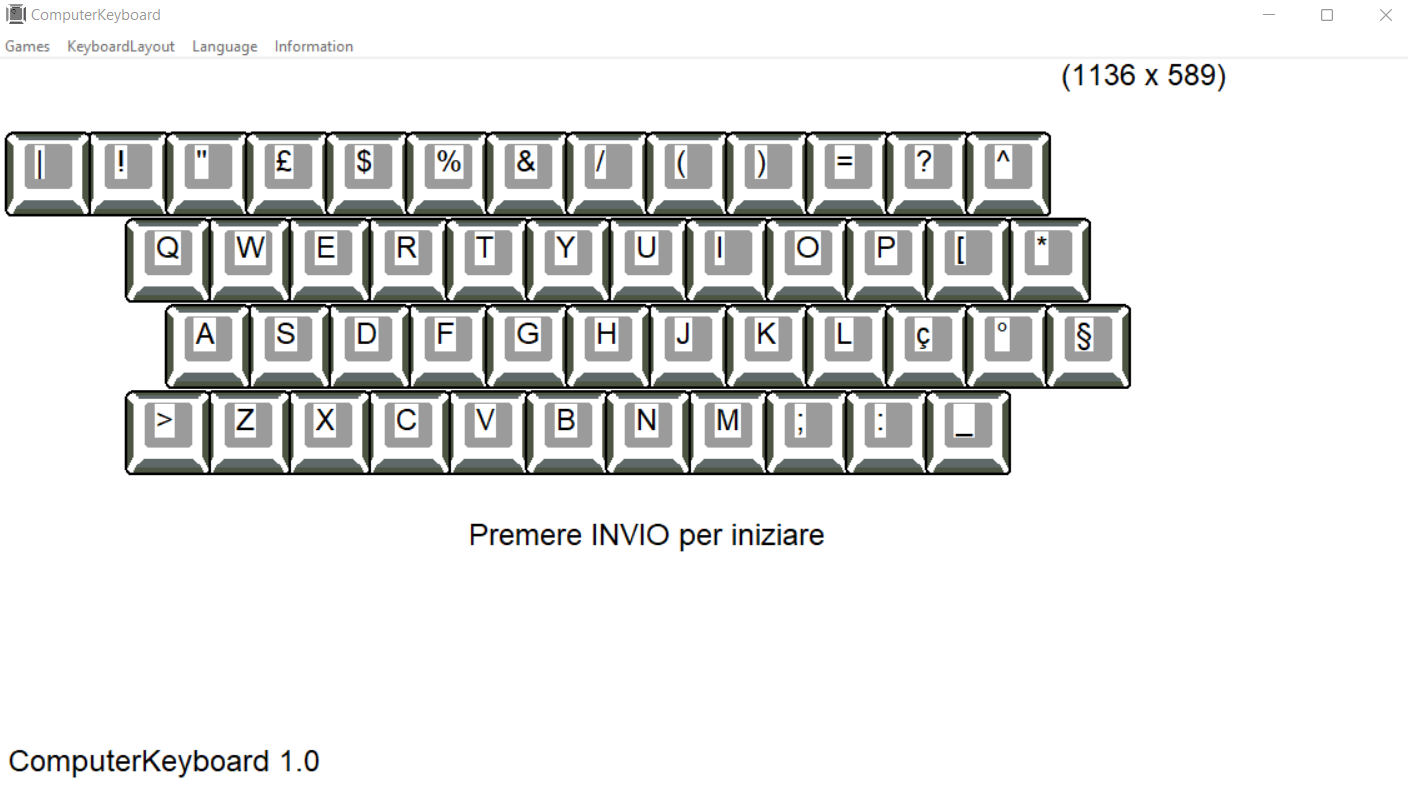
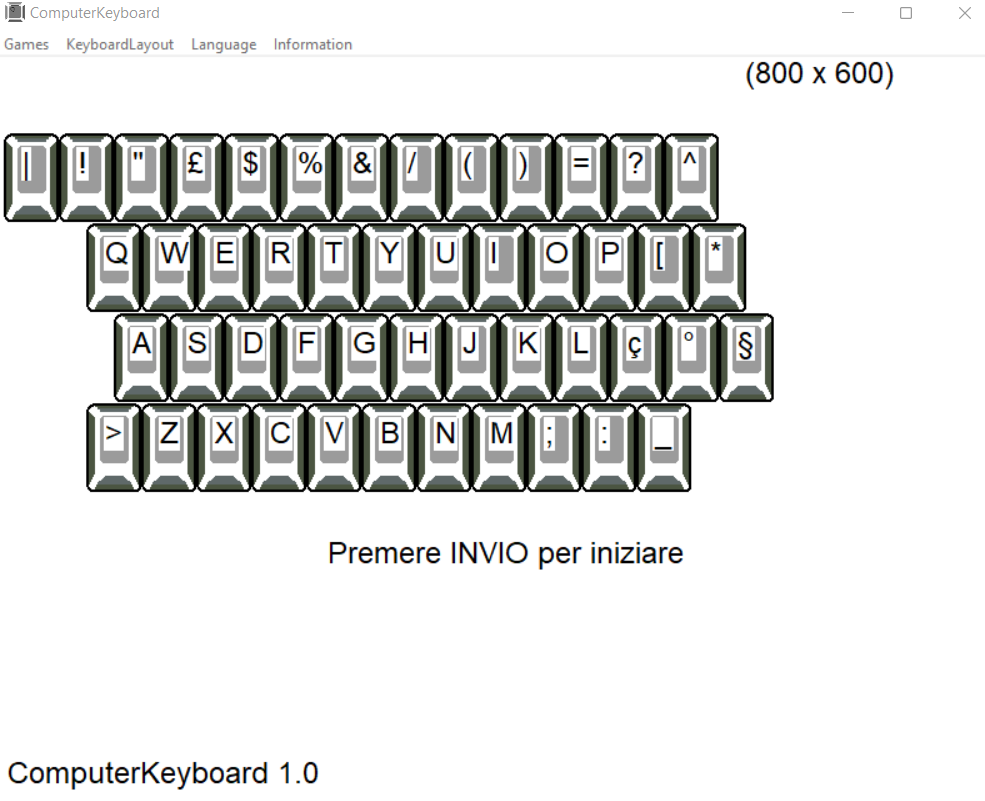
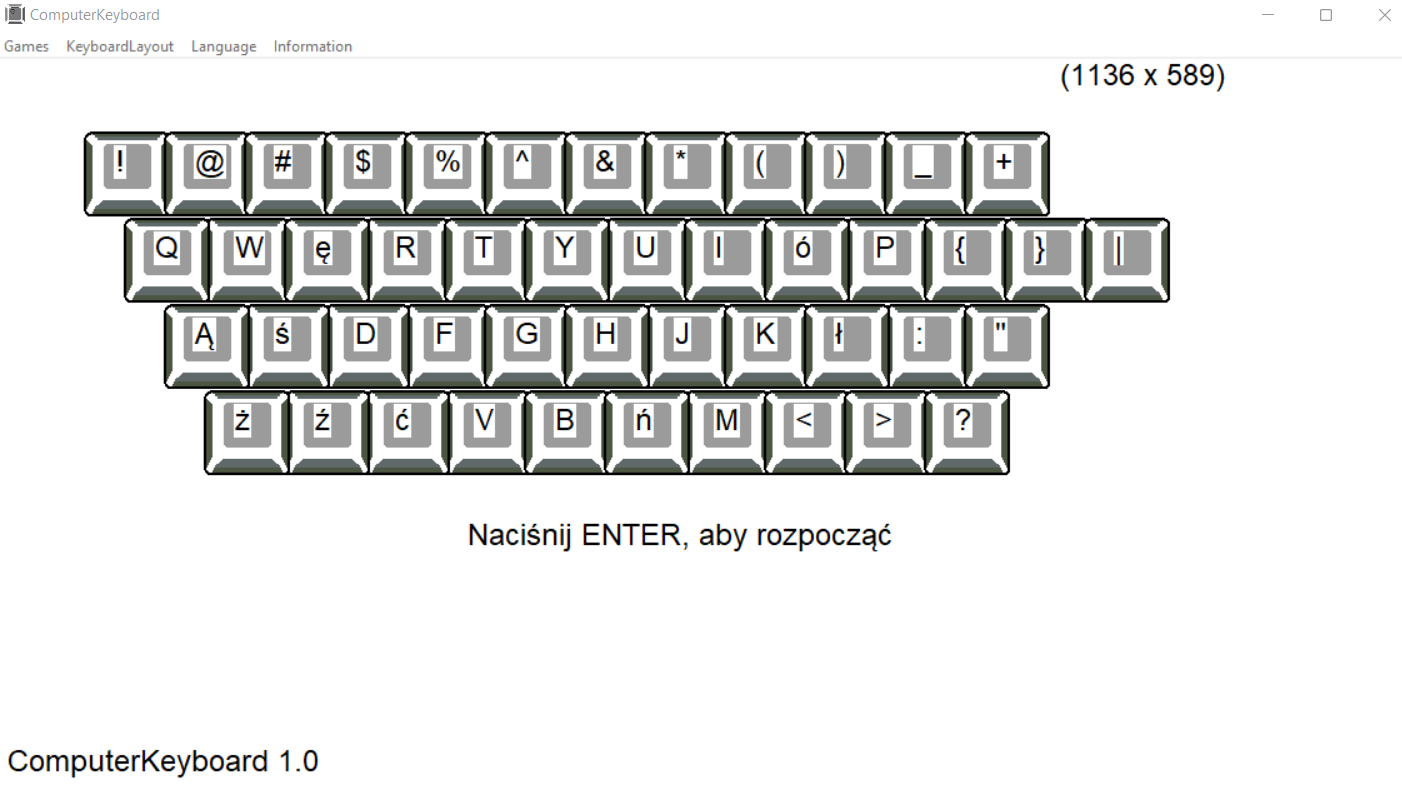
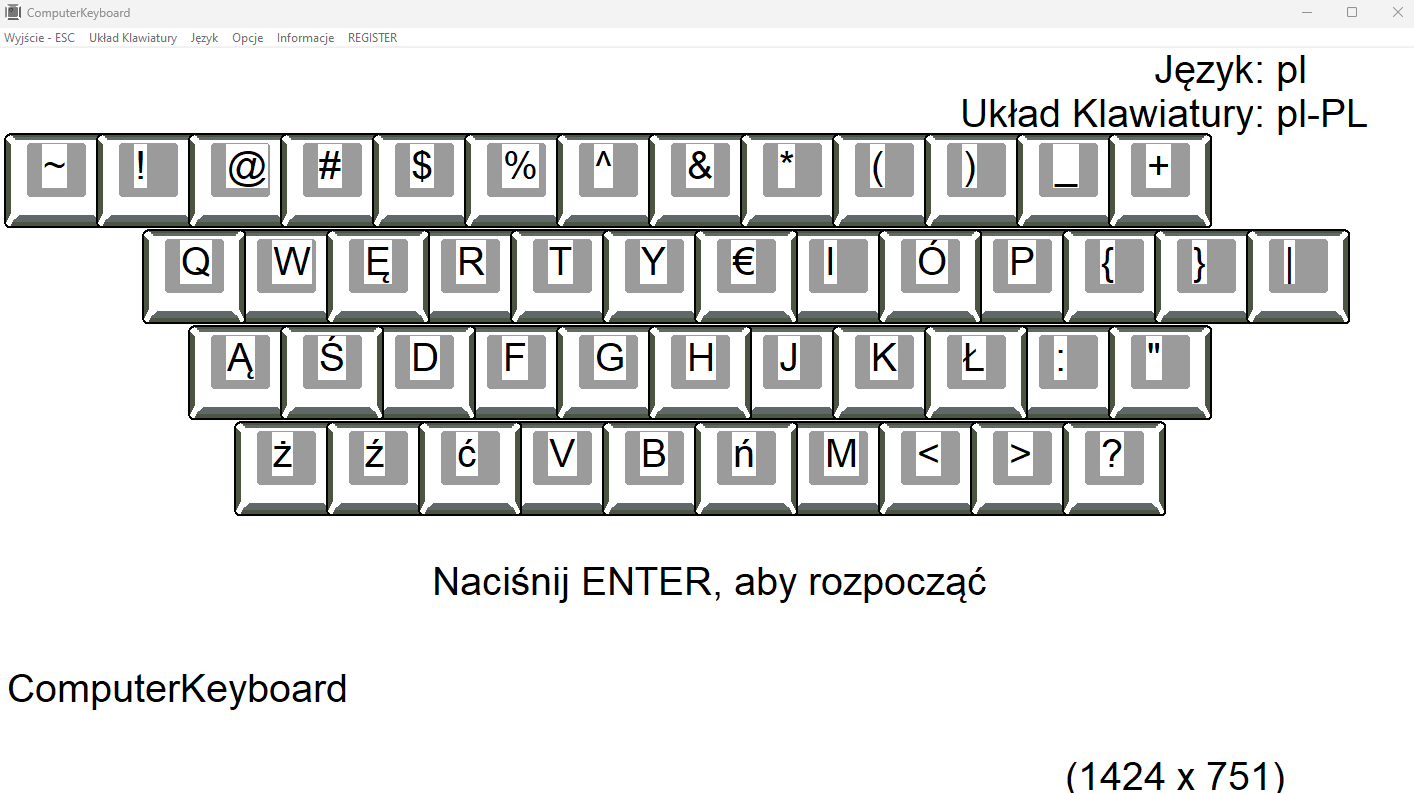
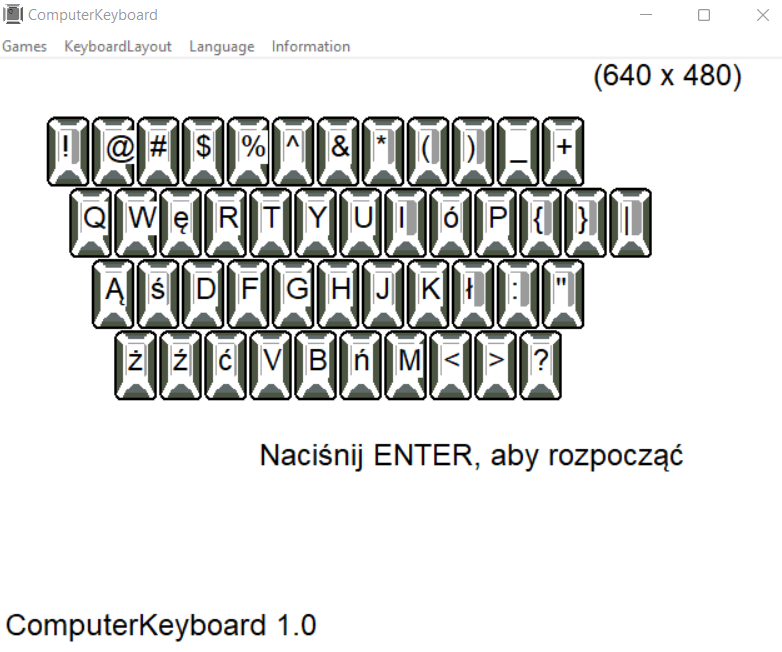
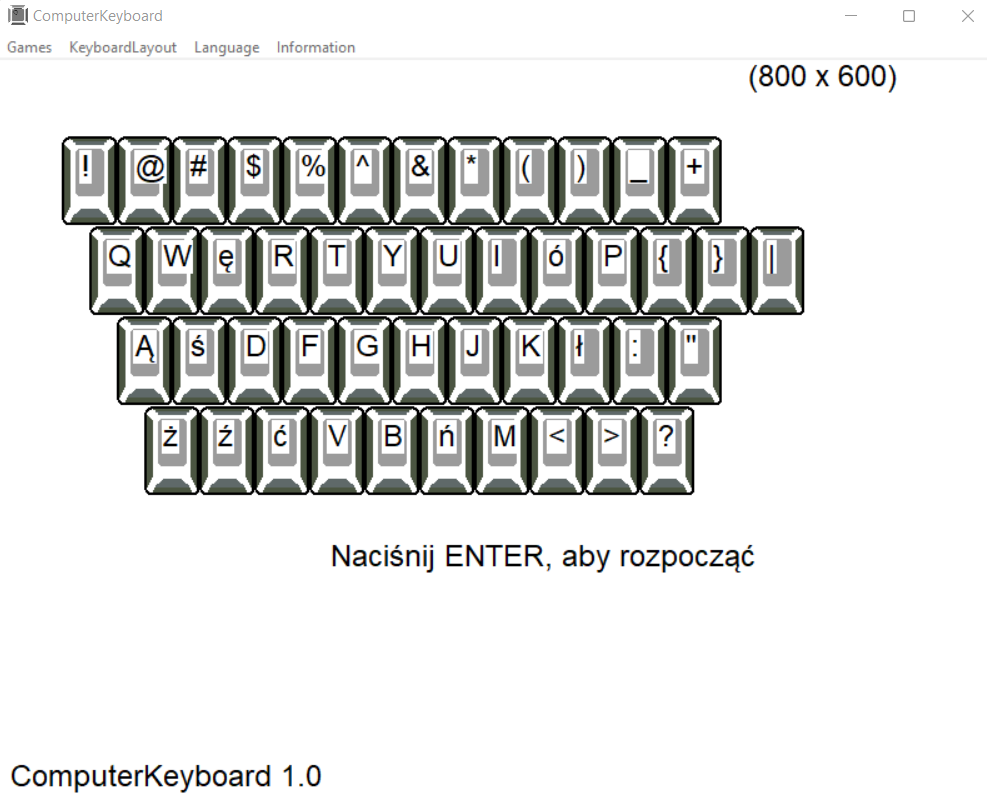
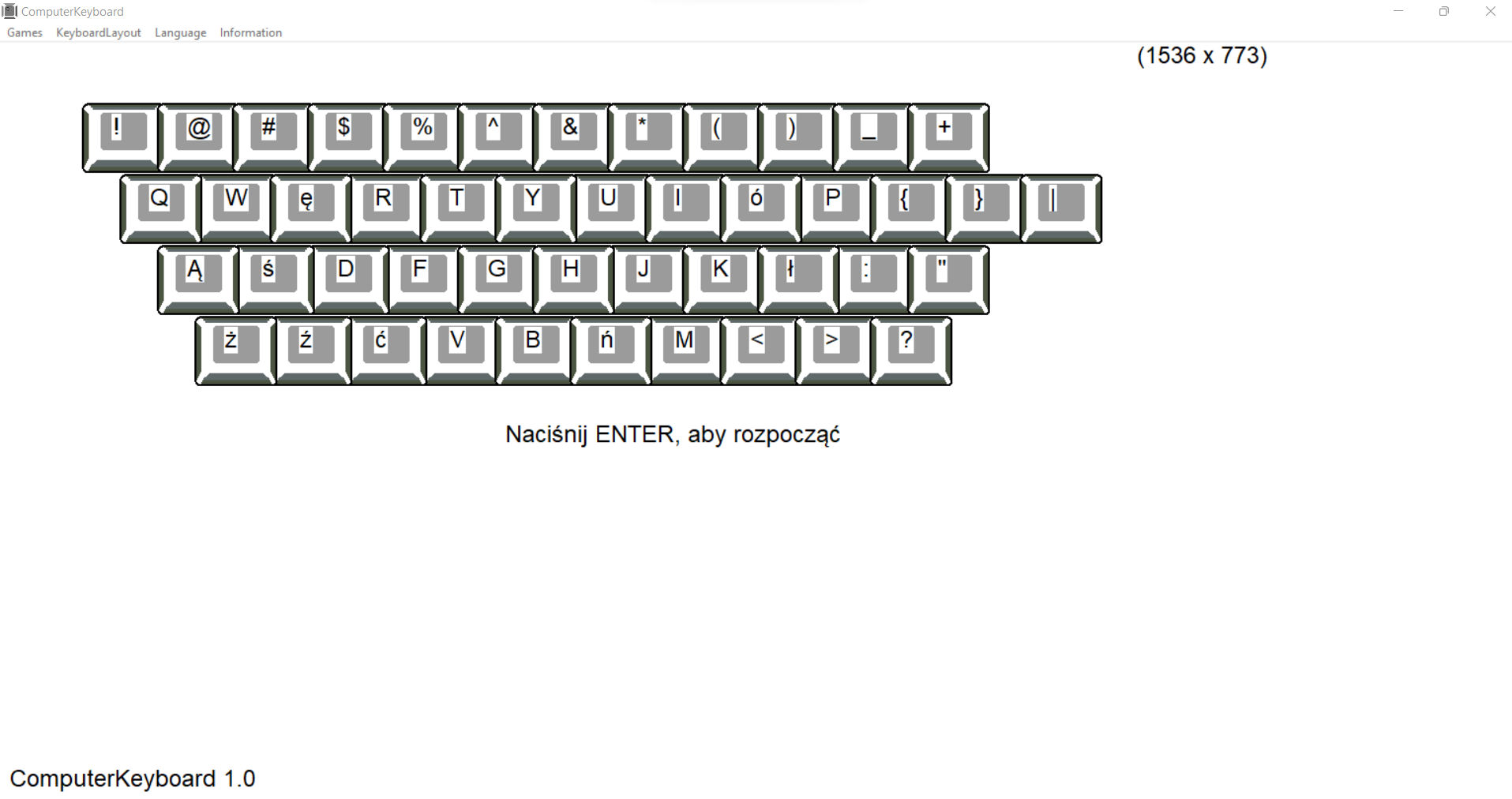
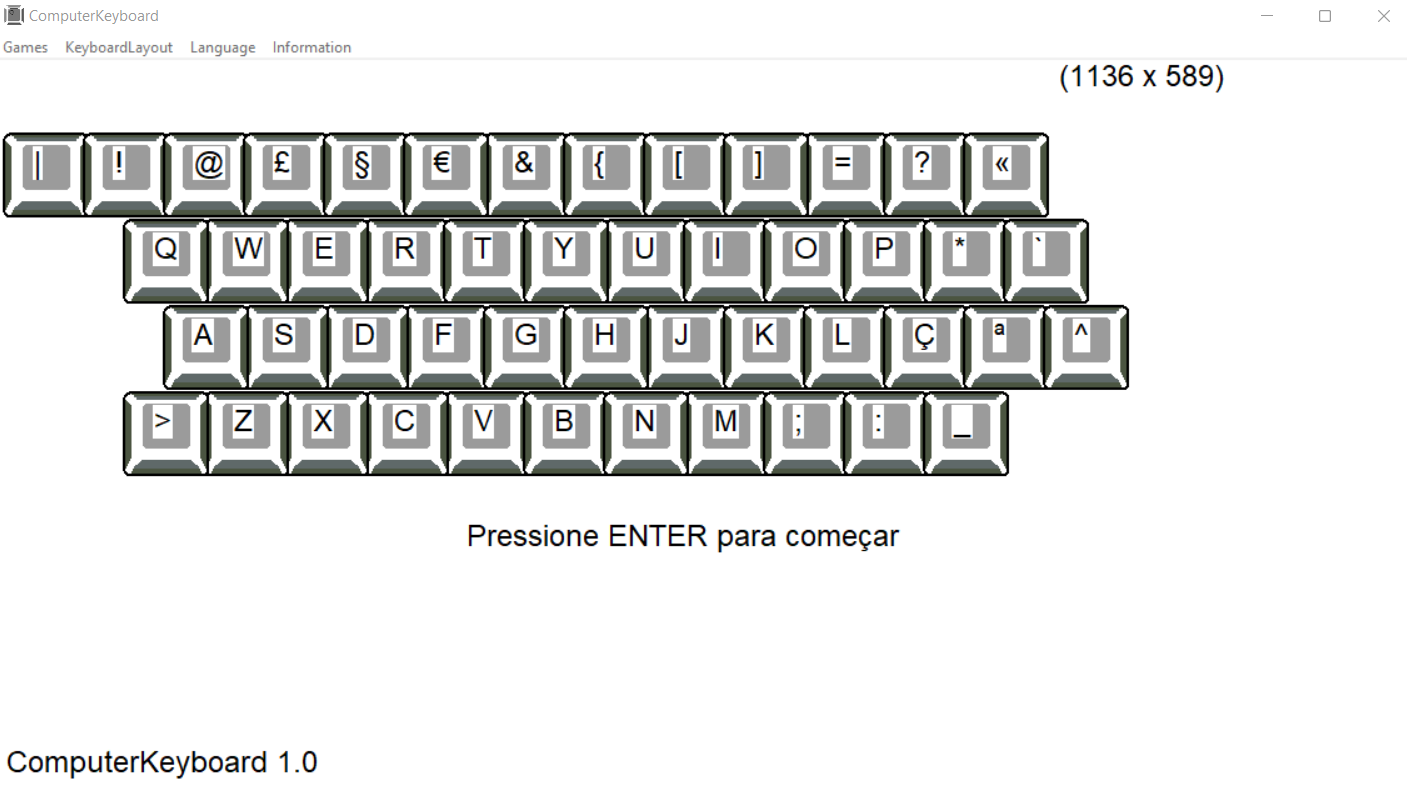
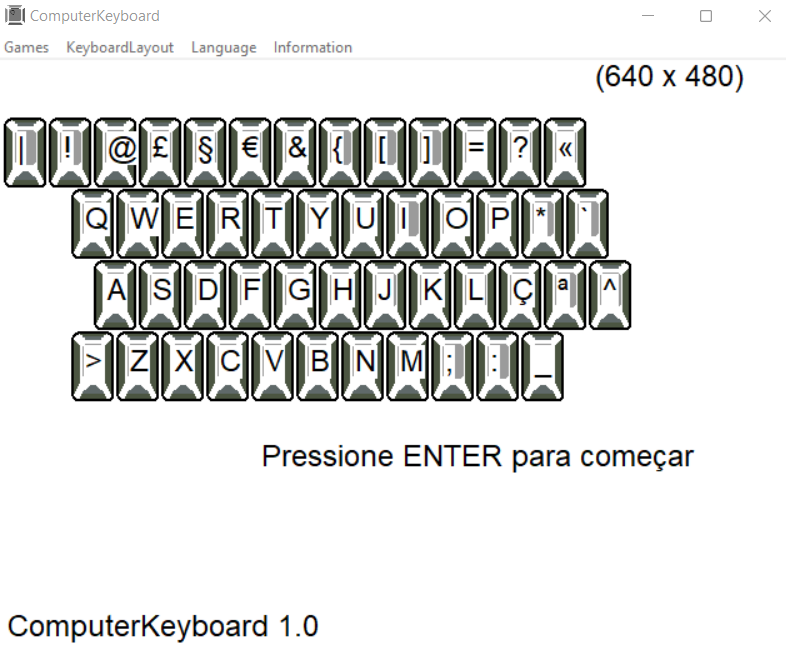
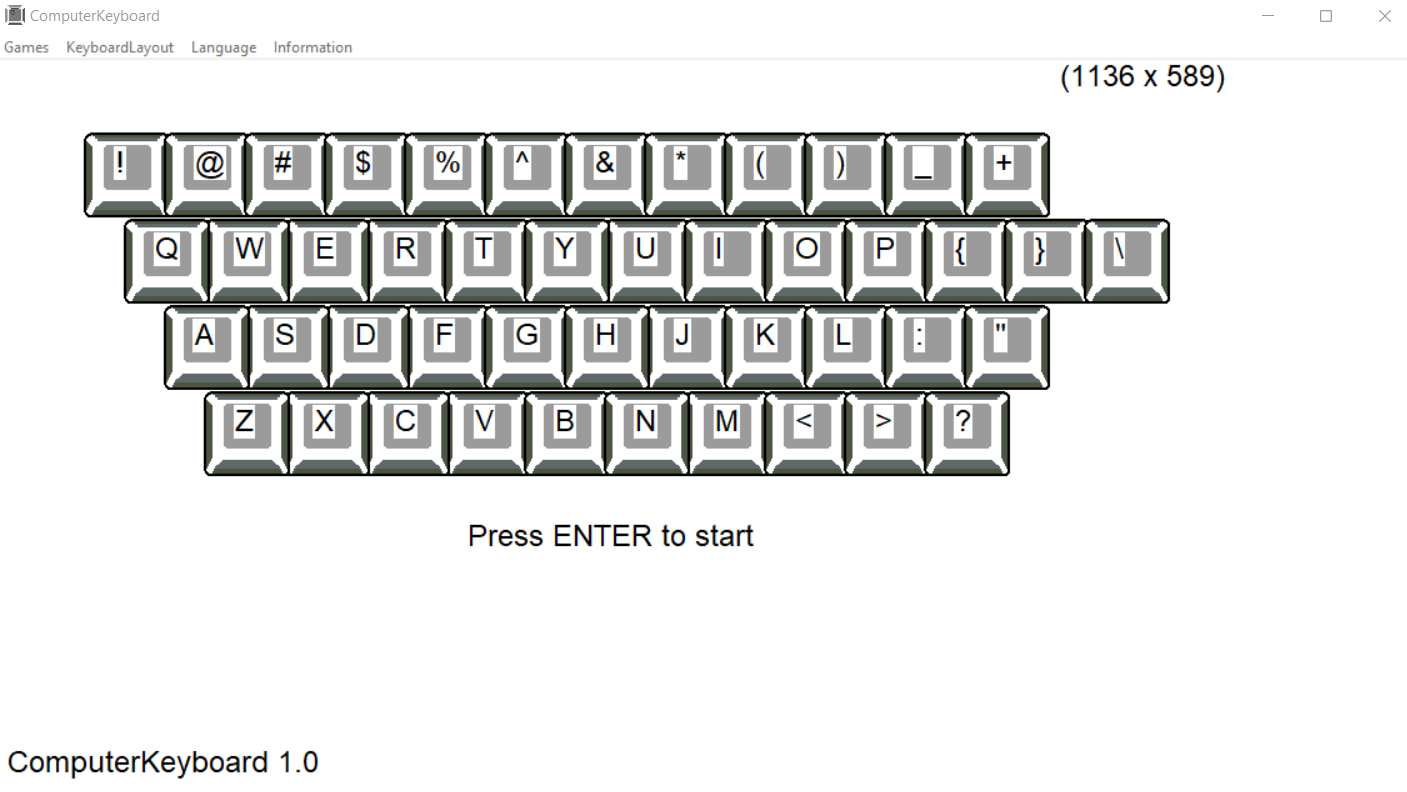
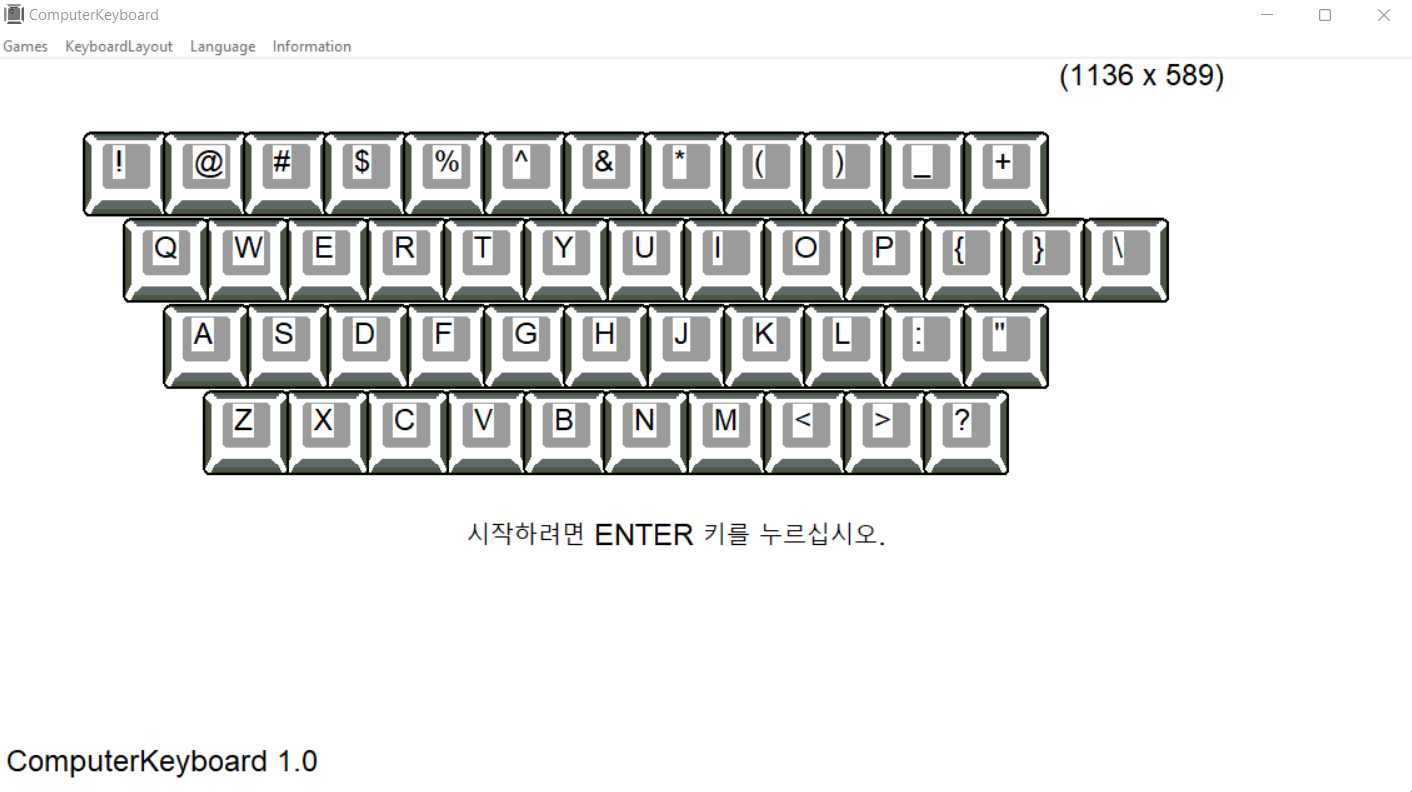
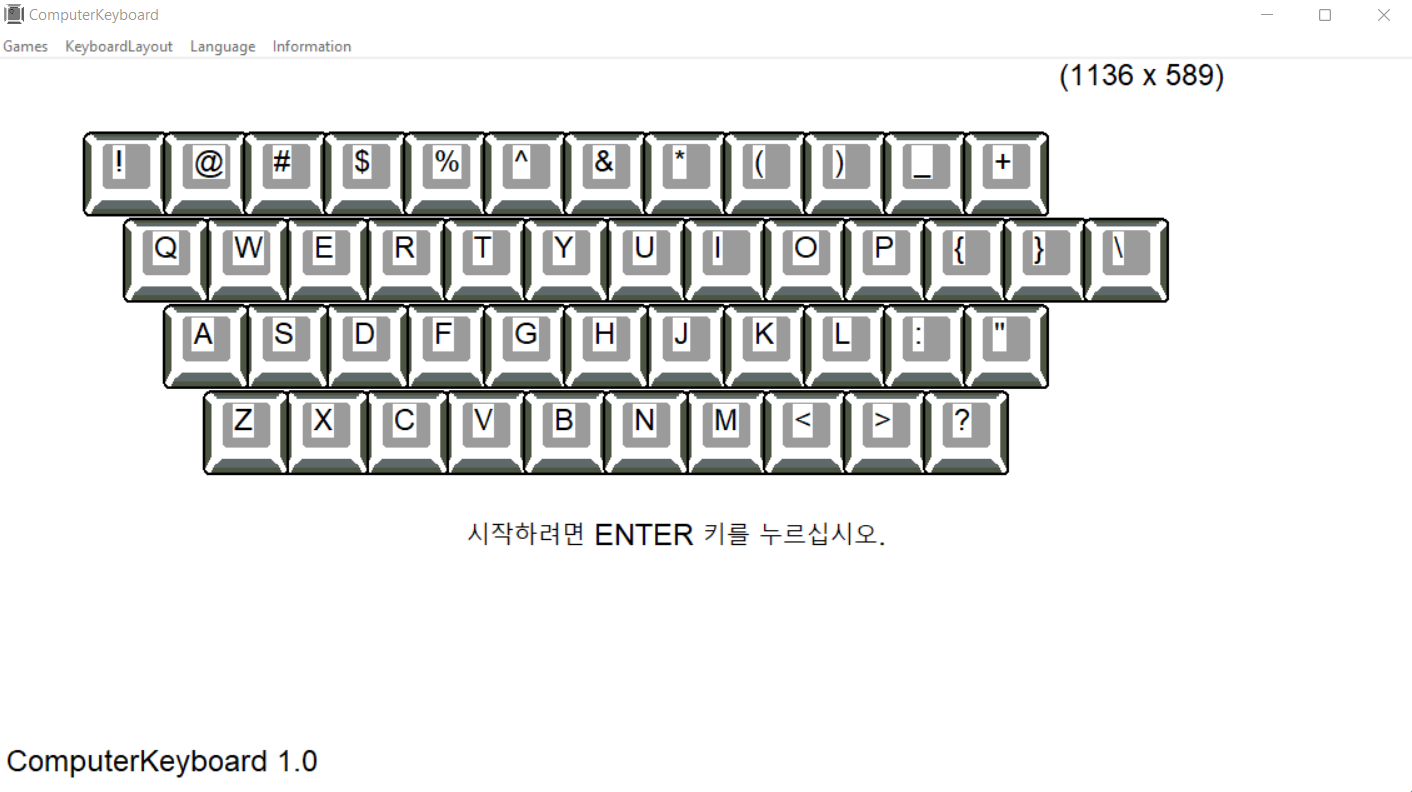
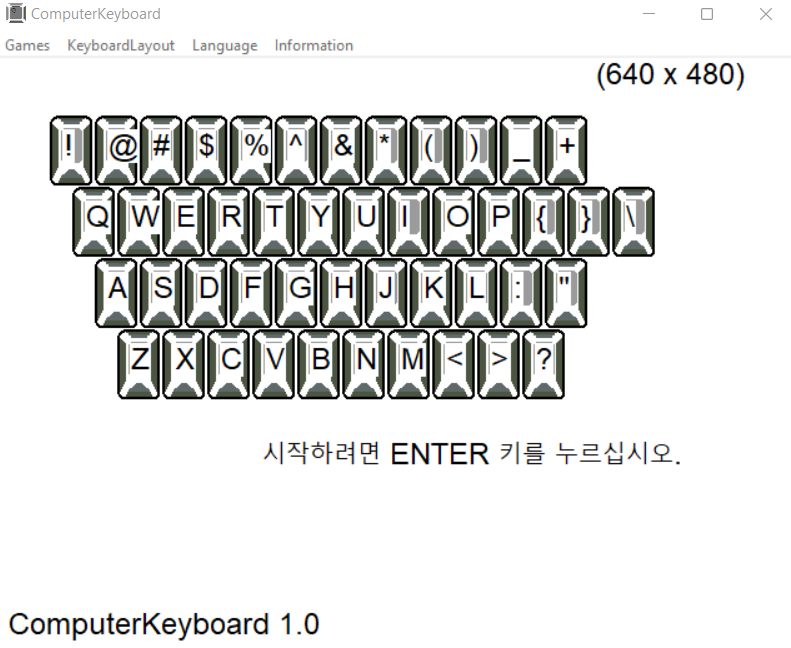
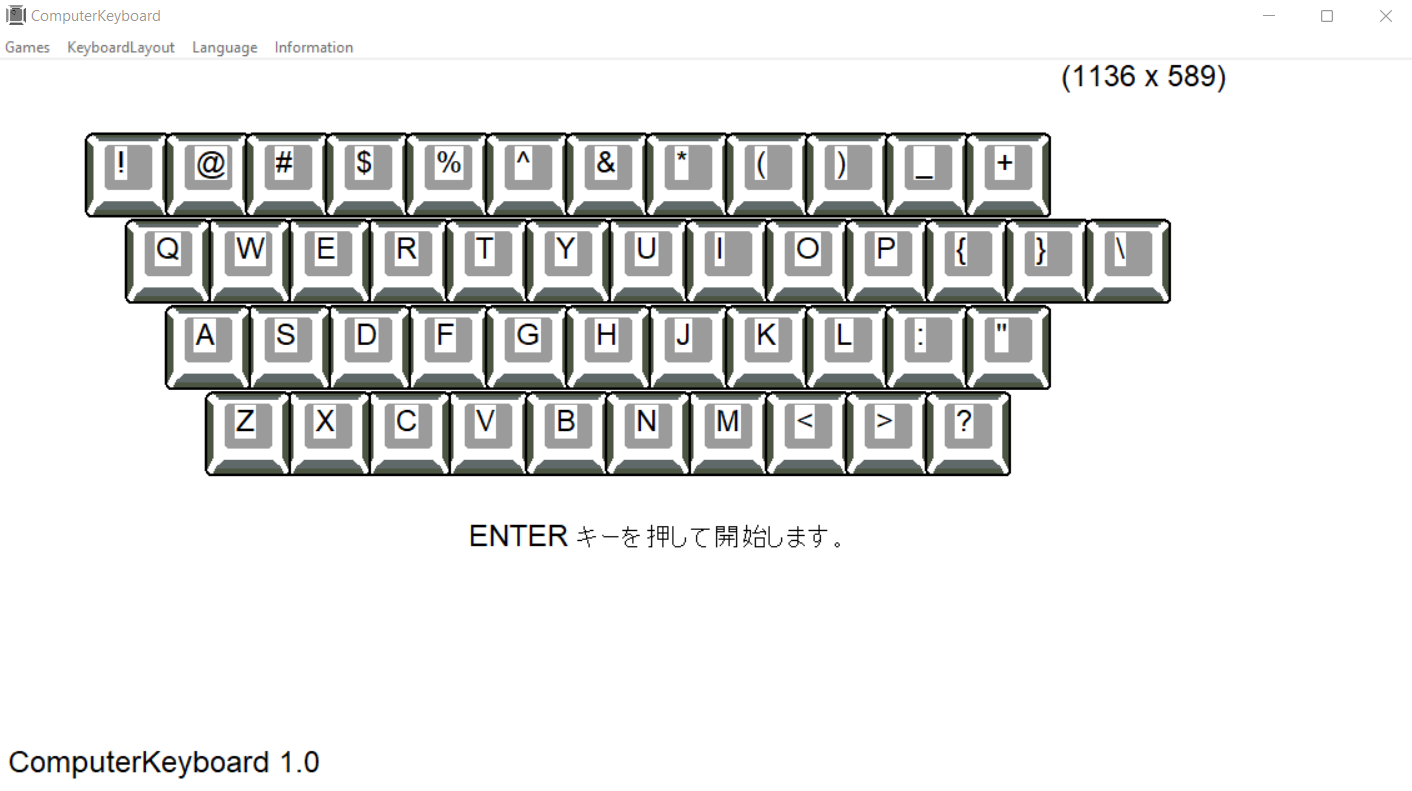
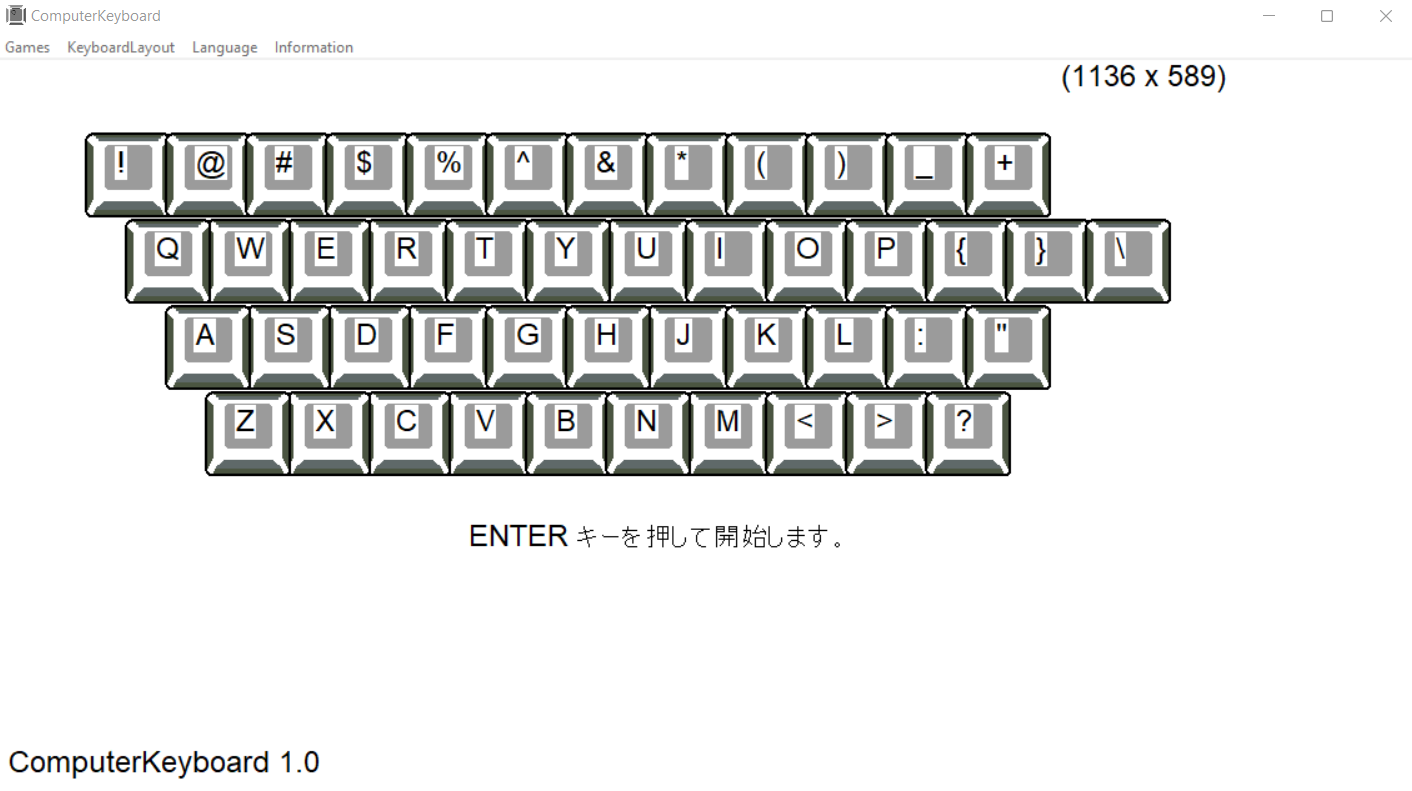
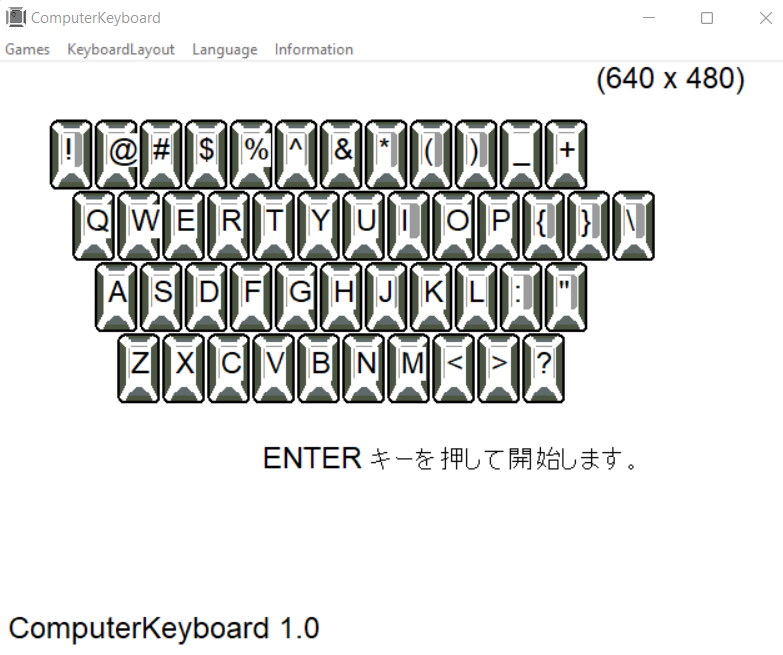
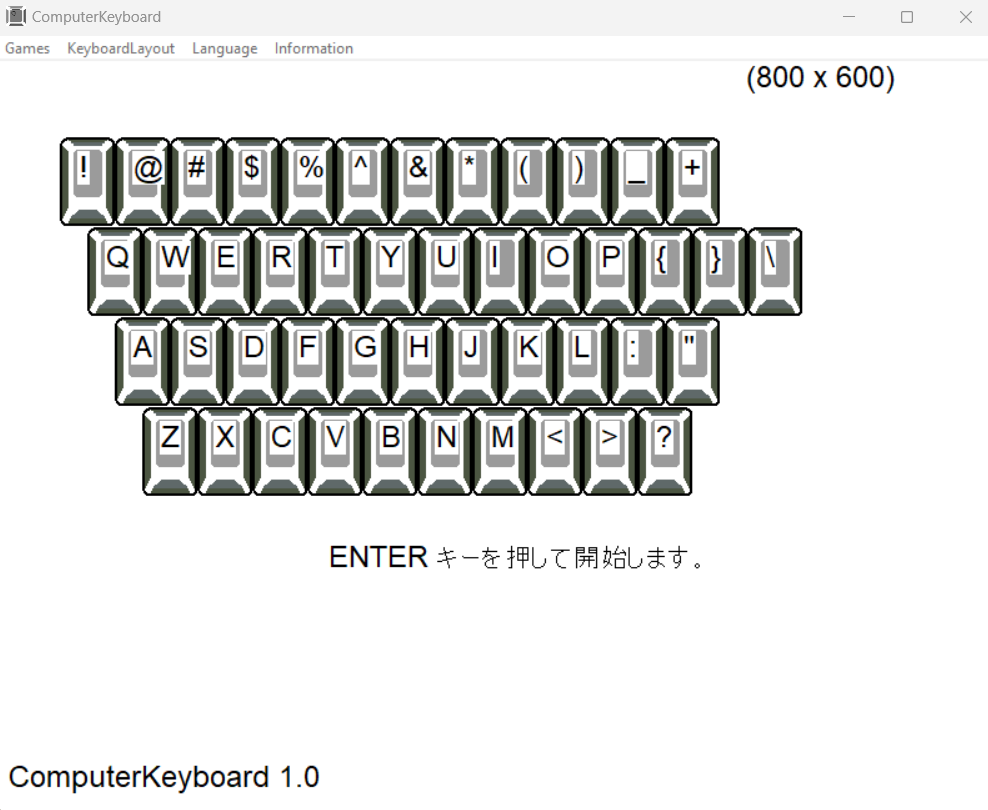
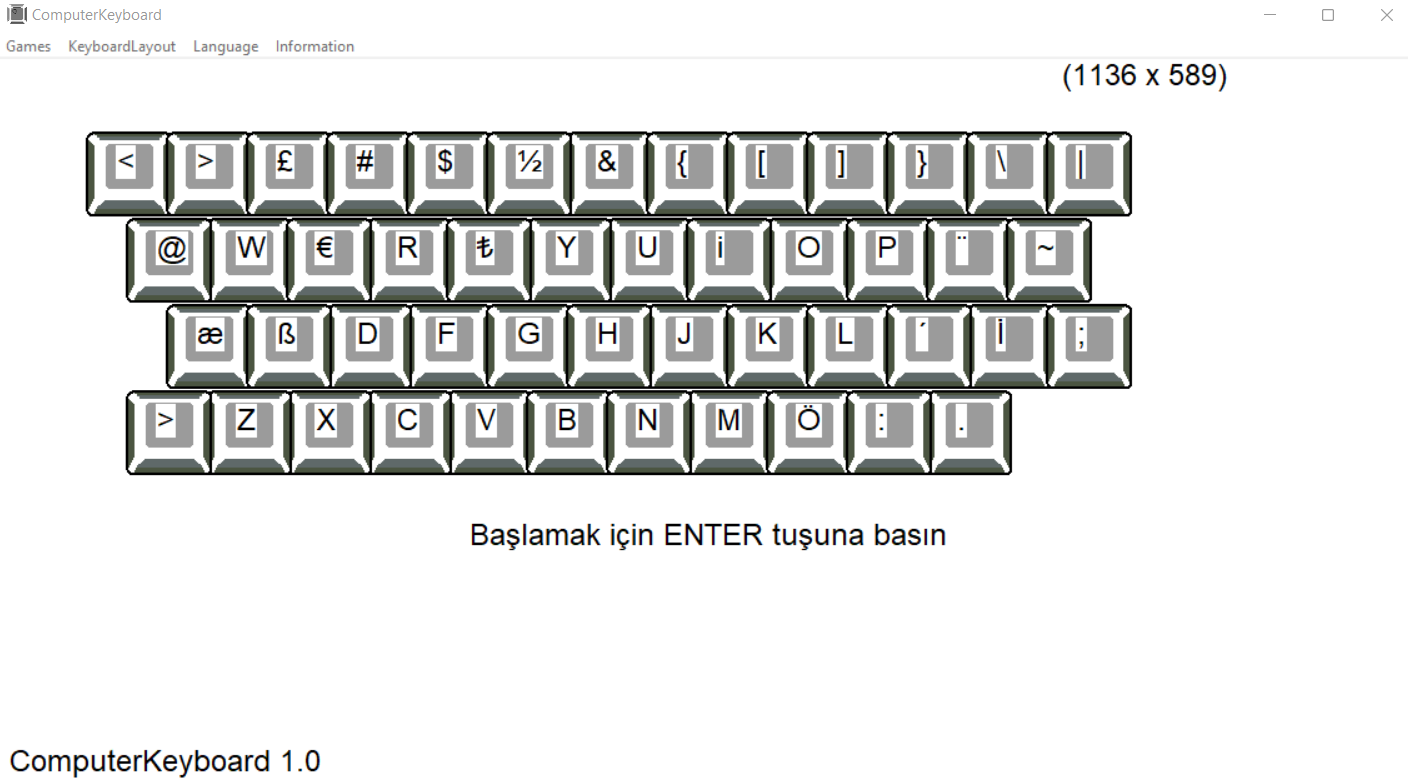
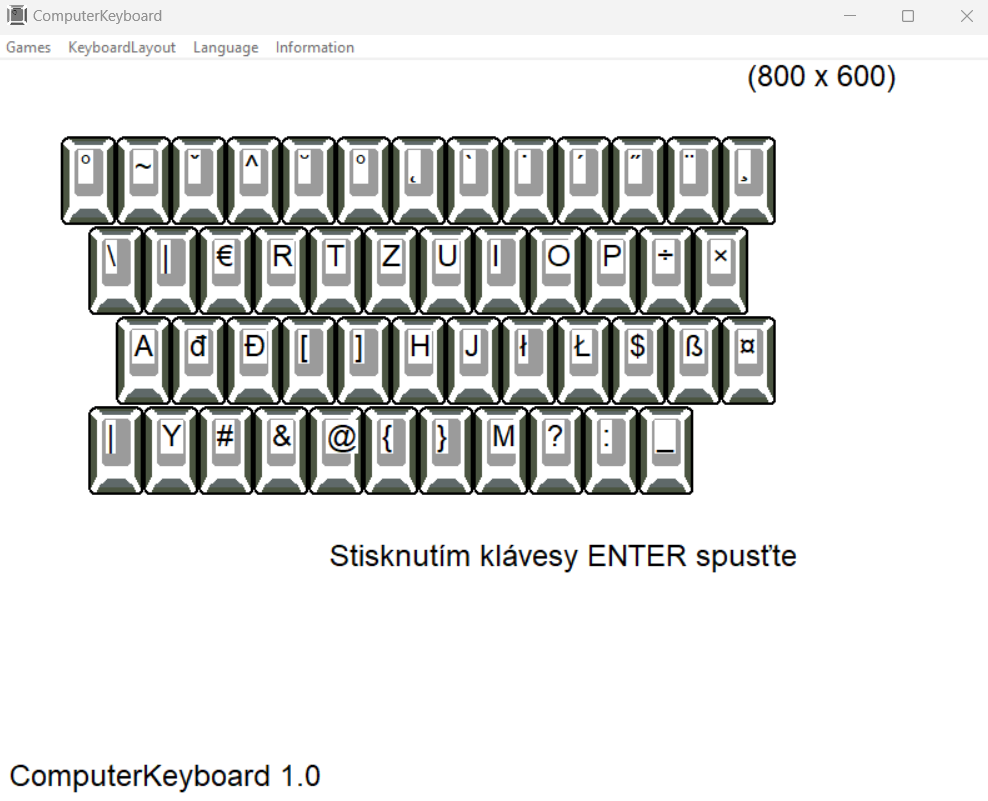
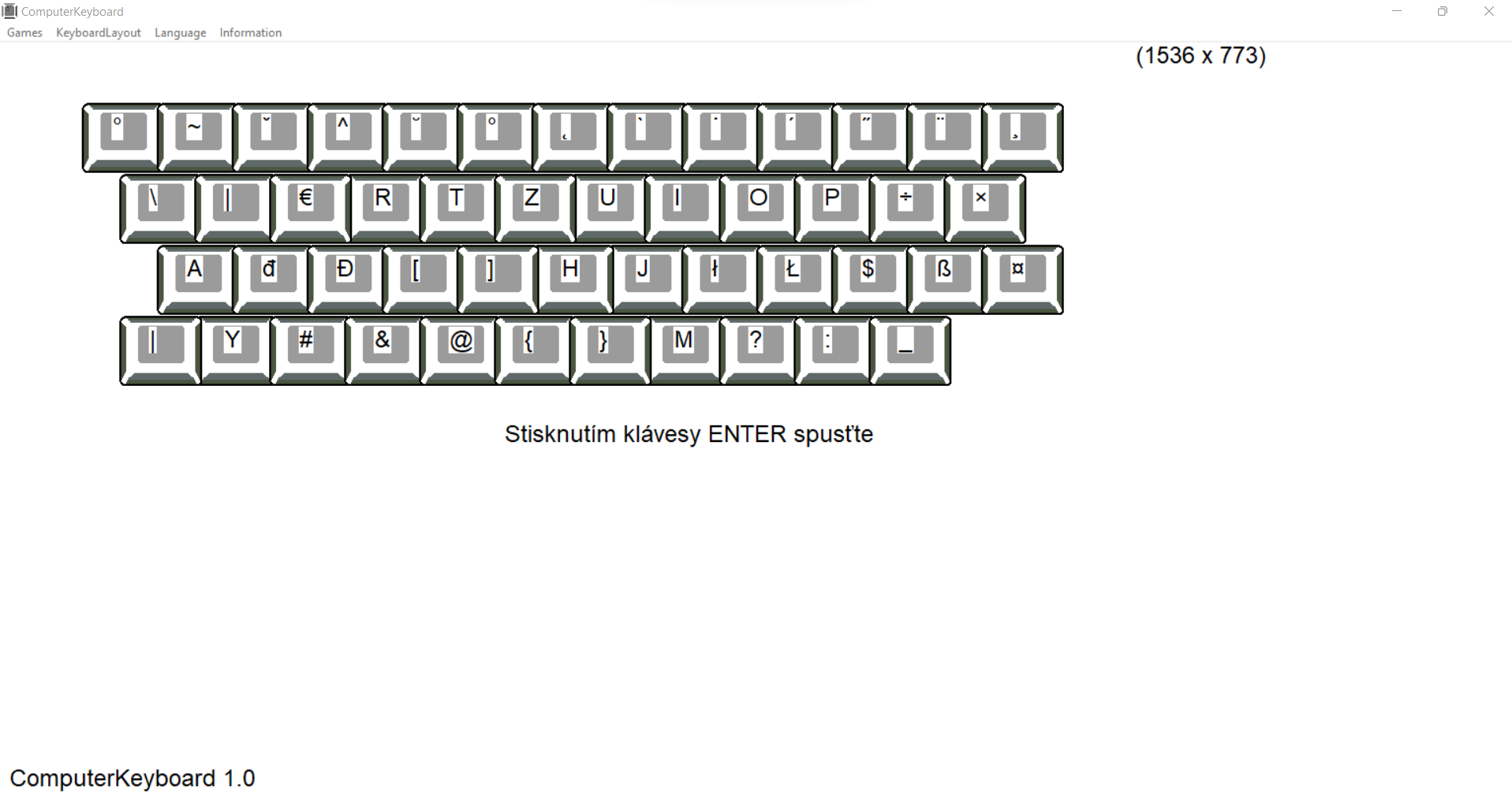
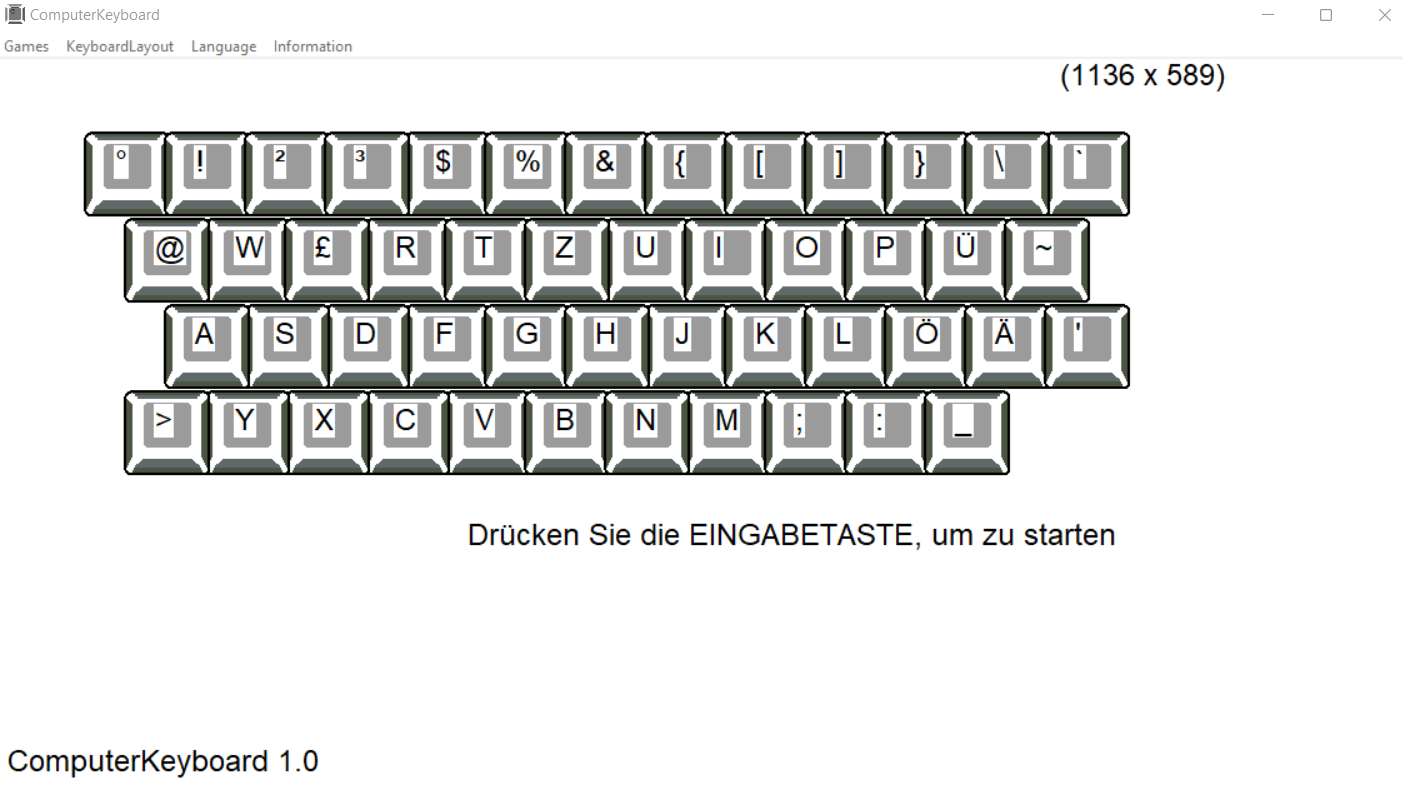
ENTER - start
ESC - exit
SPACE - increase the range
program options:
Exit – exit the program
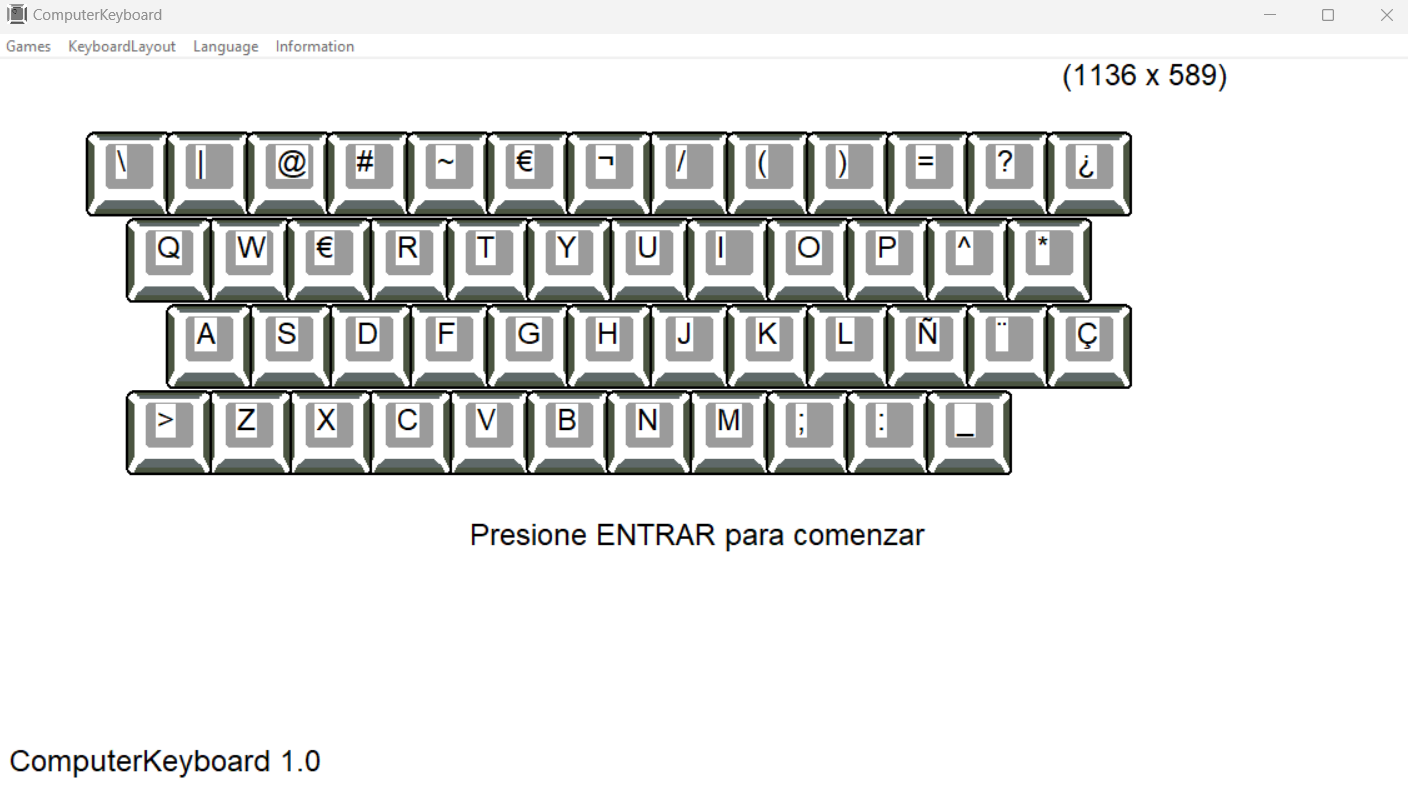
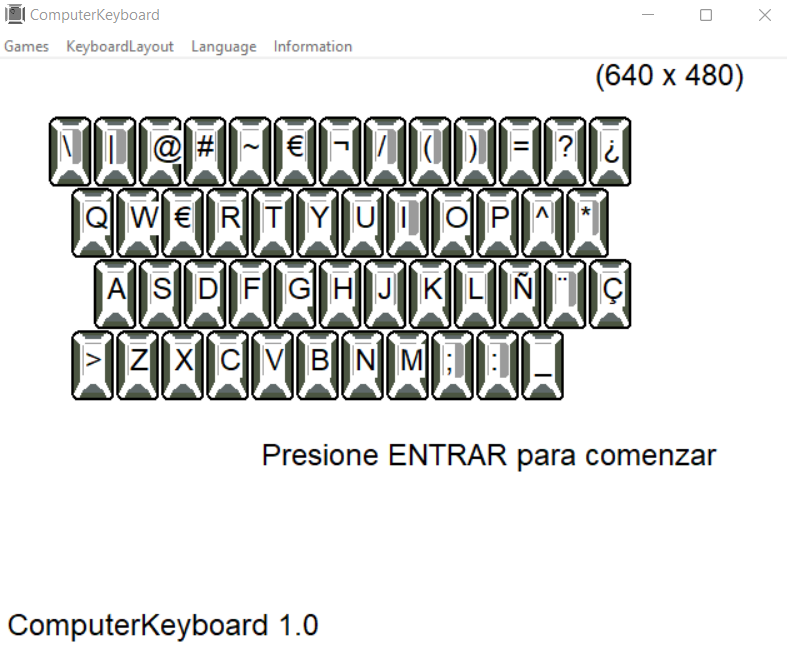
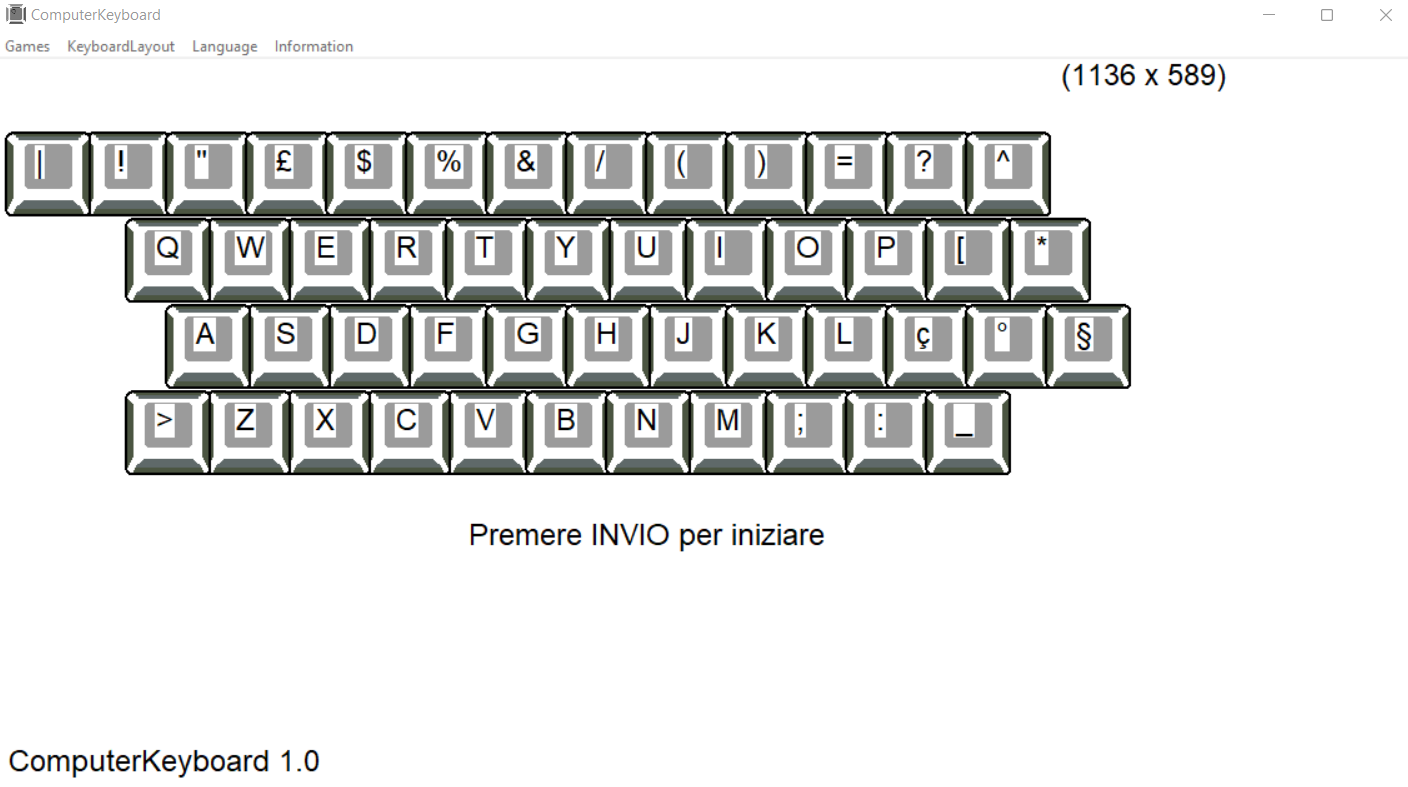
KeyboardLayuot – keyboard selection
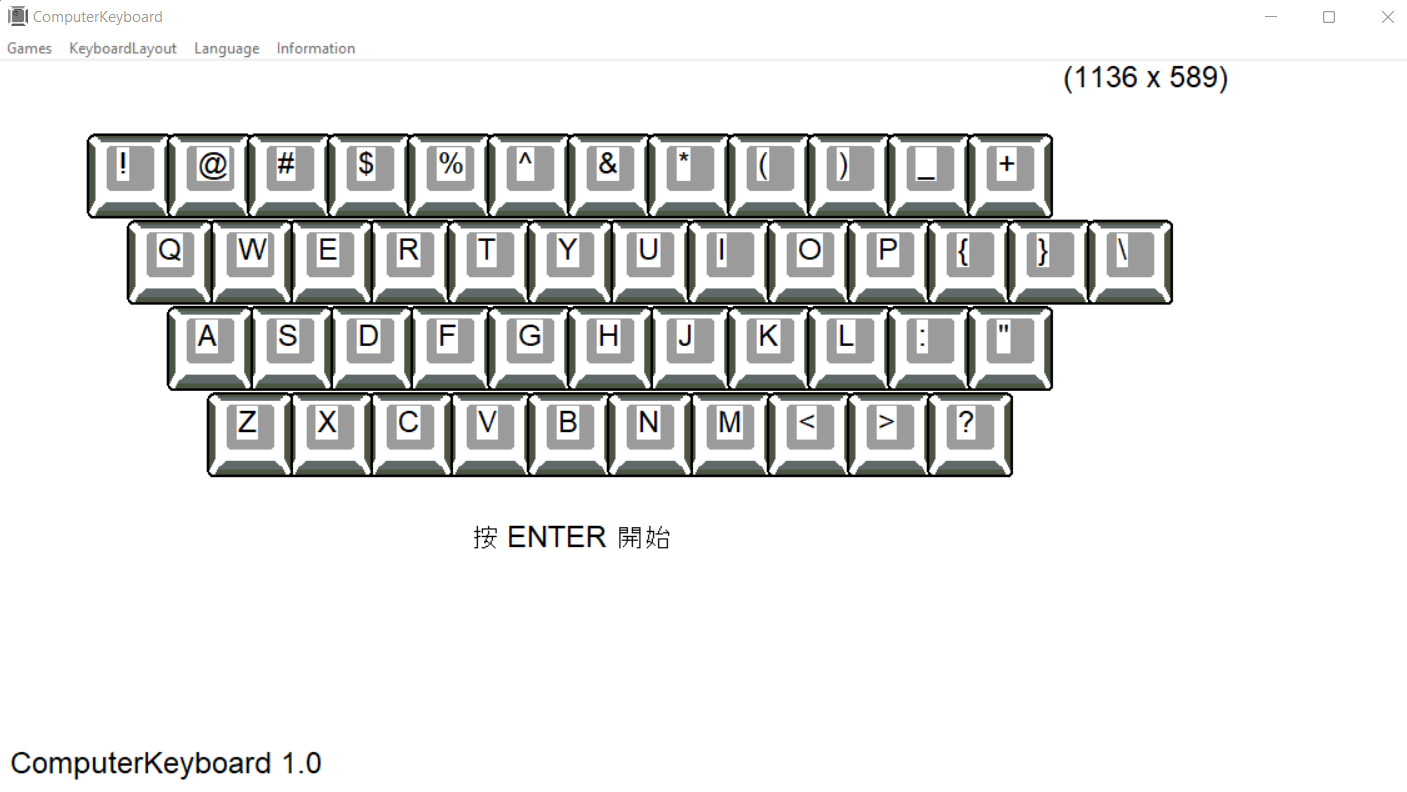
Language - language selection
About – information about the creator
system settings
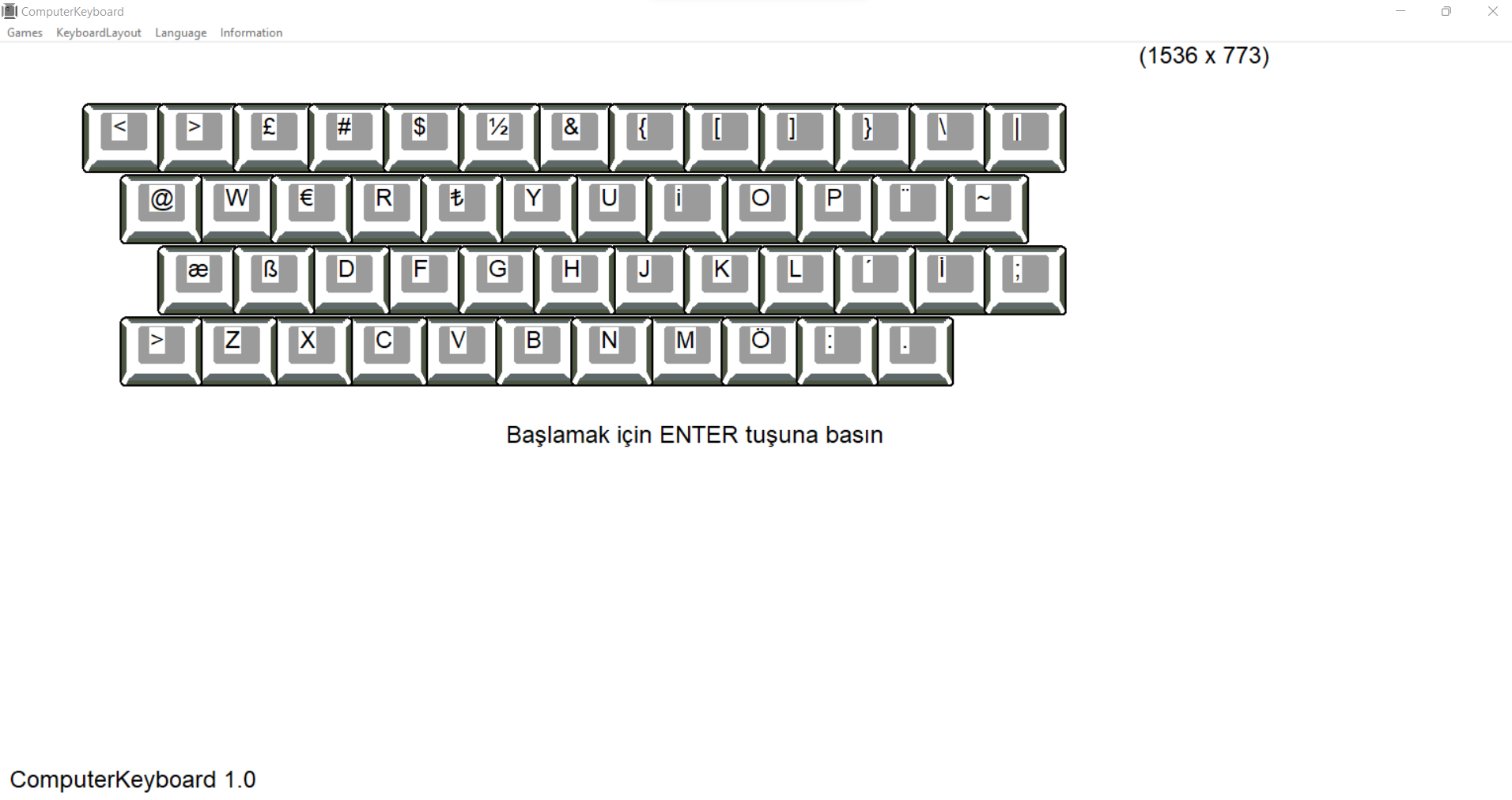
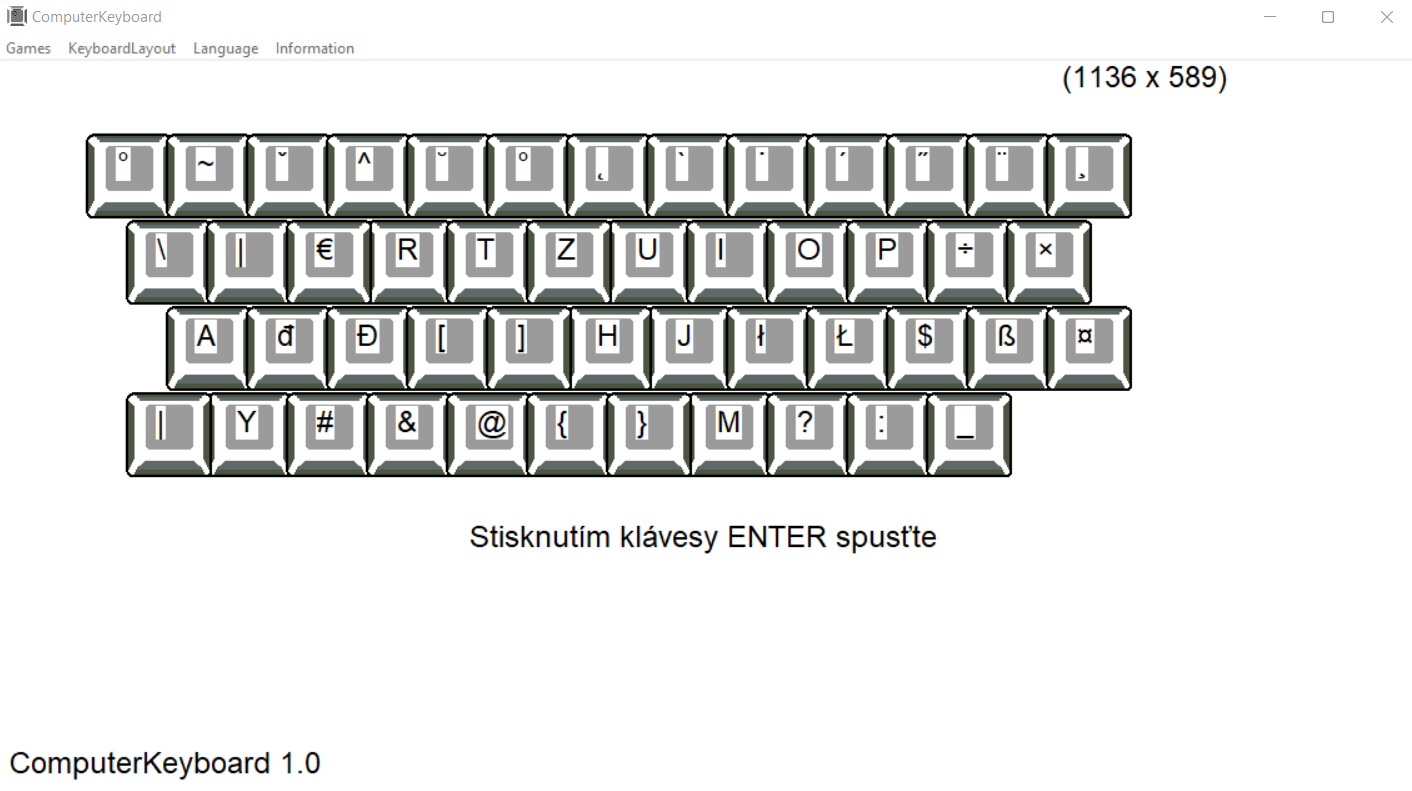
If you choose a different keyboard than the one installed in the operating system, you must add the appropriate keyboard layout.
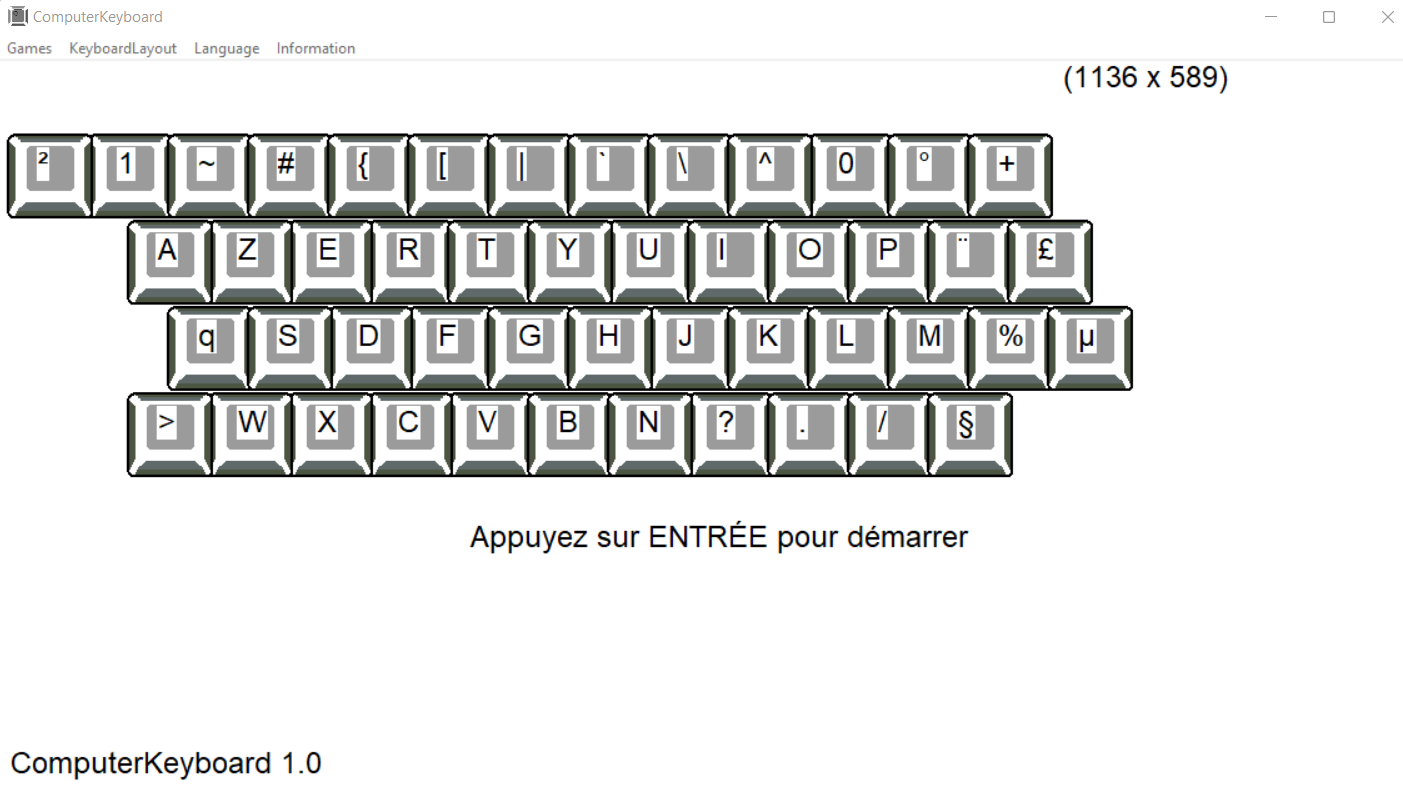
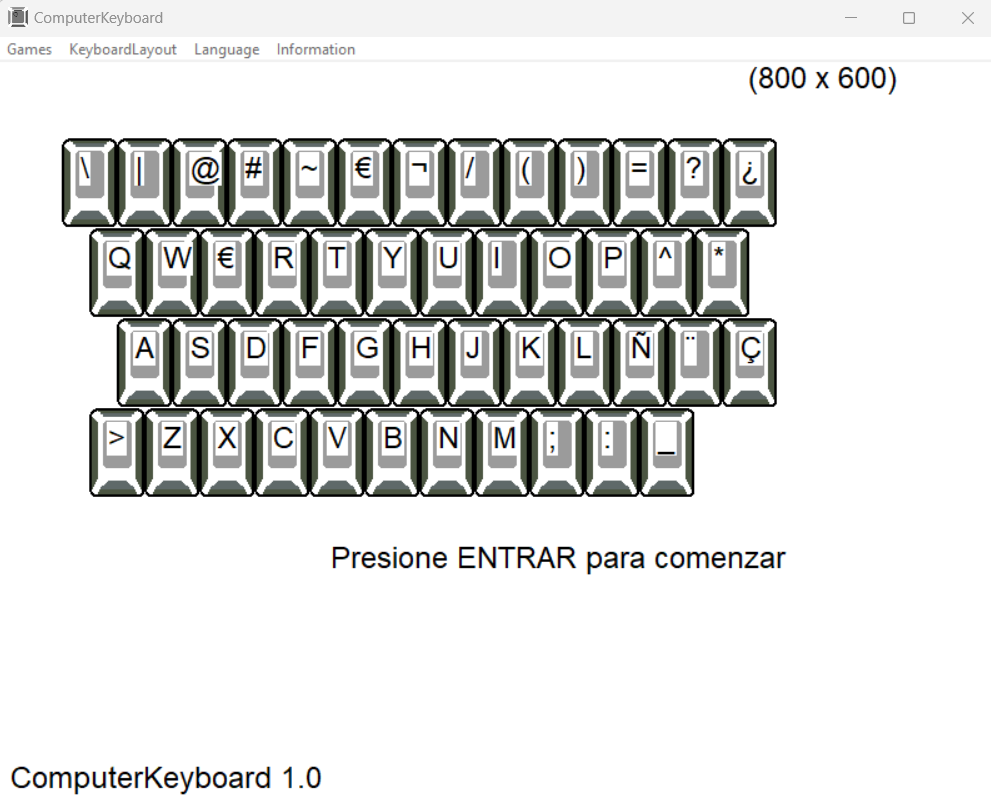
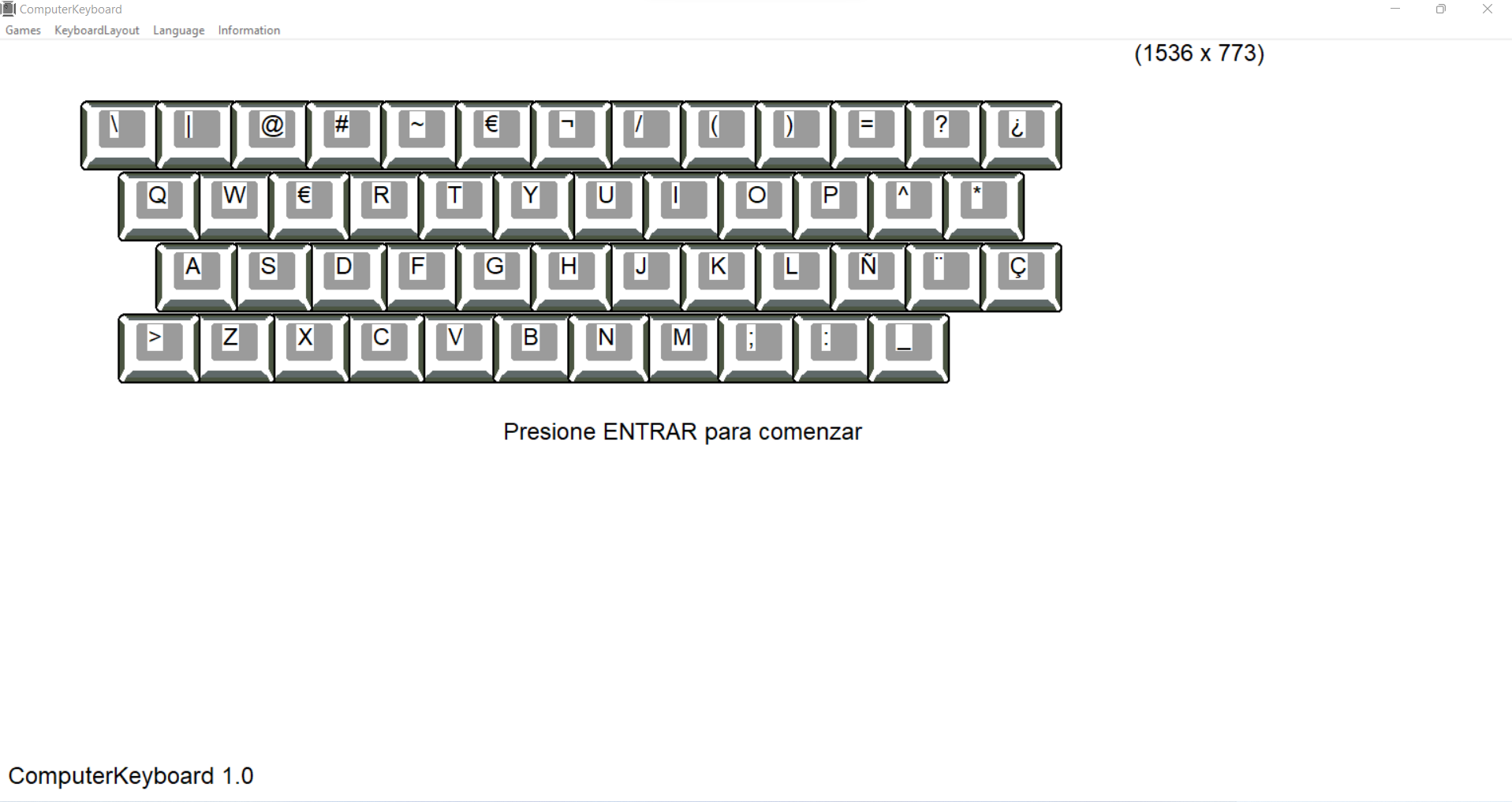
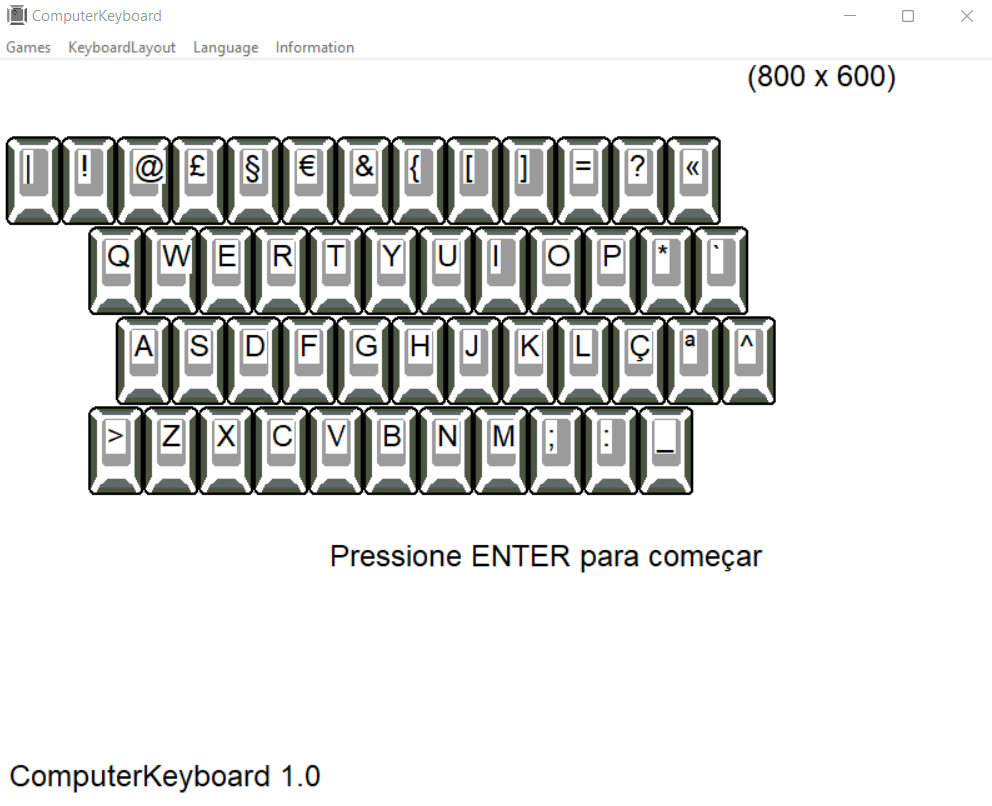
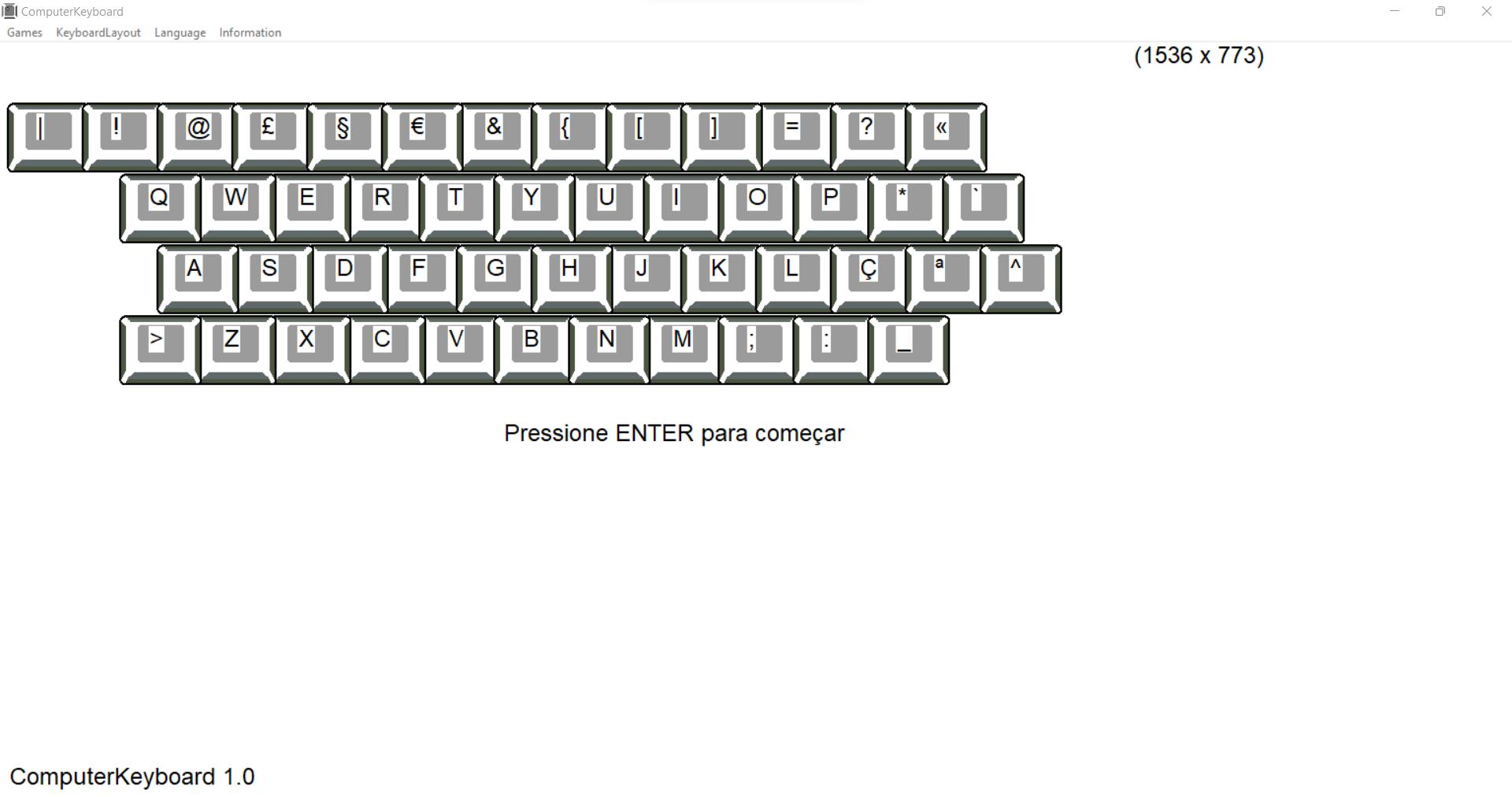
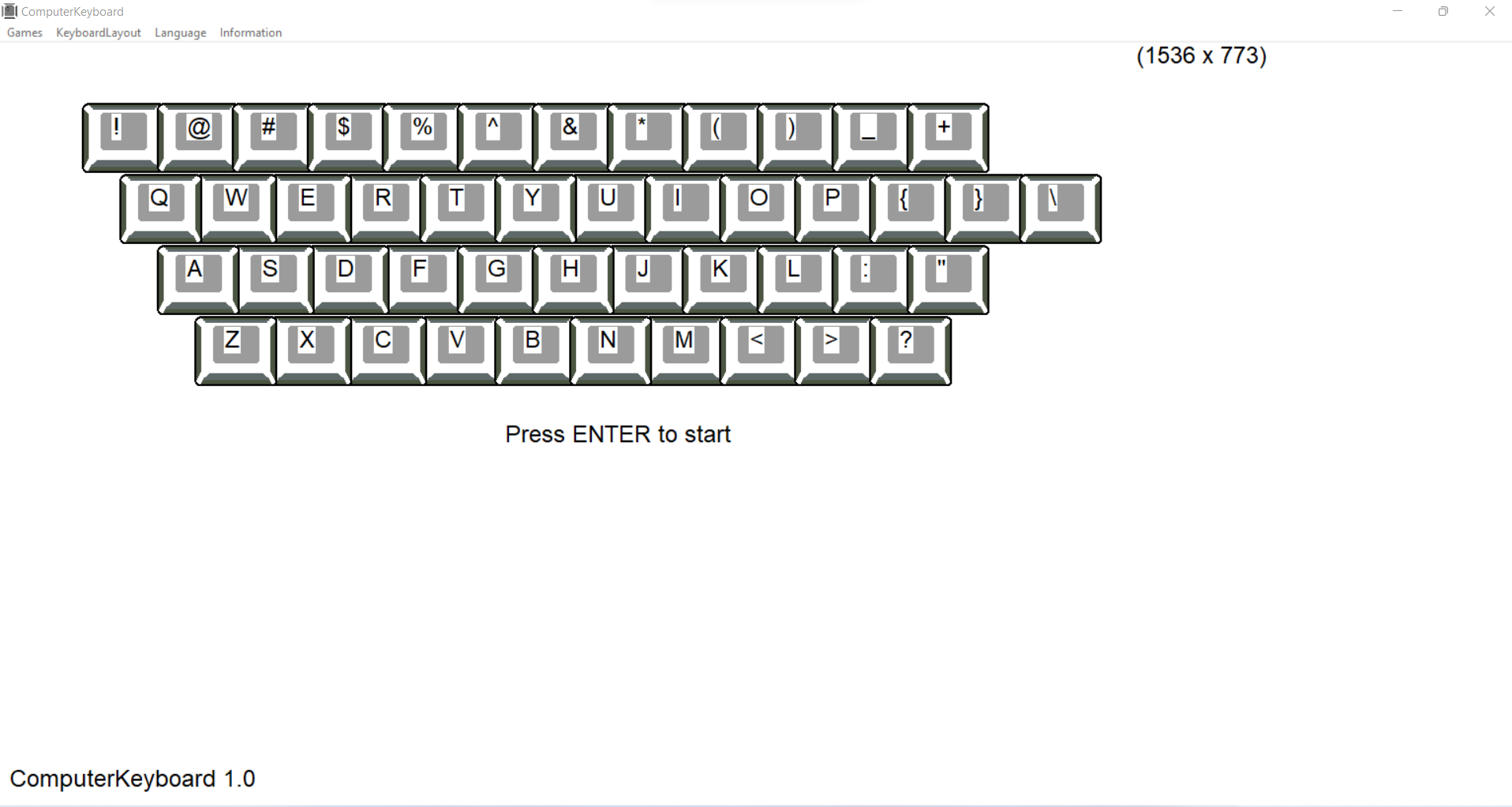
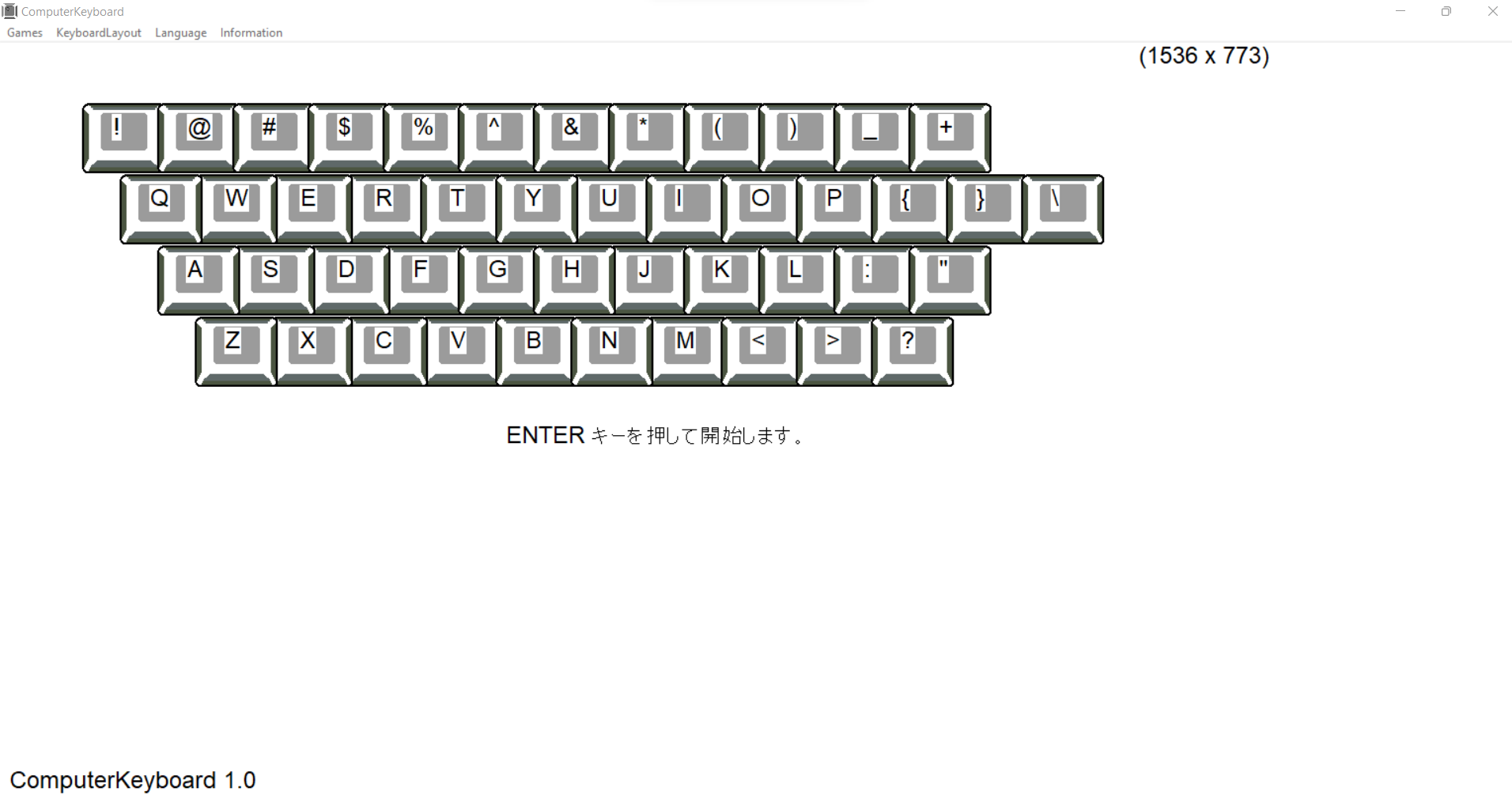
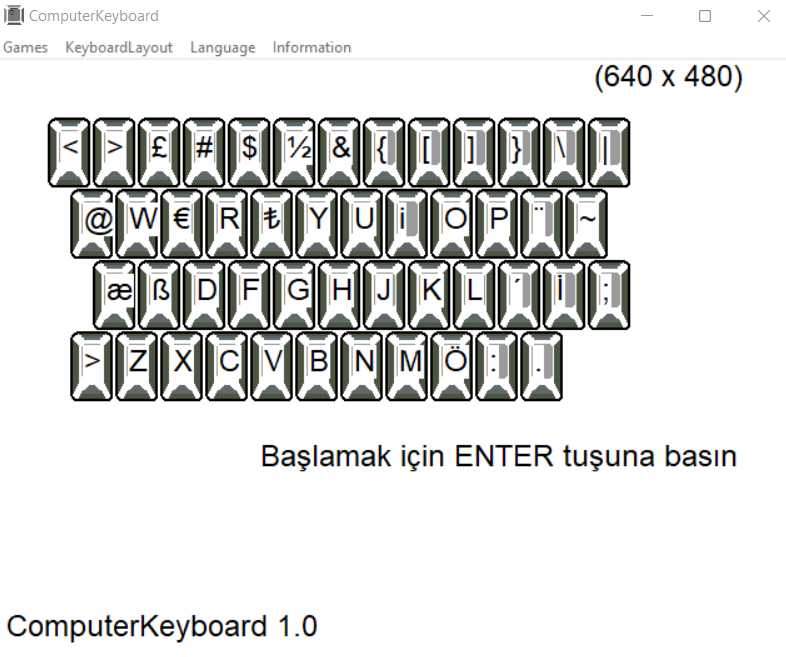
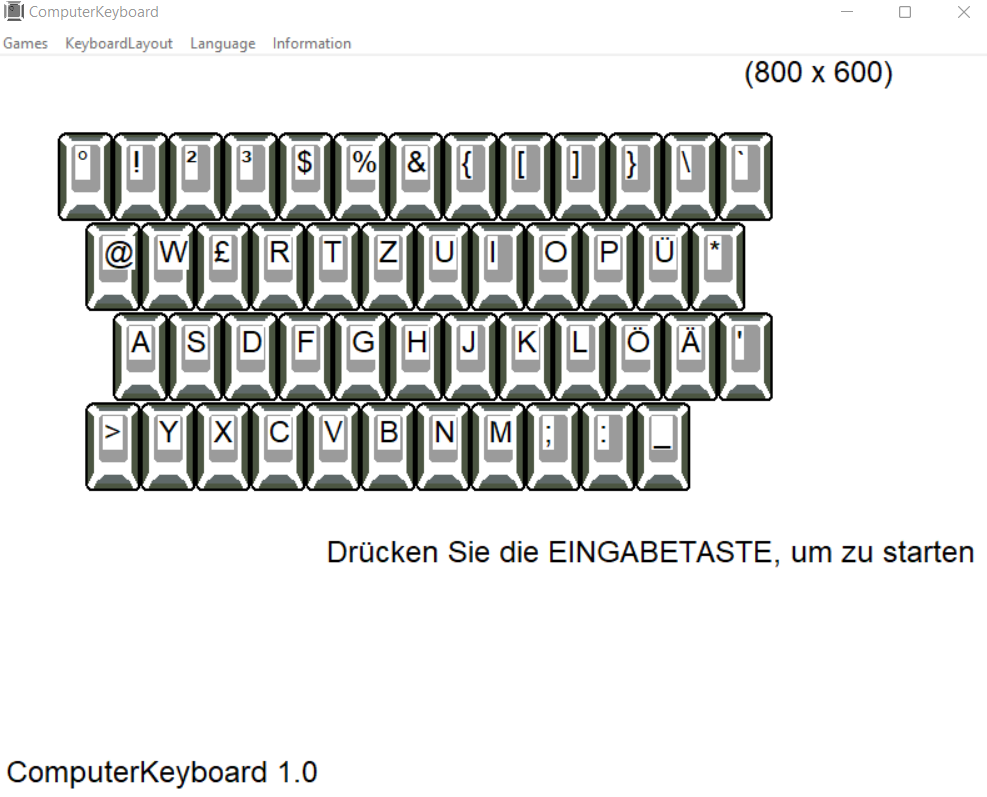
You can also adjust the appearance to your own preferences by changing the scale or resolution in the screen settings of your system
remember
That you look at the ComputerKeyboard displayed on the monitor and not at the keyboard when answering.
occupy always
correct posture at the desk when using the computer